PDFgen vs Converse
Explore the showdown between PDFgen vs Converse and find out which AI PDF tool wins. We analyze upvotes, features, reviews, pricing, alternatives, and more.
When comparing PDFgen and Converse, which one rises above the other?
When we contrast PDFgen with Converse, both of which are exceptional AI-operated pdf tools, and place them side by side, we can spot several crucial similarities and divergences. Interestingly, both tools have managed to secure the same number of upvotes. Join the aitools.fyi users in deciding the winner by casting your vote.
Feeling rebellious? Cast your vote and shake things up!
PDFgen
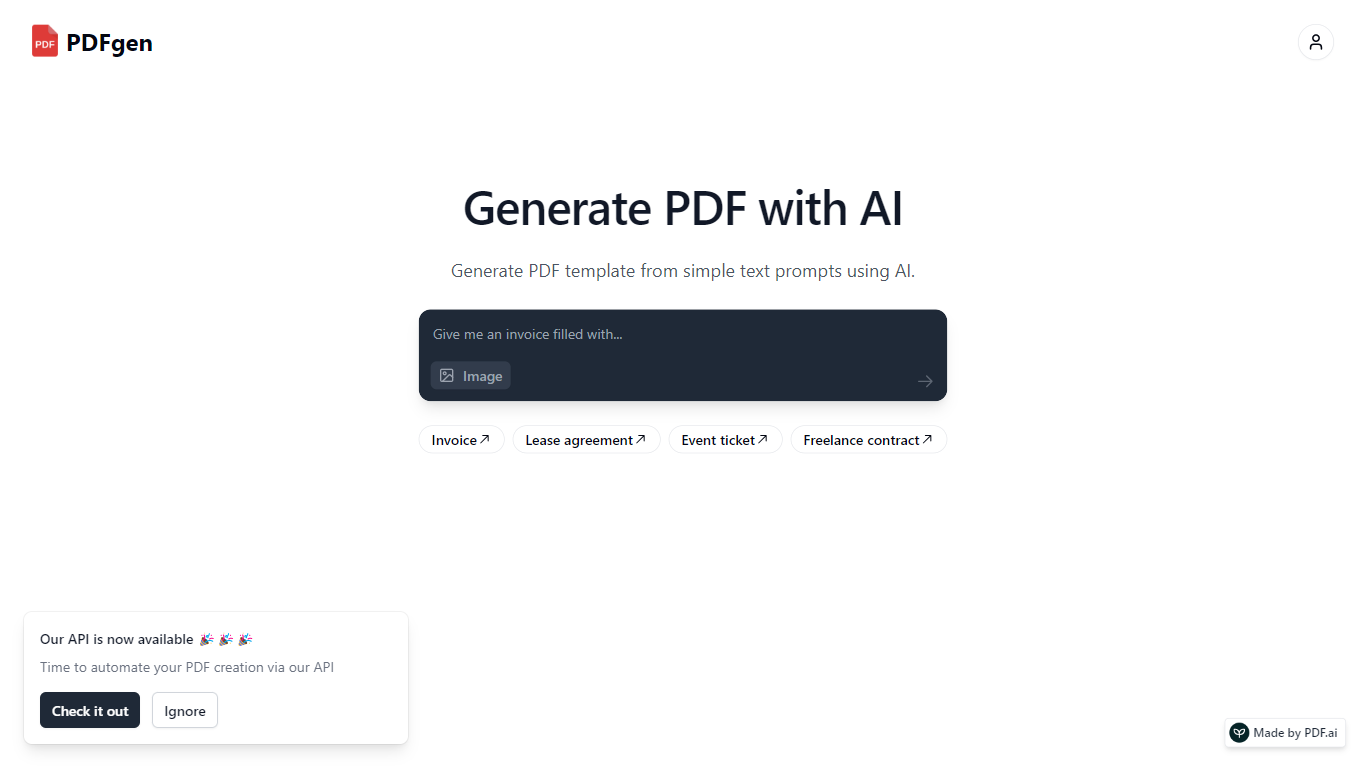

What is PDFgen?
PDFgen turns AI prompts, HTML, Markdown, or saved templates into pixel-perfect PDFs through a REST API. You can design documents in a browser dashboard, mark Handlebars fields for dynamic data, then call one endpoint to render invoices, tickets, certificates, or custom layouts at scale. The docs bill usage in credits where one credit covers up to five pages.
Unlike self-hosted headless Chrome setups, PDFgen runs the rendering stack for you and returns either the binary file or a signed URL. Prompt-based generation costs double the standard page rate because the model writes HTML before render, which is worth knowing if you plan to generate documents from natural language rather than fixed templates.
Developers wiring PDF output into SaaS billing, event platforms, or no-code automations use PDFgen to skip browser infrastructure. Starter and Business plans expose rate limits of 120 and 240 requests per minute, and Business adds bring-your-own AWS S3 delivery plus priority support.
Converse
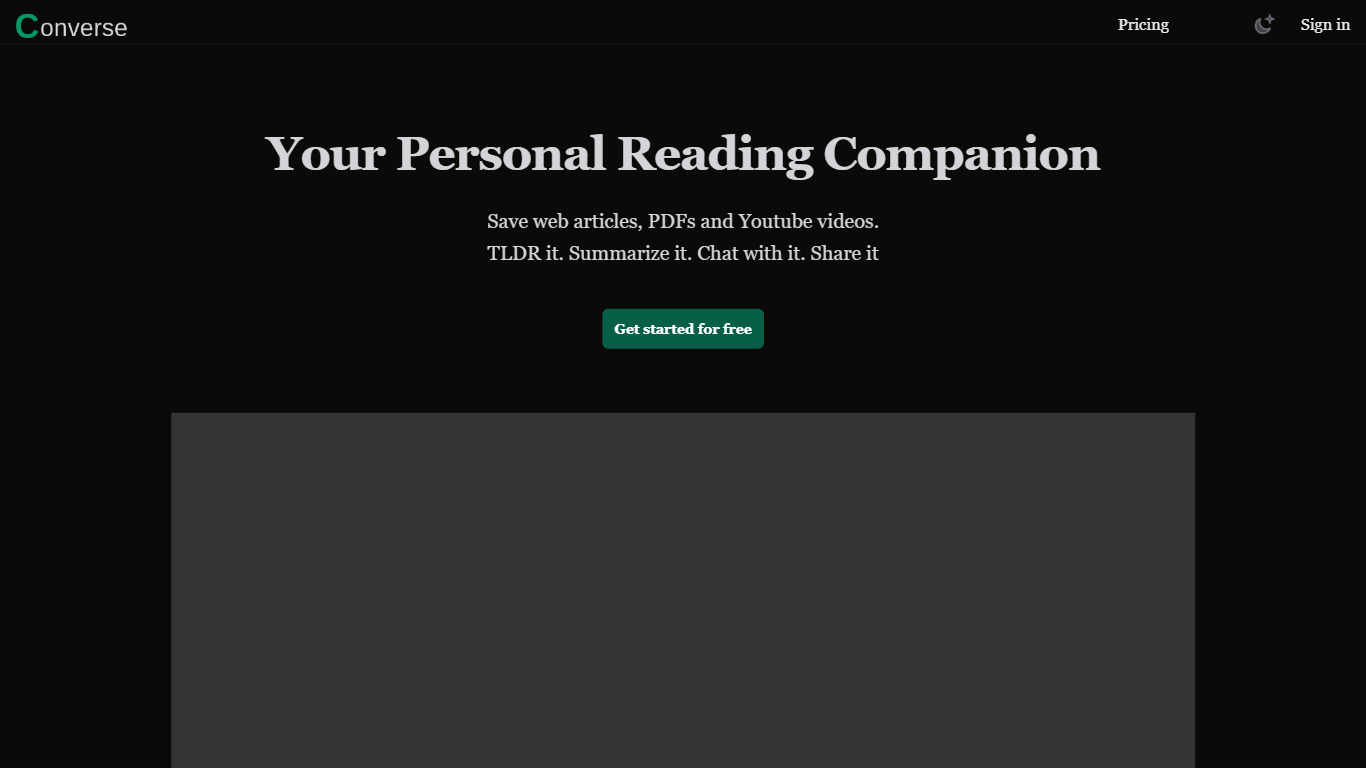
What is Converse?
Converse is a read-it-later and PDF chat tool that saves web articles, PDF uploads, and YouTube videos in one personal library. You clip content, get TLDR and detailed summaries with key takeaways, then ask questions in a chat panel that cites the source. It sits in the PDF and research assistant space rather than a plain bookmarking app.
Most read-it-later apps stop at saving links. Converse adds document chat with source references across all three formats, plus social sharing where friends can interact with a shared article or PDF. The free tier caps you at three summaries and one item per format per month, which pushes heavy readers toward Plus or the lifetime plan.
Researchers, students, and anyone drowning in long PDFs or video essays will get the most from it. Collections keep saved items organized, and the site claims detailed summaries can cut reading and watching time by up to 80 percent when you only need the gist.
PDFgen Upvotes
Converse Upvotes
PDFgen Top Features
Generate PDFs from saved templates, raw HTML, Markdown, or AI prompts via POST /api/v1/generate
Free plan includes 30 credits per month and up to 5 templates with watermark downloads
Starter plan at $29 per month includes 1,000 credits and 120 API requests per minute
Handlebars fields, loops, and conditionals for line items, totals, and conditional sections
Page sizes include A4, US Letter, Legal, A3, A5, and Tabloid
Password-protected PDF export with print and copy permission controls
Business plan supports bring-your-own AWS S3 delivery and 240 requests per minute
Converse Top Features
Free plan includes 3 AI summaries, 1 PDF, 1 web article, 1 YouTube video, and 20 chat messages per month
Plus plan at $9.99/month unlocks unlimited summaries, TLDRs, key takeaways, and chat messages
Chat with saved PDFs, web articles, and YouTube videos with answers cited to source sections
Library stores web articles and uploaded PDFs permanently with custom collections
Share saved articles so friends can read summaries and interact with the same document
Plus and Lifetime plans include 1,000 image generations per month via GenPictures
PDFgen Category
- PDF
Converse Category
- PDF
PDFgen Pricing Type
- Freemium
Converse Pricing Type
- Freemium