PDFgen vs Genius PDF
In the face-off between PDFgen vs Genius PDF, which AI PDF tool takes the crown? We scrutinize features, alternatives, upvotes, reviews, pricing, and more.
When we put PDFgen and Genius PDF head to head, which one emerges as the victor?
If we were to analyze PDFgen and Genius PDF, both of which are AI-powered pdf tools, what would we find? The upvote count shows a clear preference for PDFgen. PDFgen has received 7 upvotes from aitools.fyi users, while Genius PDF has received 6 upvotes.
Think we got it wrong? Cast your vote and show us who's boss!
PDFgen
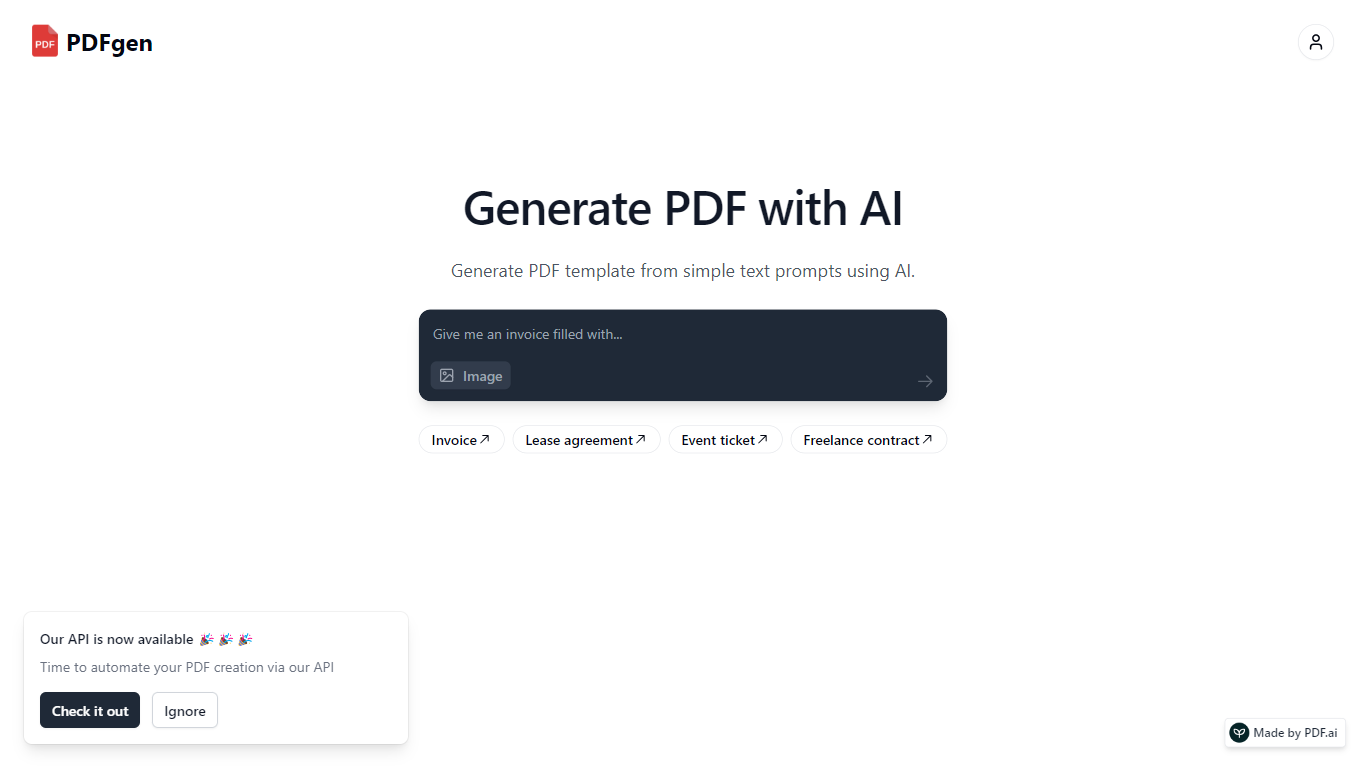

What is PDFgen?
PDFgen turns AI prompts, HTML, Markdown, or saved templates into pixel-perfect PDFs through a REST API. You can design documents in a browser dashboard, mark Handlebars fields for dynamic data, then call one endpoint to render invoices, tickets, certificates, or custom layouts at scale. The docs bill usage in credits where one credit covers up to five pages.
Unlike self-hosted headless Chrome setups, PDFgen runs the rendering stack for you and returns either the binary file or a signed URL. Prompt-based generation costs double the standard page rate because the model writes HTML before render, which is worth knowing if you plan to generate documents from natural language rather than fixed templates.
Developers wiring PDF output into SaaS billing, event platforms, or no-code automations use PDFgen to skip browser infrastructure. Starter and Business plans expose rate limits of 120 and 240 requests per minute, and Business adds bring-your-own AWS S3 delivery plus priority support.
Genius PDF
What is Genius PDF?
Upload a PDF to Genius PDF, ask questions about its text, and get answers pulled straight from the document in your browser. The site pitches the tool to students reviewing coursework, professionals scanning business documents, and readers exploring literature or historical archives.
Most PDF apps focus on editing or converting files. Genius PDF stays narrow: it reads what you upload and answers in plain language. The free tier caps you at 50 questions, 50 pages, and 3 PDFs per month, which is enough to test the workflow before paying $5 or $15 monthly for higher limits.
Students can query textbooks, handouts, presentations, and research papers without flipping page by page. Professionals use it on financial reports, sales data, proposals, training manuals, and legal contracts stored in secure cloud storage you can delete anytime. The tool understands multiple languages and answers in the language you prefer.
PDFgen Upvotes
Genius PDF Upvotes
PDFgen Top Features
Generate PDFs from saved templates, raw HTML, Markdown, or AI prompts via POST /api/v1/generate
Free plan includes 30 credits per month and up to 5 templates with watermark downloads
Starter plan at $29 per month includes 1,000 credits and 120 API requests per minute
Handlebars fields, loops, and conditionals for line items, totals, and conditional sections
Page sizes include A4, US Letter, Legal, A3, A5, and Tabloid
Password-protected PDF export with print and copy permission controls
Business plan supports bring-your-own AWS S3 delivery and 240 requests per minute
Genius PDF Top Features
Free tier includes 50 questions per month across up to 50 pages and 3 PDF uploads
$5 per month plan raises limits to 650 questions, 150 pages, and 10 PDFs
$15 per month plan allows 2,500 questions, 1,000 pages, 25 PDFs, and up to 10 users
Answers questions in your preferred language even when the source PDF uses another language
Stores uploads in encrypted cloud storage with optional deletion at any time
Students can query textbooks, handouts, and academic articles without manual page flipping
PDFgen Category
- PDF
Genius PDF Category
- PDF
PDFgen Pricing Type
- Freemium
Genius PDF Pricing Type
- Freemium