PDFgen vs PDF.ai
Compare PDFgen vs PDF.ai and see which AI PDF tool is better when we compare features, reviews, pricing, alternatives, upvotes, etc.
Which one is better? PDFgen or PDF.ai?
When we compare PDFgen with PDF.ai, which are both AI-powered pdf tools, PDFgen is the clear winner in terms of upvotes. PDFgen has 7 upvotes, and PDF.ai has 6 upvotes.
Feeling rebellious? Cast your vote and shake things up!
PDFgen
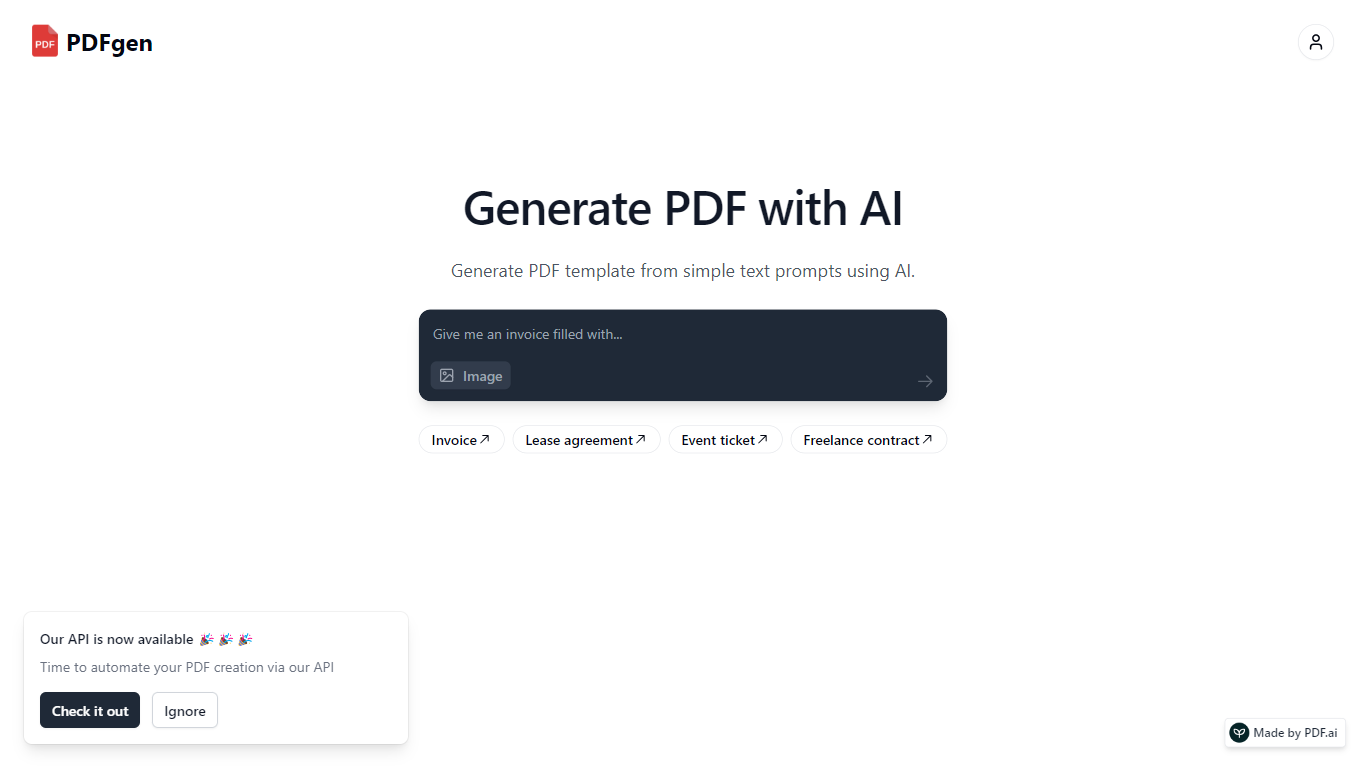

What is PDFgen?
PDFgen turns AI prompts, HTML, Markdown, or saved templates into pixel-perfect PDFs through a REST API. You can design documents in a browser dashboard, mark Handlebars fields for dynamic data, then call one endpoint to render invoices, tickets, certificates, or custom layouts at scale. The docs bill usage in credits where one credit covers up to five pages.
Unlike self-hosted headless Chrome setups, PDFgen runs the rendering stack for you and returns either the binary file or a signed URL. Prompt-based generation costs double the standard page rate because the model writes HTML before render, which is worth knowing if you plan to generate documents from natural language rather than fixed templates.
Developers wiring PDF output into SaaS billing, event platforms, or no-code automations use PDFgen to skip browser infrastructure. Starter and Business plans expose rate limits of 120 and 240 requests per minute, and Business adds bring-your-own AWS S3 delivery plus priority support.
PDF.ai
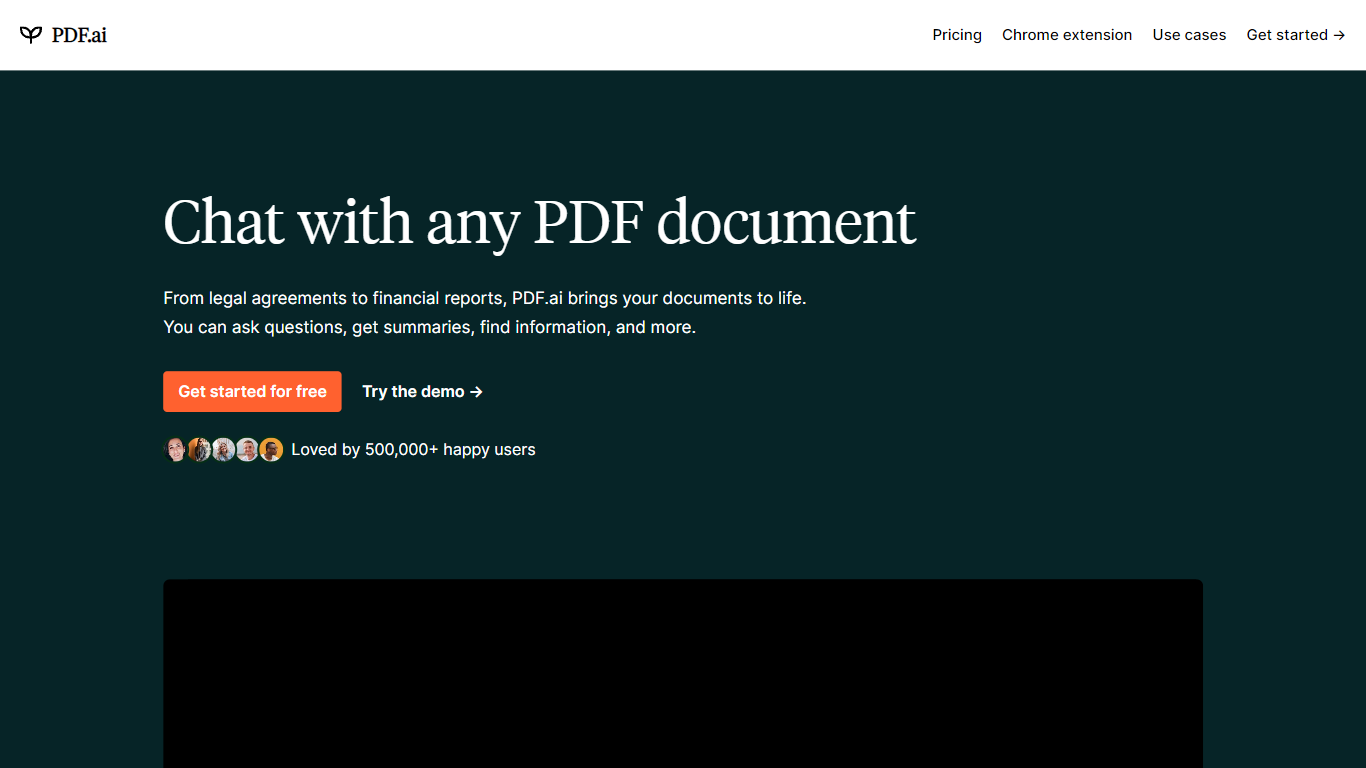
What is PDF.ai?
PDF.ai is a PDF chat and document processing platform with both a web app for asking questions about uploaded files and a developer API for parsing, extracting, and splitting documents. Upload a PDF, chat with its contents, or send files to REST endpoints that return structured JSON with headings, tables, and figures.
Generic PDF readers show pages; PDF.ai targets two different jobs. The chat side handles Q&A over contracts and research papers, while the API side turns scanned or complex layouts into machine-readable data for automation pipelines. Parse responses land in under 5 seconds for most documents, and files are deleted after processing.
PDF.ai fits students reviewing coursework, analysts pulling fields from invoices, and developers building document workflows without training their own OCR models. The free Hobby plan allows 1 upload and 100 questions per month, while API users get 200 free credits monthly with no card required.
PDFgen Upvotes
PDF.ai Upvotes
PDFgen Top Features
Generate PDFs from saved templates, raw HTML, Markdown, or AI prompts via POST /api/v1/generate
Free plan includes 30 credits per month and up to 5 templates with watermark downloads
Starter plan at $29 per month includes 1,000 credits and 120 API requests per minute
Handlebars fields, loops, and conditionals for line items, totals, and conditional sections
Page sizes include A4, US Letter, Legal, A3, A5, and Tabloid
Password-protected PDF export with print and copy permission controls
Business plan supports bring-your-own AWS S3 delivery and 240 requests per minute
PDF.ai Top Features
Parse API returns structured JSON with headings, paragraphs, tables, and figures from any PDF
Extract API pulls custom fields like names, dates, and amounts using prompt-based extraction
Hobby chat plan is free with 1 PDF upload and 100 questions per month
API free tier includes 200 credits per month with no credit card required
Split API separates PDFs into custom sections identified automatically
Pro API plan at $99 per month includes 10,000 credits at $0.010 per credit
PDFgen Category
- PDF
PDF.ai Category
- PDF
PDFgen Pricing Type
- Freemium
PDF.ai Pricing Type
- Freemium