PDFPeer vs AppointEze
When comparing PDFPeer vs AppointEze, which AI tool shines brighter? We look at pricing, alternatives, upvotes, features, reviews, and more.
Between PDFPeer and AppointEze, which one is superior?
When we put PDFPeer and AppointEze side by side, both being AI-powered tools, PDFPeer stands out as the clear frontrunner in terms of upvotes. The number of upvotes for PDFPeer stands at 89, and for AppointEze it's 6.
Don't agree with the result? Cast your vote and be a part of the decision-making process!
PDFPeer

What is PDFPeer?
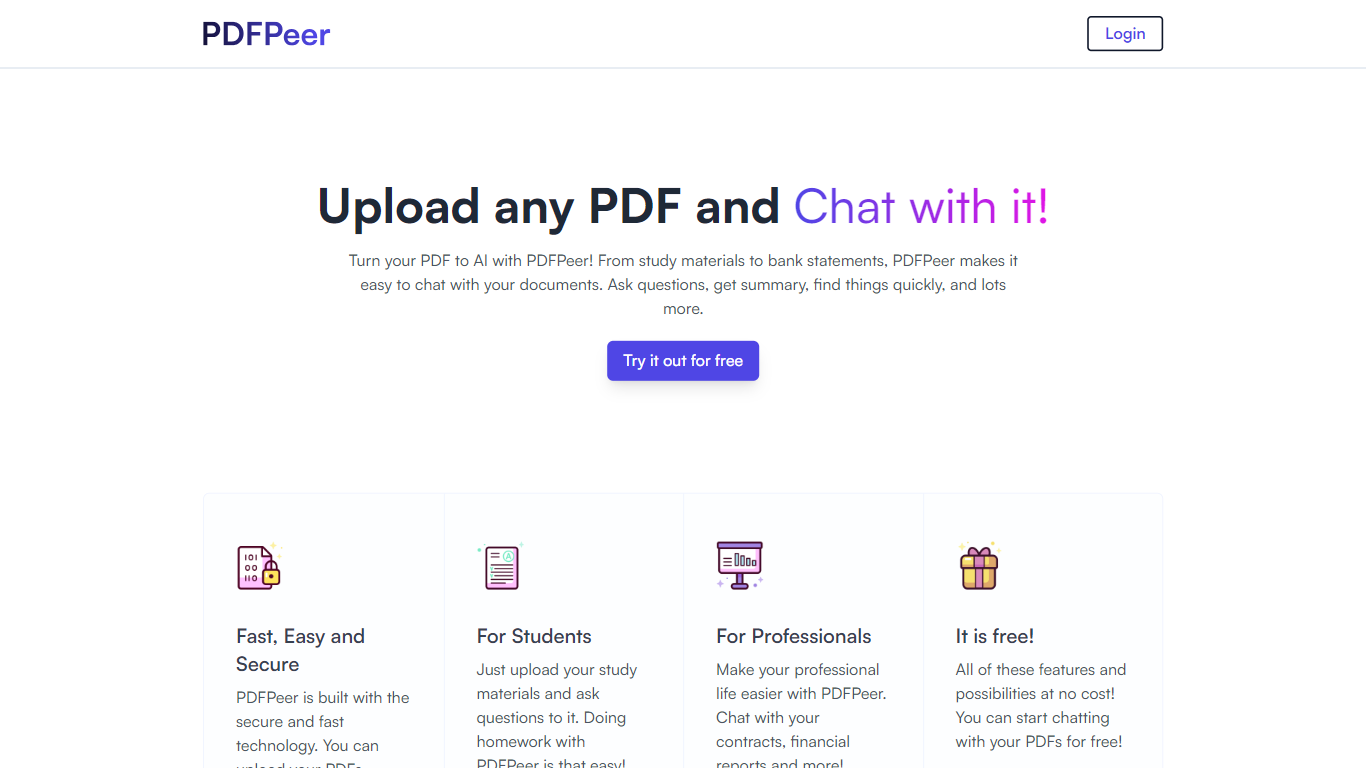
PDFPeer turns uploaded PDFs into documents you can question in plain language. Upload a file, then ask for summaries, specific facts, or quick lookups without scrolling page by page. The product targets students working through lecture notes and professionals handling contracts, reports, bank statements, and similar paperwork.
The homepage highlights use across study materials, invoices, resumes, contracts, tax forms, research papers, and other document types. PDFPeer also ships a separate free tools section for conversions and extraction, including PDF to text, OCR, image conversion, and split PDF workflows that do not require signing in.
Accounts support Google, GitHub, or email sign-in. Southern East Inc., based in Waterloo, Ontario, operates PDFPeer and handles billing through Stripe.
AppointEze
What is AppointEze?
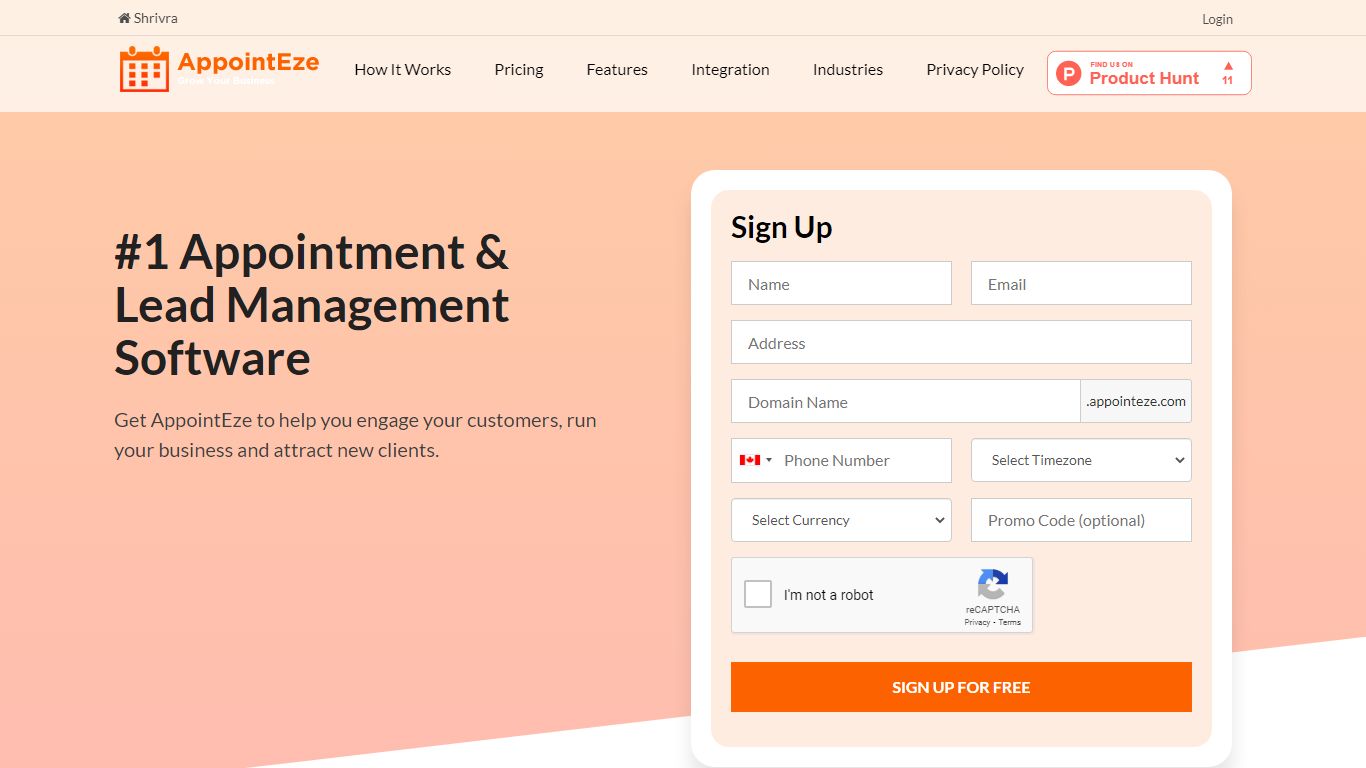
AppointEze lets service businesses share a booking link where clients pick open time slots without phone calls or email threads. The dashboard shows real-time availability, sends automated reminders, collects payments through Stripe or PayPal, and syncs with Google Calendar or Office 365. More than 10,000 businesses across 120 countries use it for client scheduling.
Calendly-style tools focus on one-to-one meetings for knowledge workers. AppointEze targets appointment-heavy service industries instead: barber shops, salons, spas, clinics, gyms, and similar businesses that juggle staff schedules, group classes, and walk-in capacity. It also includes lead management and client profiles, which generic schedulers typically skip.
Small business owners, solo practitioners, and front-desk teams are the main users. AppointEze fits anyone tired of email back-and-forth to confirm appointment times, especially service providers who need customers to book without creating an account first.
PDFPeer Upvotes
AppointEze Upvotes
PDFPeer Top Features
Upload a PDF and ask questions in natural language instead of searching manually
Generate summaries and pull specific details from long documents quickly
Works across study notes, contracts, invoices, resumes, tax forms, and research papers
Free tier includes one PDF with limits on file size, page count, and daily questions
Unlimited plan removes PDF, page, and question caps with priority support
Standalone free PDF utilities for text extraction, OCR, image conversion, and splitting files
AppointEze Top Features
Custom booking page at yourname.appointeze.com that clients can use without registering
Two-way Google Calendar and Office 365 sync to prevent double bookings
Accept payments at booking time through Stripe and PayPal integrations
Host one-to-one meetings, group classes, webinars, and capped daily appointment limits
Automated email notifications and reminders with customizable templates
Lead management with client profiles and communication history in one place
Embeddable booking widget for your existing website plus Facebook integration
PDFPeer Category
- PDF
AppointEze Category
- Productivity
PDFPeer Pricing Type
- Freemium
AppointEze Pricing Type
- Freemium