pdfy.ai vs Doclime
In the battle of pdfy.ai vs Doclime, which AI PDF tool comes out on top? We compare reviews, pricing, alternatives, upvotes, features, and more.
Between pdfy.ai and Doclime, which one is superior?
Upon comparing pdfy.ai with Doclime, which are both AI-powered pdf tools, Interestingly, both tools have managed to secure the same number of upvotes. The power is in your hands! Cast your vote and have a say in deciding the winner.
Don't agree with the result? Cast your vote and be a part of the decision-making process!
pdfy.ai
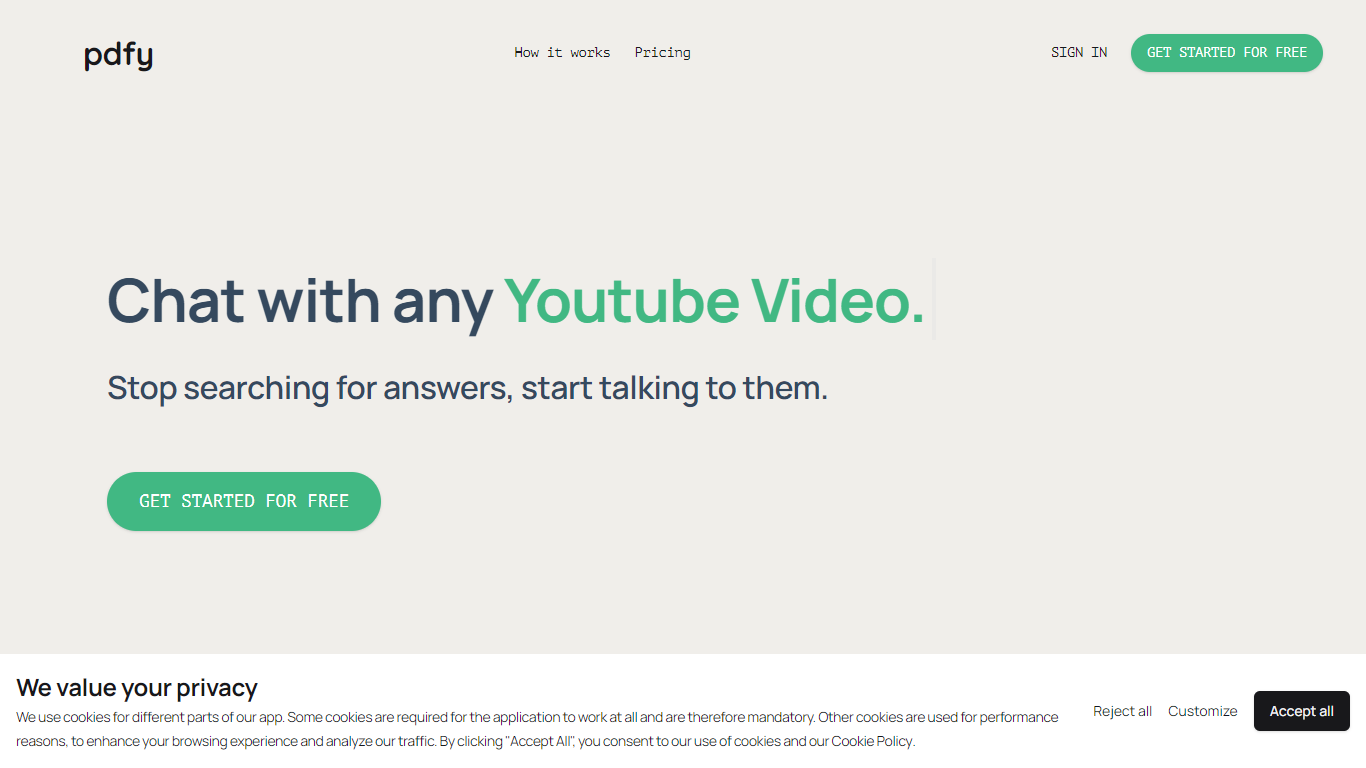

What is pdfy.ai?
pdfy.ai lets you chat with PDFs, websites, audio files, and YouTube videos instead of reading or scrubbing through them yourself. Upload a source, ask questions in plain language, and get answers drawn from the content. It is built for anyone who needs facts from long documents or media without sitting through every page or minute.
The app targets dense material like 200-page textbooks, meeting recordings, lengthy Wikipedia articles, and multi-hour video tutorials. You can ask follow-up questions and see where answers came from, which helps when you need to quote a source in school or at work.
Sign up, upload a file by drag-and-drop or file picker, and start chatting. Questions go into a simple chat box, and responses come back based on what the uploaded source contains.
Doclime
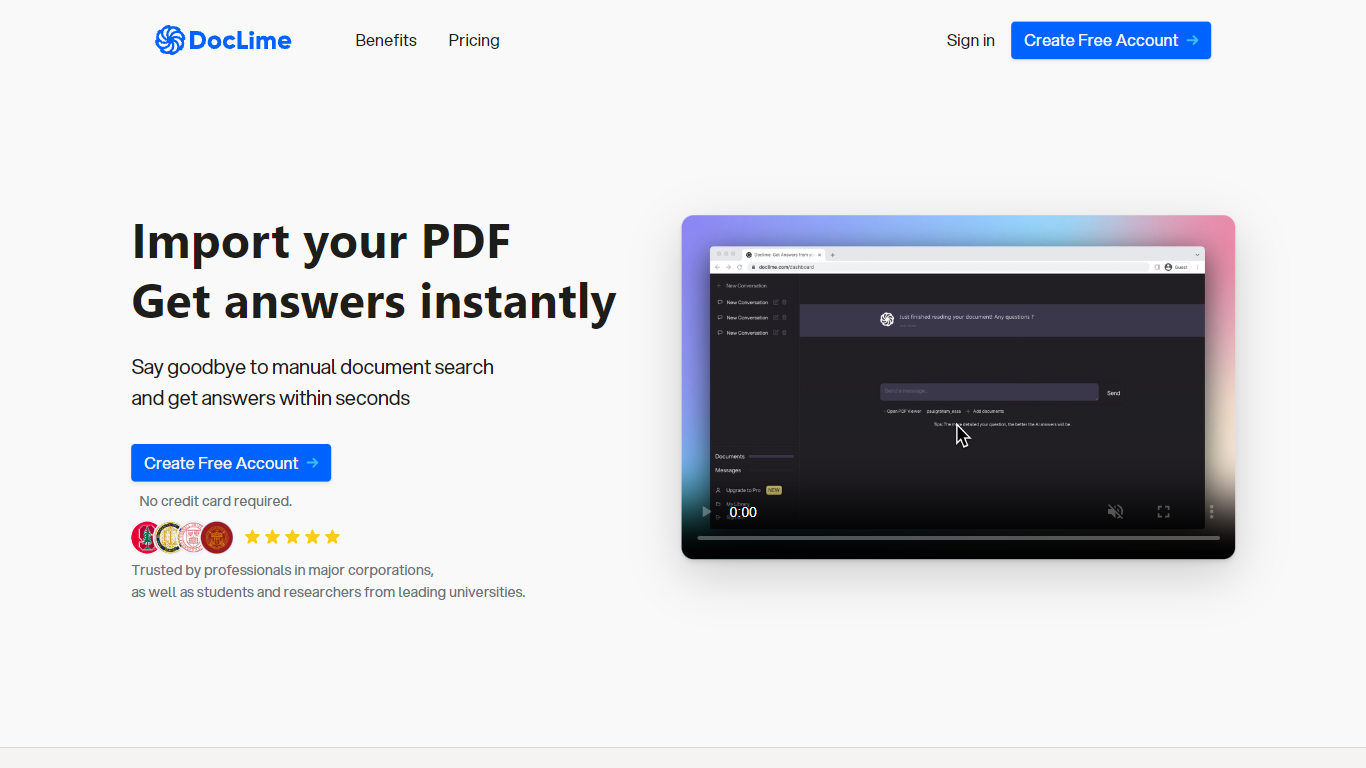
What is Doclime?
Doclime lets you upload PDFs and ask questions that come back with cited answers pulled from the file. You get a built-in PDF viewer with search and page navigation, a notes editor with version history, and a split-screen layout that keeps chat, documents, and notes open at once. It also reads scanned PDFs through OCR and accepts screenshot questions through its Vision feature.
Most PDF chat tools stop at a single file and a text box. Doclime stacks a hierarchical file tree, multi-document context for one conversation, and frontier models from OpenAI and Anthropic in the same workspace. That combination targets people cross-referencing textbooks, contracts, or research papers rather than doing one-off summaries.
The homepage lists use cases like lesson planning from textbooks, chapter summaries, and pulling obligations from contract sections, with example answers showing bracketed source references. Stanford, Berkeley, Cornell, and USC logos appear on the landing page, and the interface ships in nine languages including English, Spanish, French, German, Japanese, Korean, Arabic, and Chinese.
pdfy.ai Upvotes
Doclime Upvotes
pdfy.ai Top Features
Chat with PDFs, websites, audio, and YouTube from one place
Upload sources by drag-and-drop or manual file selection
Ask questions in natural language and get cited answers back
OCR support on Premium and Ultimate for scanned documents
Free tier includes 5 sources and 50 questions per month
Doclime Top Features
Ask questions about uploaded PDFs and receive answers with bracketed citation references to source passages
Built-in PDF viewer includes search, zoom, and page navigation alongside the chat panel
Split-screen layout opens PDF, notes, and chat views simultaneously in one workspace
Vision support lets you screenshot any document section and ask questions about that image
OCR converts scanned PDF files into searchable text before answering questions
Context-aware search adds multiple PDFs and notes as context files to a single AI conversation
pdfy.ai Category
- PDF
Doclime Category
- PDF
pdfy.ai Pricing Type
- Freemium
Doclime Pricing Type
- Freemium