PhotoAid's AI Image Enlarger vs AI Photo Editor
In the contest of PhotoAid's AI Image Enlarger vs AI Photo Editor, which AI Photo Editing tool is the champion? We evaluate pricing, alternatives, upvotes, features, reviews, and more.
If you had to choose between PhotoAid's AI Image Enlarger and AI Photo Editor, which one would you go for?
When we examine PhotoAid's AI Image Enlarger and AI Photo Editor, both of which are AI-enabled photo editing tools, what unique characteristics do we discover? With more upvotes, AI Photo Editor is the preferred choice. AI Photo Editor has received 17 upvotes from aitools.fyi users, while PhotoAid's AI Image Enlarger has received 6 upvotes.
Feeling rebellious? Cast your vote and shake things up!
PhotoAid's AI Image Enlarger


What is PhotoAid's AI Image Enlarger?
PhotoAid's AI Image Enlarger upscales photos in the browser without a software download. You upload a JPEG, WEBP, or PNG file up to 30MB or 10,000 by 10,000 pixels, pick a 1x or 2x zoom level, and the tool doubles dimensions while smoothing detail instead of leaving blocky pixels.
Standard resize tools stretch pixels and blur faces fast. PhotoAid's upscaler uses AI smoothing tuned especially for portraits, so a 1000 by 1000 px image can become 2000 by 2000 px with fewer artifacts than a basic bicubic stretch.
The enlarger is free and hosted by PhotoAiD, the same team behind passport and visa photo tools on photoaid.com. They released it as a standalone browser utility alongside their biometric photo pipeline, with multilingual site options and links back to other PhotoAid tools.
PhotoAid's AI Image Enlarger fits photographers, ecommerce sellers, and anyone who needs a quick upscale for profile shots or product images. It also helps travelers who already use PhotoAid for passport photos and want a separate enlargement step in the same ecosystem.
AI Photo Editor
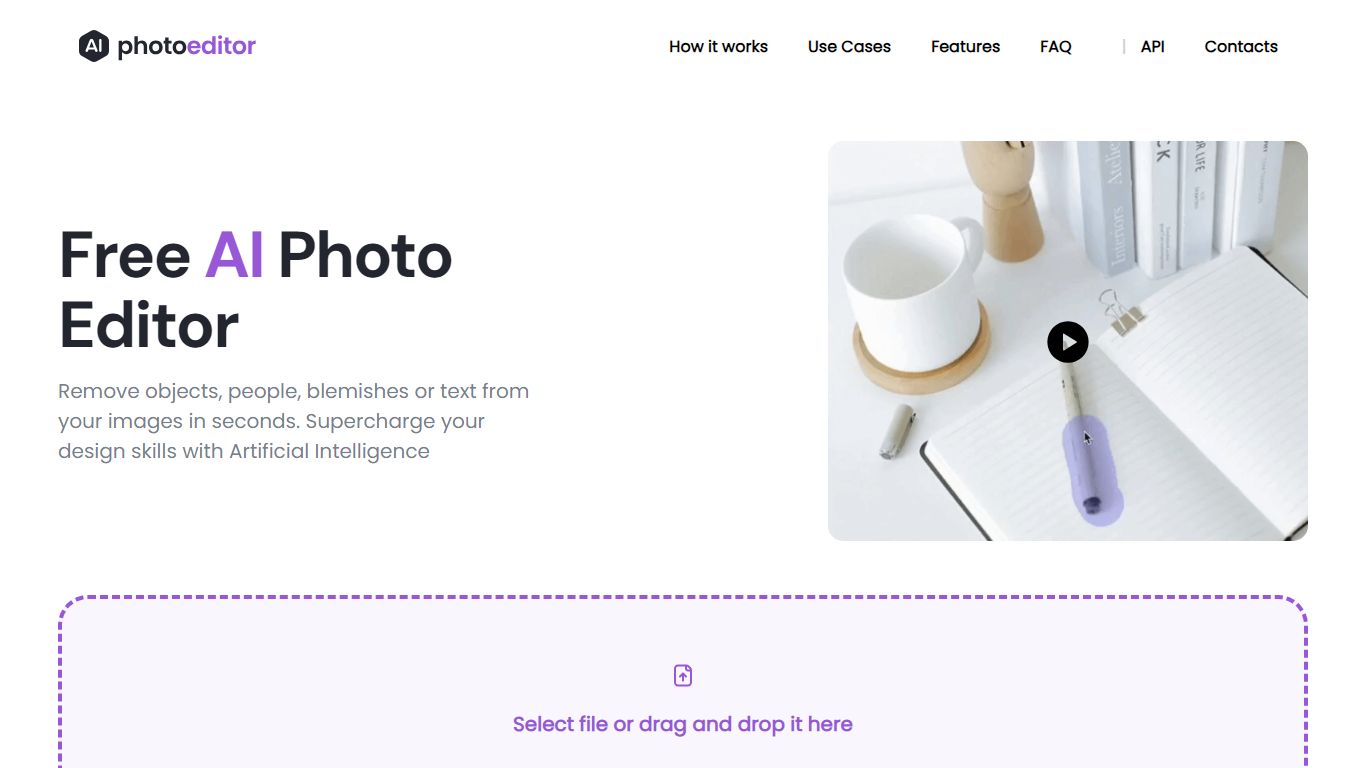
What is AI Photo Editor?
PhotoEditor.ai bundles 30+ browser-based photo editing tools for cleanup, background removal, upscaling, inpainting, and image generation. You upload a JPG, PNG, HEIC, AVIF, or WEBP file up to 15MB, pick the task-specific tool, and download the result without installing desktop software.
Instead of one general editor with every feature buried in menus, each job gets its own page and default model benchmarked for that task. That is the main difference from template-first design apps like Canva or chat-based image edits inside Gemini and ChatGPT, which lack per-tool controls and batch-friendly workflows.
The free tier covers Cleanup, Remove Background, and Enhance with 720px exports and no signup. Marketers, ecommerce sellers, photographers, and casual users who need quick retouching on desktop or mobile browsers are the core audience.
PhotoAid's AI Image Enlarger Upvotes
AI Photo Editor Upvotes
PhotoAid's AI Image Enlarger Top Features
2x zoom doubles image dimensions, for example 1000 by 1000 px to 2000 by 2000 px
Maximum upload size is 30MB or 10,000 by 10,000 pixels
Supports JPEG, WEBP, and PNG input formats
Browser-based workflow requires no desktop software download
AI upscaler emphasizes face photos but handles other image types
Free access with share and tell-friends prompts on the tool page
Multilingual PhotoAid site lists 15 language options in the footer
AI Photo Editor Top Features
30+ purpose-built tools across edit, generate, enhance, remove, and background workflows
Free Cleanup, Remove Background, and Enhance tools with no signup required
Model picker includes Nano Banana, GPT Image 2, Seedream 5.0, and PhotoEditor.ai balanced model
Most cleanup and background edits finish in under 10 seconds
Pro plan includes 600 credits per month and commercial use license
Uploads support JPG, PNG, HEIC, AVIF, and WEBP files up to 15MB
PhotoAid's AI Image Enlarger Category
- Photo Editing
AI Photo Editor Category
- Photo Editing
PhotoAid's AI Image Enlarger Pricing Type
- Free
AI Photo Editor Pricing Type
- Freemium