PhotoAid's AI Image Enlarger vs BgSub
Dive into the comparison of PhotoAid's AI Image Enlarger vs BgSub and discover which AI Photo Editing tool stands out. We examine alternatives, upvotes, features, reviews, pricing, and beyond.
When comparing PhotoAid's AI Image Enlarger and BgSub, which one rises above the other?
When we compare PhotoAid's AI Image Enlarger and BgSub, two exceptional photo editing tools powered by artificial intelligence, and place them side by side, several key similarities and differences come to light. The upvote count favors BgSub, making it the clear winner. The number of upvotes for BgSub stands at 7, and for PhotoAid's AI Image Enlarger it's 6.
Think we got it wrong? Cast your vote and show us who's boss!
PhotoAid's AI Image Enlarger
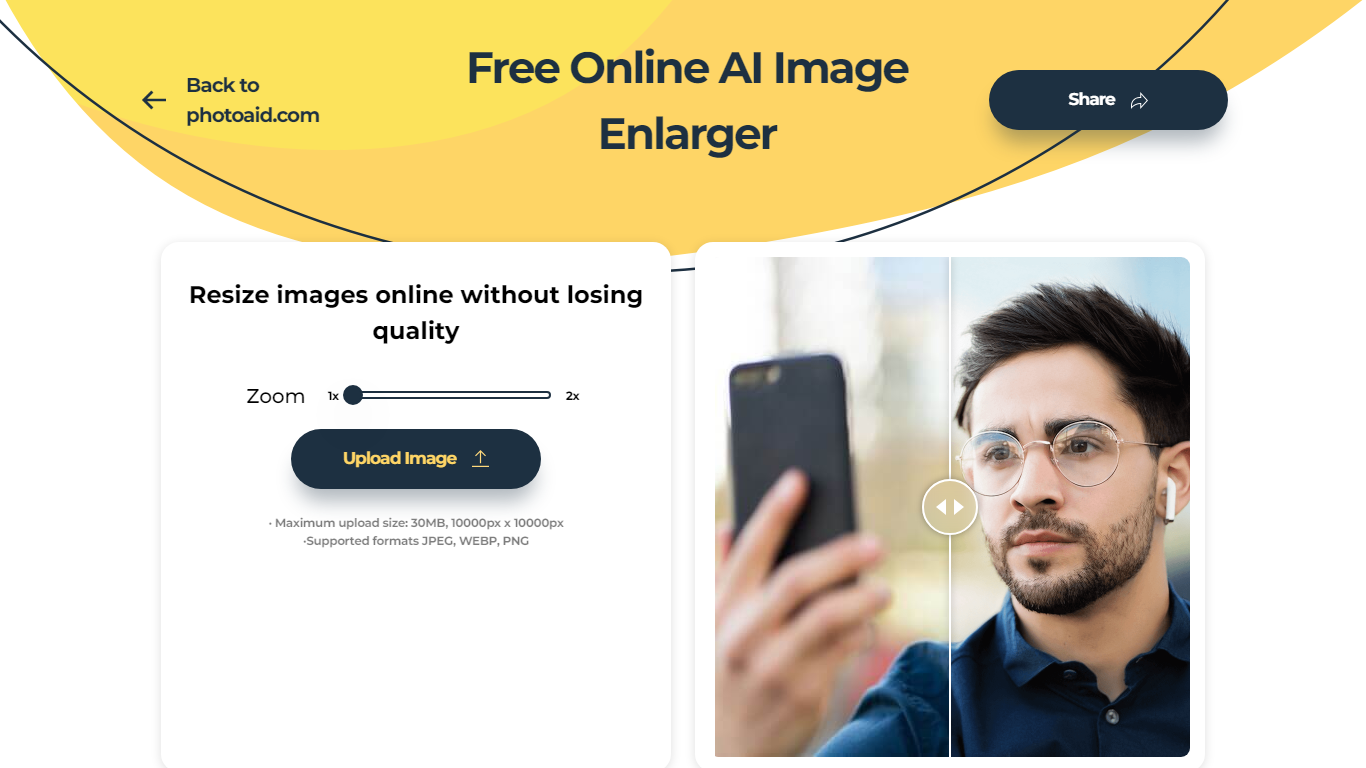

What is PhotoAid's AI Image Enlarger?
PhotoAid's AI Image Enlarger upscales photos in the browser without a software download. You upload a JPEG, WEBP, or PNG file up to 30MB or 10,000 by 10,000 pixels, pick a 1x or 2x zoom level, and the tool doubles dimensions while smoothing detail instead of leaving blocky pixels.
Standard resize tools stretch pixels and blur faces fast. PhotoAid's upscaler uses AI smoothing tuned especially for portraits, so a 1000 by 1000 px image can become 2000 by 2000 px with fewer artifacts than a basic bicubic stretch.
The enlarger is free and hosted by PhotoAiD, the same team behind passport and visa photo tools on photoaid.com. They released it as a standalone browser utility alongside their biometric photo pipeline, with multilingual site options and links back to other PhotoAid tools.
PhotoAid's AI Image Enlarger fits photographers, ecommerce sellers, and anyone who needs a quick upscale for profile shots or product images. It also helps travelers who already use PhotoAid for passport photos and want a separate enlargement step in the same ecosystem.
BgSub
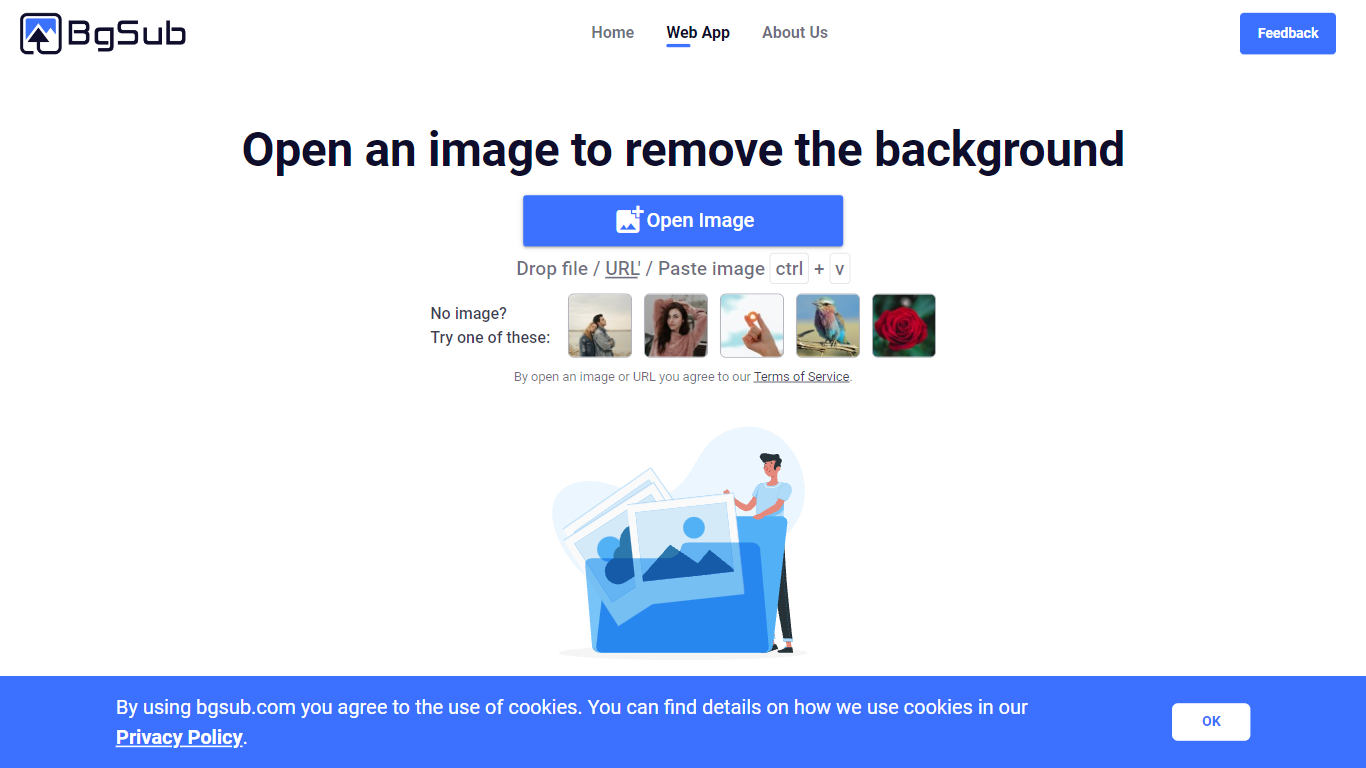
What is BgSub?
BgSub removes or replaces photo backgrounds inside your browser without uploading files to a server. The marketing site promises results in about 5 seconds, with one-click cutouts, replacement fills using color, gradients, or images, and an AI coloring pass for quick color tweaks. Processing stays local enough that BgSub highlights a no-upload privacy story on the homepage.
Most background removers send every image to the cloud by default. BgSub leans on in-browser processing and calls out that images are not uploaded during editing, which matters when you are working with client product shots or personal portraits. It also bundles artistic effects plus free adjustment controls for size, position, and mirroring instead of stopping at a plain transparent PNG.
The tool targets individuals polishing social photos, e-commerce sellers refreshing product shots, photographers swapping backgrounds without a green screen, and marketers testing ad creatives. Sample galleries on bgsub.com show people, products, animals, clothes, and plants, and the FAQ notes commercial use is allowed on processed images.
PhotoAid's AI Image Enlarger Upvotes
BgSub Upvotes
PhotoAid's AI Image Enlarger Top Features
2x zoom doubles image dimensions, for example 1000 by 1000 px to 2000 by 2000 px
Maximum upload size is 30MB or 10,000 by 10,000 pixels
Supports JPEG, WEBP, and PNG input formats
Browser-based workflow requires no desktop software download
AI upscaler emphasizes face photos but handles other image types
Free access with share and tell-friends prompts on the tool page
Multilingual PhotoAid site lists 15 language options in the footer
BgSub Top Features
Homepage meta promises background removal or replacement in about 5 seconds in the browser
Processing runs without uploading images, according to the privacy FAQ answer
Replace backgrounds with solid color, gradients, or custom image fills
AI Coloring offers one-click automatic color adjustment on cutout subjects
Free adjustment controls cover size, position, and mirroring after the cutout
Supports images up to 4096 x 4096 resolution per the FAQ
Artistic effects layer on top of the base cutout for quick creative variants
PhotoAid's AI Image Enlarger Category
- Photo Editing
BgSub Category
- Photo Editing
PhotoAid's AI Image Enlarger Pricing Type
- Free
BgSub Pricing Type
- Free