PhotoAid's AI Image Enlarger vs EasifyAI
In the contest of PhotoAid's AI Image Enlarger vs EasifyAI, which AI Photo Editing tool is the champion? We evaluate pricing, alternatives, upvotes, features, reviews, and more.
If you had to choose between PhotoAid's AI Image Enlarger and EasifyAI, which one would you go for?
When we examine PhotoAid's AI Image Enlarger and EasifyAI, both of which are AI-enabled photo editing tools, what unique characteristics do we discover? The community has spoken, EasifyAI leads with more upvotes. The upvote count for EasifyAI is 9, and for PhotoAid's AI Image Enlarger it's 6.
Not your cup of tea? Upvote your preferred tool and stir things up!
PhotoAid's AI Image Enlarger


What is PhotoAid's AI Image Enlarger?
PhotoAid's AI Image Enlarger upscales photos in the browser without a software download. You upload a JPEG, WEBP, or PNG file up to 30MB or 10,000 by 10,000 pixels, pick a 1x or 2x zoom level, and the tool doubles dimensions while smoothing detail instead of leaving blocky pixels.
Standard resize tools stretch pixels and blur faces fast. PhotoAid's upscaler uses AI smoothing tuned especially for portraits, so a 1000 by 1000 px image can become 2000 by 2000 px with fewer artifacts than a basic bicubic stretch.
The enlarger is free and hosted by PhotoAiD, the same team behind passport and visa photo tools on photoaid.com. They released it as a standalone browser utility alongside their biometric photo pipeline, with multilingual site options and links back to other PhotoAid tools.
PhotoAid's AI Image Enlarger fits photographers, ecommerce sellers, and anyone who needs a quick upscale for profile shots or product images. It also helps travelers who already use PhotoAid for passport photos and want a separate enlargement step in the same ecosystem.
EasifyAI
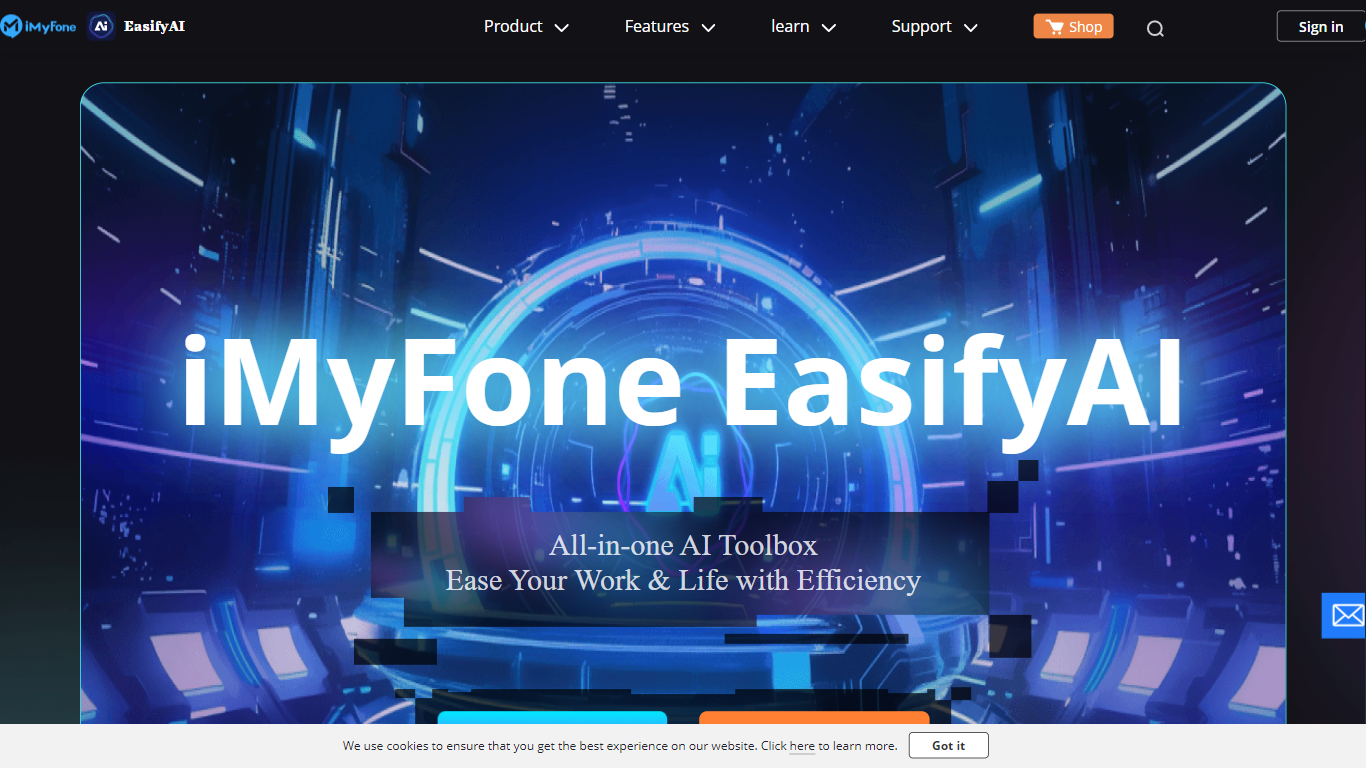
What is EasifyAI?
EasifyAI is a desktop photo editing and AI productivity toolkit from iMyFone. It bundles writing, image, and video tools into one downloadable app so you do not need separate subscriptions for each task. You pick a tool inside the app, wait for it to load on first use, and run jobs like photo enhancement, anime conversion, or story-to-video generation locally.
Where most iMyFone products focus on one job, EasifyAI targets people who want a rotating set of creative utilities in a single install. The trade-off is that each tool loads on demand rather than opening instantly, which suits occasional users more than teams running batch jobs all day.
It fits Windows users who edit photos, turn stories into short videos, rewrite text, or extract and translate text from images. Support docs list free trials for video and rewriting tools, with paid Basic and Toolkit plans for broader access.
PhotoAid's AI Image Enlarger Upvotes
EasifyAI Upvotes
PhotoAid's AI Image Enlarger Top Features
2x zoom doubles image dimensions, for example 1000 by 1000 px to 2000 by 2000 px
Maximum upload size is 30MB or 10,000 by 10,000 pixels
Supports JPEG, WEBP, and PNG input formats
Browser-based workflow requires no desktop software download
AI upscaler emphasizes face photos but handles other image types
Free access with share and tell-friends prompts on the tool page
Multilingual PhotoAid site lists 15 language options in the footer
EasifyAI Top Features
Bundles photo enhancement, anime conversion, uncropping, and colorization in one Windows app
Story-to-video and AI rewriter tools with free trial access before upgrading
Image-to-text supports 18 recognition languages plus post-extraction translation
Exports watermark-free HD images and videos for download
Basic and Toolkit subscription plans with cancel-anytime billing
PhotoAid's AI Image Enlarger Category
- Photo Editing
EasifyAI Category
- Photo Editing
PhotoAid's AI Image Enlarger Pricing Type
- Free
EasifyAI Pricing Type
- Freemium