PhotoAid's AI Image Enlarger vs Photo to Cartoon and Caricature By pixstacks
In the contest of PhotoAid's AI Image Enlarger vs Photo to Cartoon and Caricature By pixstacks, which AI Photo Editing tool is the champion? We evaluate pricing, alternatives, upvotes, features, reviews, and more.
If you had to choose between PhotoAid's AI Image Enlarger and Photo to Cartoon and Caricature By pixstacks, which one would you go for?
When we examine PhotoAid's AI Image Enlarger and Photo to Cartoon and Caricature By pixstacks, both of which are AI-enabled photo editing tools, what unique characteristics do we discover? Both tools are equally favored, as indicated by the identical upvote count. Every vote counts! Cast yours and contribute to the decision of the winner.
Don't agree with the result? Cast your vote and be a part of the decision-making process!
PhotoAid's AI Image Enlarger


What is PhotoAid's AI Image Enlarger?
PhotoAid's AI Image Enlarger upscales photos in the browser without a software download. You upload a JPEG, WEBP, or PNG file up to 30MB or 10,000 by 10,000 pixels, pick a 1x or 2x zoom level, and the tool doubles dimensions while smoothing detail instead of leaving blocky pixels.
Standard resize tools stretch pixels and blur faces fast. PhotoAid's upscaler uses AI smoothing tuned especially for portraits, so a 1000 by 1000 px image can become 2000 by 2000 px with fewer artifacts than a basic bicubic stretch.
The enlarger is free and hosted by PhotoAiD, the same team behind passport and visa photo tools on photoaid.com. They released it as a standalone browser utility alongside their biometric photo pipeline, with multilingual site options and links back to other PhotoAid tools.
PhotoAid's AI Image Enlarger fits photographers, ecommerce sellers, and anyone who needs a quick upscale for profile shots or product images. It also helps travelers who already use PhotoAid for passport photos and want a separate enlargement step in the same ecosystem.
Photo to Cartoon and Caricature By pixstacks
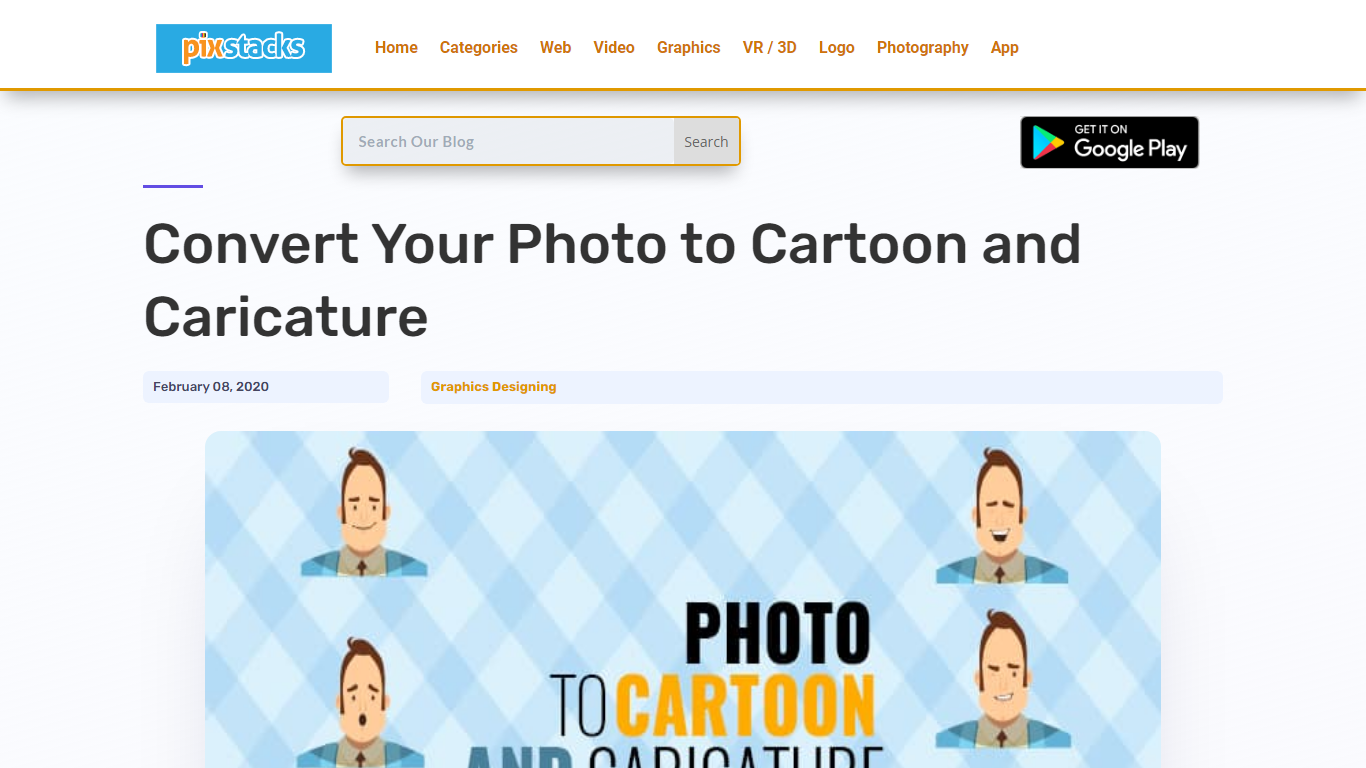
What is Photo to Cartoon and Caricature By pixstacks?
Transform your standard photos into stunning cartoons and caricatures with our easy-to-use online service. Simply upload your portrait, and within seconds, witness an array of incredible face alterations: morph your features, tweak your expressions, or animate your face completely for a dynamic effect. Your lips, cheeks, eyebrows, and eyelids will come to life, ensuring every animation like a smile or wink feels incredibly real. Engage with our free and intuitive tools like Photocartoon, AnyMaking, or the Toon Artist Photoshop Action to elevate your images to shareable and frameable art pieces.
PhotoAid's AI Image Enlarger Upvotes
Photo to Cartoon and Caricature By pixstacks Upvotes
PhotoAid's AI Image Enlarger Top Features
2x zoom doubles image dimensions, for example 1000 by 1000 px to 2000 by 2000 px
Maximum upload size is 30MB or 10,000 by 10,000 pixels
Supports JPEG, WEBP, and PNG input formats
Browser-based workflow requires no desktop software download
AI upscaler emphasizes face photos but handles other image types
Free access with share and tell-friends prompts on the tool page
Multilingual PhotoAid site lists 15 language options in the footer
Photo to Cartoon and Caricature By pixstacks Top Features
Photo to Cartoon Conversion: Turn your portrait photos into cartoons effortlessly.
Animated Facial Expressions: Add live movement to your caricatures with animated features.
Caricature Styles Variety: Explore a range of caricature effects from Troll to Tough Guy personas.
Free Online Tools: Utilize free services like Photocartoon and AnyMaking for instant transformations.
Photoshop Action: Access Toon Artist Photoshop Action for professional-grade cartoon illustrations.
PhotoAid's AI Image Enlarger Category
- Photo Editing
Photo to Cartoon and Caricature By pixstacks Category
- Photo Editing
PhotoAid's AI Image Enlarger Pricing Type
- Free
Photo to Cartoon and Caricature By pixstacks Pricing Type
- Freemium