PNG Maker vs Photo to Cartoon and Caricature By pixstacks
In the clash of PNG Maker vs Photo to Cartoon and Caricature By pixstacks, which AI Photo Editing tool emerges victorious? We assess reviews, pricing, alternatives, features, upvotes, and more.
If you had to choose between PNG Maker and Photo to Cartoon and Caricature By pixstacks, which one would you go for?
Let's take a closer look at PNG Maker and Photo to Cartoon and Caricature By pixstacks, both of which are AI-driven photo editing tools, and see what sets them apart. The upvote count reveals a draw, with both tools earning the same number of upvotes. The power is in your hands! Cast your vote and have a say in deciding the winner.
You don't agree with the result? Cast your vote to help us decide!
PNG Maker

What is PNG Maker?
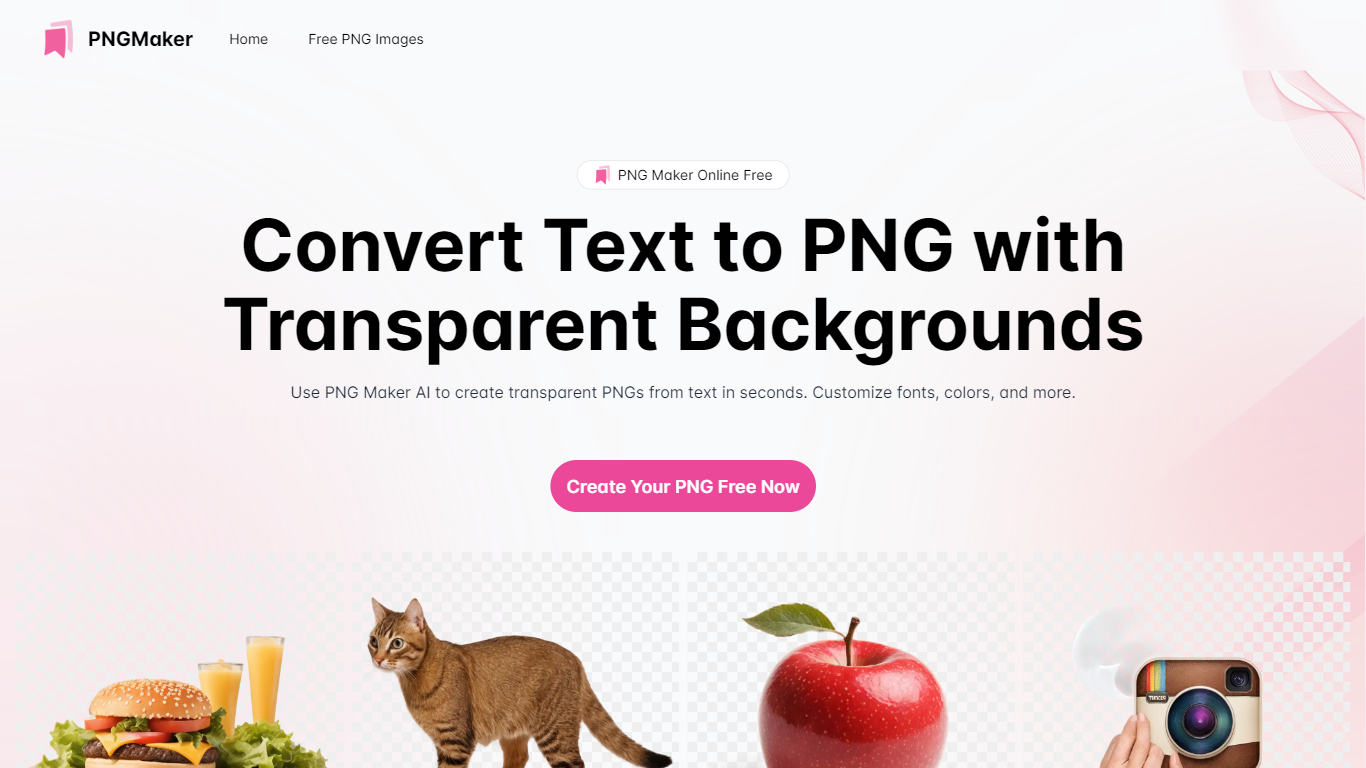
PNG Maker is an online tool that turns text prompts into PNG images with transparent backgrounds. It targets designers, marketers, and content creators who need clip-art style assets, logos, or graphics without opening desktop editing software.
You type a description of what you want, pick an aspect ratio, and the app generates one or more PNG files you can download. The web app also supports image-to-image generation, so you can upload a reference and refine the output from there. Free users get 9 credits per day; paid plans unlock higher monthly credit limits, batch generation, and private outputs.
The site also organizes outputs by tags and runs a blog with tips for writing better prompts. If you need quick transparent PNGs for slides, social posts, or web layouts, it keeps the workflow in the browser with no install required.
Photo to Cartoon and Caricature By pixstacks
What is Photo to Cartoon and Caricature By pixstacks?
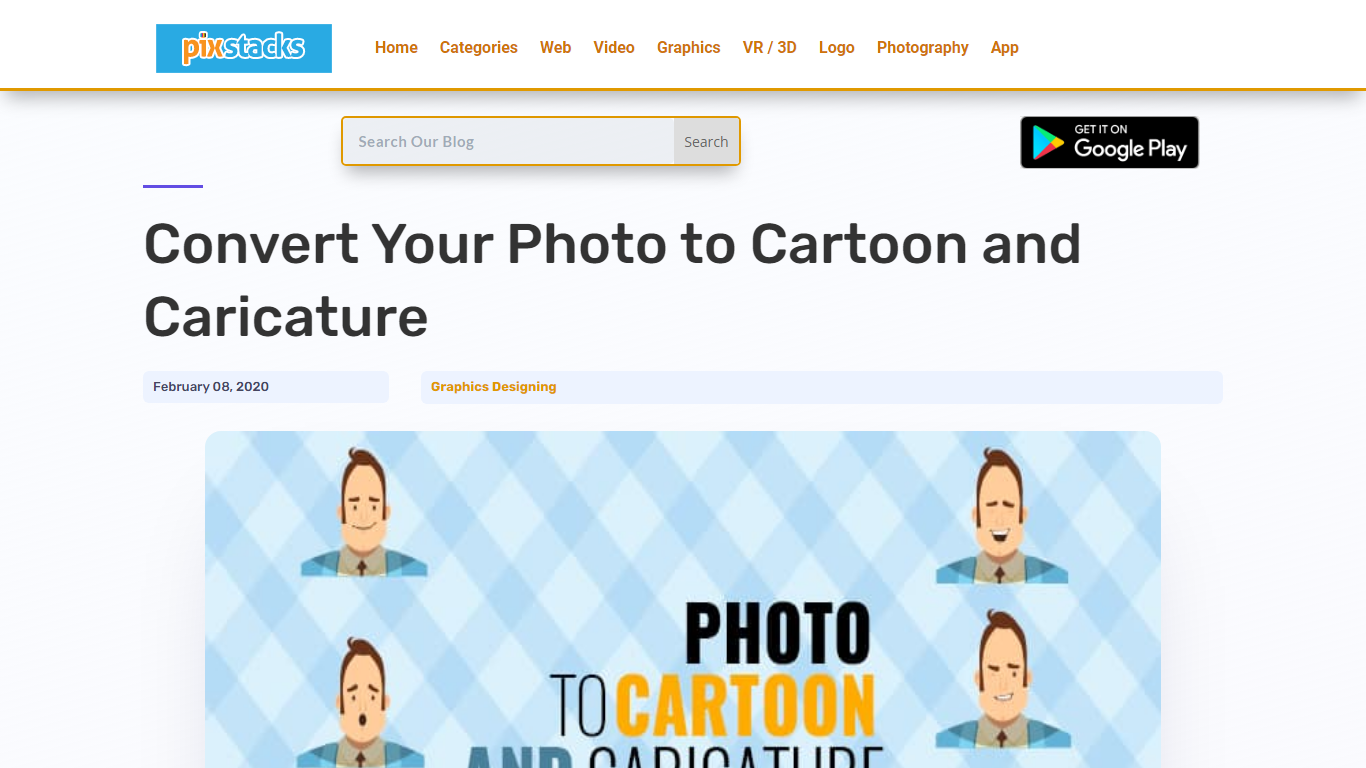
Transform your standard photos into stunning cartoons and caricatures with our easy-to-use online service. Simply upload your portrait, and within seconds, witness an array of incredible face alterations: morph your features, tweak your expressions, or animate your face completely for a dynamic effect. Your lips, cheeks, eyebrows, and eyelids will come to life, ensuring every animation like a smile or wink feels incredibly real. Engage with our free and intuitive tools like Photocartoon, AnyMaking, or the Toon Artist Photoshop Action to elevate your images to shareable and frameable art pieces.
PNG Maker Upvotes
Photo to Cartoon and Caricature By pixstacks Upvotes
PNG Maker Top Features
Turn text prompts into transparent PNG images without desktop software
Switch between text-to-image and image-to-image modes in one web app
Pick aspect ratios like 1:1, 3:2, and 2:3 before generating
Generate up to four images at once on paid plans
Browse community creations organized by tags for prompt inspiration
Photo to Cartoon and Caricature By pixstacks Top Features
Photo to Cartoon Conversion: Turn your portrait photos into cartoons effortlessly.
Animated Facial Expressions: Add live movement to your caricatures with animated features.
Caricature Styles Variety: Explore a range of caricature effects from Troll to Tough Guy personas.
Free Online Tools: Utilize free services like Photocartoon and AnyMaking for instant transformations.
Photoshop Action: Access Toon Artist Photoshop Action for professional-grade cartoon illustrations.
PNG Maker Category
- Photo Editing
Photo to Cartoon and Caricature By pixstacks Category
- Photo Editing
PNG Maker Pricing Type
- Freemium
Photo to Cartoon and Caricature By pixstacks Pricing Type
- Freemium