Photor AI vs RemoveBG
Explore the showdown between Photor AI vs RemoveBG and find out which AI Photo Editing tool wins. We analyze upvotes, features, reviews, pricing, alternatives, and more.
When comparing Photor AI and RemoveBG, which one rises above the other?
When we contrast Photor AI with RemoveBG, both of which are exceptional AI-operated photo editing tools, and place them side by side, we can spot several crucial similarities and divergences. RemoveBG stands out as the clear frontrunner in terms of upvotes. The number of upvotes for RemoveBG stands at 10, and for Photor AI it's 6.
Not your cup of tea? Upvote your preferred tool and stir things up!
Photor AI


What is Photor AI?
Photor AI is the ultimate solution for anyone looking for advanced AI tools to analyze and enhance their digital photography. With over 500,000 photos already analyzed, this powerful platform utilizes AI to provide users with insightful details about their images. Not only can you evaluate your best user-generated photos, but you can also interact directly with your images and gain instant insights, ensuring a clearer understanding of your photography.
Photor AI offers a comprehensive suite of tools to optimize your images for various uses. It’s perfect for both personal projects and professional purposes, as the platform is optimized for PC use. With tools like an image compressor to reduce file size, image resizer for adjusting image sizes, and image optimizer to enhance web performance, storing and sharing high-quality photos has never been easier.
The platform also boasts a range of creative tools. Users can transform their images by adding artistic effects like pixelation or blurring, adjusting image contrast, brightness, and saturation for the perfect look, or applying a sepia or rainbow filter for a unique touch. The image manipulation doesn't end there – with the ability to rotate, downscale, or flip your photos, and even make corners round or images transparent, the possibilities are vast.
Photor AI values user convenience and quality, thus providing practical features like converting images to Base-64 and vice versa, censoring for privacy, and adding noise for a vintage feel. Whether you are a professional photographer, a social media influencer, or an individual with a keen interest in photography, Photor AI provides all the necessary tools to bring your images to life.
RemoveBG
What is RemoveBG?
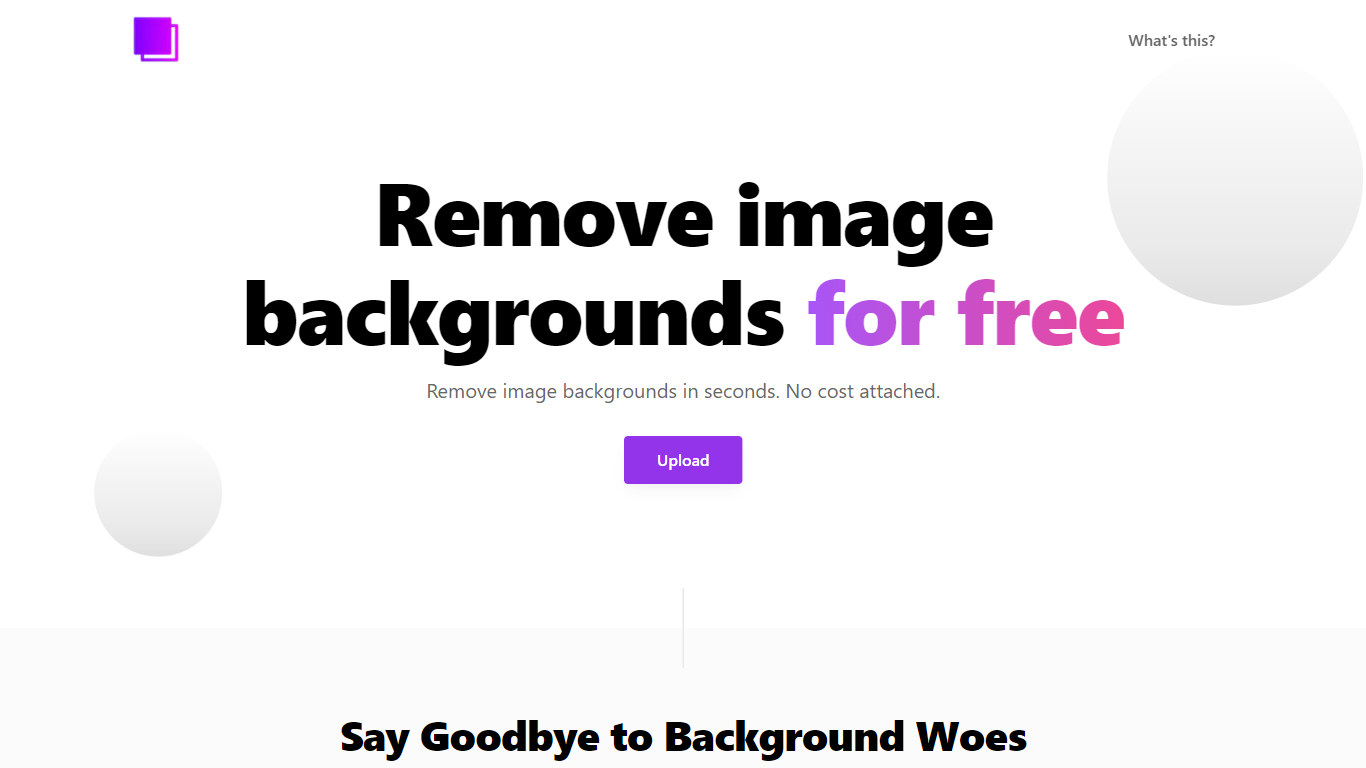
RemoveBG is a powerful and user-friendly online tool that allows you to remove image backgrounds in seconds, and the best part is, it's completely free! With advanced AI technology, RemoveBG makes background removal a breeze, saving you time and effort. Whether you need to edit images for creative projects, marketing materials, or personal use, RemoveBG has got you covered.
With RemoveBG, the process of removing image backgrounds is as easy as 1-2-3. First, choose the image you want to edit and upload it into the tool. Second, let the advanced AI technology analyze your image and automatically remove the background. Finally, download the new image and use it for any purpose you desire. Say goodbye to background woes and hello to hassle-free image editing with RemoveBG.
Photor AI Upvotes
RemoveBG Upvotes
Photor AI Top Features
Analyze Your Photos: Utilize Photor AI to analyze and select the best user-generated photos.
Chat with Your Photos: Interact with your images directly for instant AI-powered insights.
Image Compression Tools: Save storage space and speed up website loading with IMG Compressor.
Creative Image Editing: Apply various filters adjustments and effects with tools like IMG Pixelator IMG Blur and IMG Saturation.
Format and Orientation Tools: Easily change your image's format orientation and size with IMG Converter IMG Rotate and IMG Downscaling.
RemoveBG Top Features
Quick and Easy Background Removal: RemoveBG makes it incredibly simple to remove image backgrounds with just a few clicks. No need for complex editing software or extensive manual work.
Free of Cost: RemoveBG offers its background removal services completely free of charge. Say goodbye to expensive editing tools and hello to cost-effective image editing.
Advanced AI Technology: Powered by advanced AI technology RemoveBG analyzes your images and accurately detects and removes the background ensuring clean and professional results.
Versatile Usage: The images edited with RemoveBG can be used for a wide range of purposes including creative projects marketing materials or personal use. The possibilities are endless.
User-Friendly Interface: RemoveBG's user-friendly interface makes it easy for anyone to use regardless of their level of expertise in image editing. No technical skills required.
Photor AI Category
- Photo Editing
RemoveBG Category
- Photo Editing
Photor AI Pricing Type
- Freemium
RemoveBG Pricing Type
- Free