Phrases vs Paraphrasing Tool
In the battle of Phrases vs Paraphrasing Tool, which AI Paraphraser tool comes out on top? We compare reviews, pricing, alternatives, upvotes, features, and more.
Between Phrases and Paraphrasing Tool, which one is superior?
Upon comparing Phrases with Paraphrasing Tool, which are both AI-powered paraphraser tools, The upvote count reveals a draw, with both tools earning the same number of upvotes. Since other aitools.fyi users could decide the winner, the ball is in your court now to cast your vote and help us determine the winner.
Does the result make you go "hmm"? Cast your vote and turn that frown upside down!
Phrases
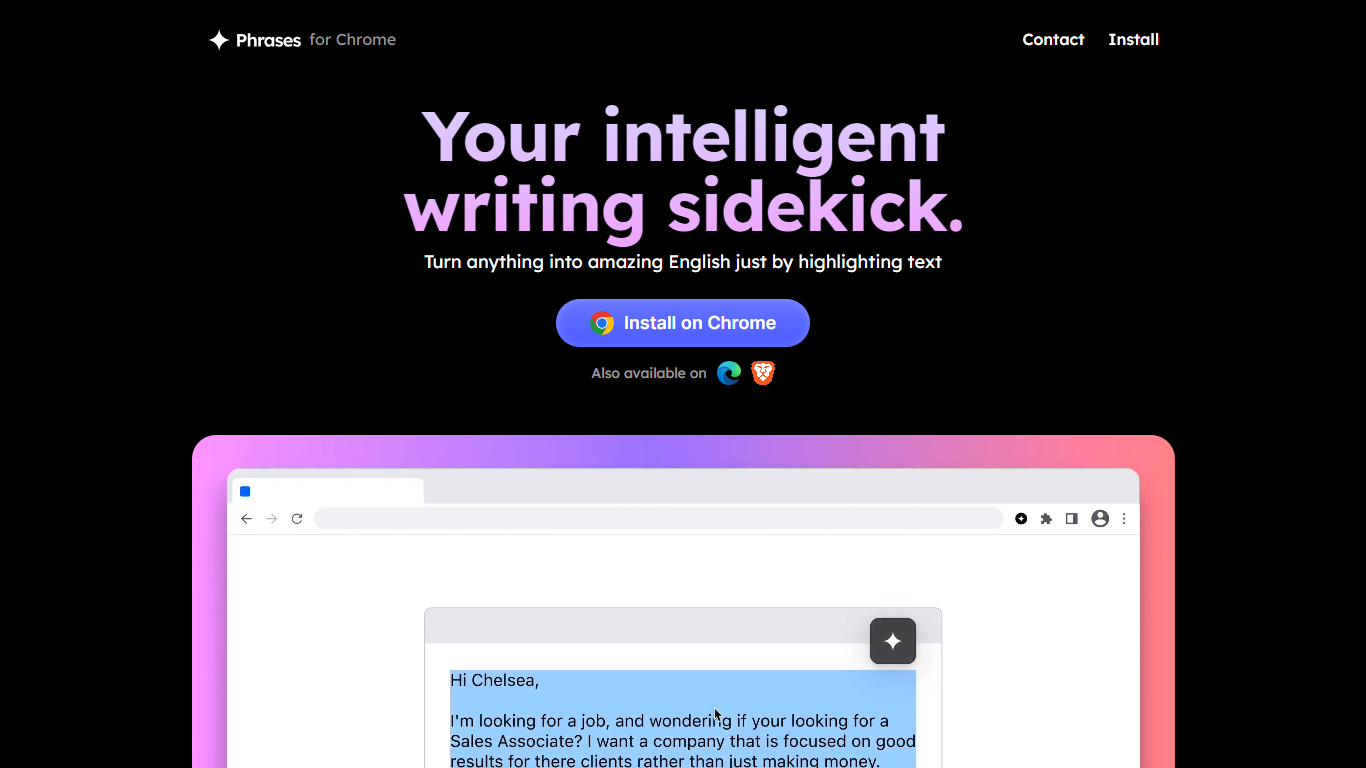

What is Phrases ?
Phrases is your intelligent writing sidekick that helps transform your writing into polished English effortlessly. It's a Chrome extension that works by allowing users to highlight text, suggesting new vocabulary and rephrasing options for improved writing quality. Phrases offer a user-friendly interface where it highlights new words, making it simple for users to visualize and make enhancements to their text. Achieve perfection with continuous rephrasings until the desired outcome is met.
This tool is not only intuitive but also comes with an attractive pricing model. The Pro version is available at a discounted monthly rate, granting early access, unlimited rephrases, and project management capabilities for two projects. Whether you are a student, professional, or someone looking to refine their English, Phrases is equipped to boost your confidence in writing with intelligence and assurance. It’s also available on other browsers, catering to a wide range of users.
Paraphrasing Tool
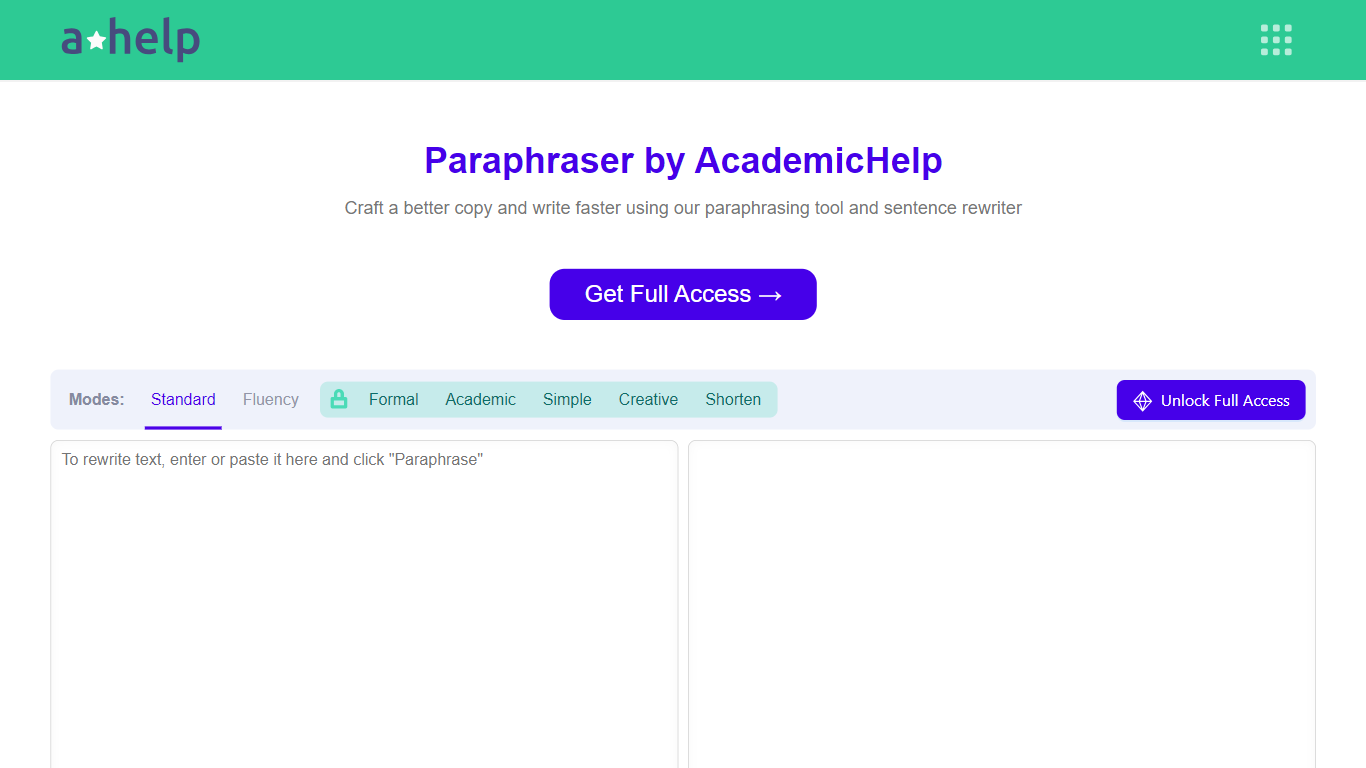
What is Paraphrasing Tool?
AHelp's Paraphrasing Tool rewrites pasted or uploaded text while keeping the original meaning, with context-aware sentence changes instead of simple synonym swaps. The free tier covers Standard and Fluency modes up to 200 words, and premium unlocks Formal, Academic, Simple, Creative, and Shorten modes with a 6,000-word cap per run.
Most paraphrasers stop at one generic rewrite tone. This tool offers seven modes, nine languages, and file uploads for PDF, DOC, DOCX, RTF, ODT, and TXT, plus Chrome and Microsoft Edge extensions that carry the same rewriter into your browser workflow.
Students, educators, and professionals use it for essays, reports, and multilingual drafts when they need clearer wording without drifting from the source intent. Full access runs through AHelp Learning Hub subscriptions that also bundle plagiarism and AI detection credits.
Phrases Upvotes
Paraphrasing Tool Upvotes
Phrases Top Features
Intelligent Writing Assistance: Enhances your writing to reflect intelligence and assurance.
Chrome Extension: Easy installation and use directly within the Chrome browser.
Highlight to Improve: Identifies and highlights suggestions for richer vocabulary and better writing.
Unlimited Rephrases: Offers continuous rephrasing until the text meets your satisfaction.
Pro Version Benefits: Includes exclusive perks such as early access, unlimited rephrases, and the ability to manage two projects simultaneously.
Paraphrasing Tool Top Features
Seven paraphrasing modes from Standard and Fluency to Formal, Academic, Creative, and Shorten
Free tier handles 200 words per run; premium raises the limit to 6,000 words
Supports nine languages including English, Spanish, Portuguese, German, French, Italian, Dutch, Korean, and Japanese
Upload PDF, DOC, DOCX, RTF, ODT, and TXT files directly into the rewriter
Google Chrome and Microsoft Edge extensions for in-browser paraphrasing
Context-based rewriting that preserves meaning rather than swapping isolated words
Phrases Category
- Paraphraser
Paraphrasing Tool Category
- Paraphraser
Phrases Pricing Type
- Freemium
Paraphrasing Tool Pricing Type
- Freemium