Piano Genie vs Kidgeni
Dive into the comparison of Piano Genie vs Kidgeni and discover which AI Fun tool stands out. We examine alternatives, upvotes, features, reviews, pricing, and beyond.
When comparing Piano Genie and Kidgeni, which one rises above the other?
When we compare Piano Genie and Kidgeni, two exceptional fun tools powered by artificial intelligence, and place them side by side, several key similarities and differences come to light. The upvote count shows a clear preference for Kidgeni. The upvote count for Kidgeni is 10, and for Piano Genie it's 6.
Think we got it wrong? Cast your vote and show us who's boss!
Piano Genie

What is Piano Genie?
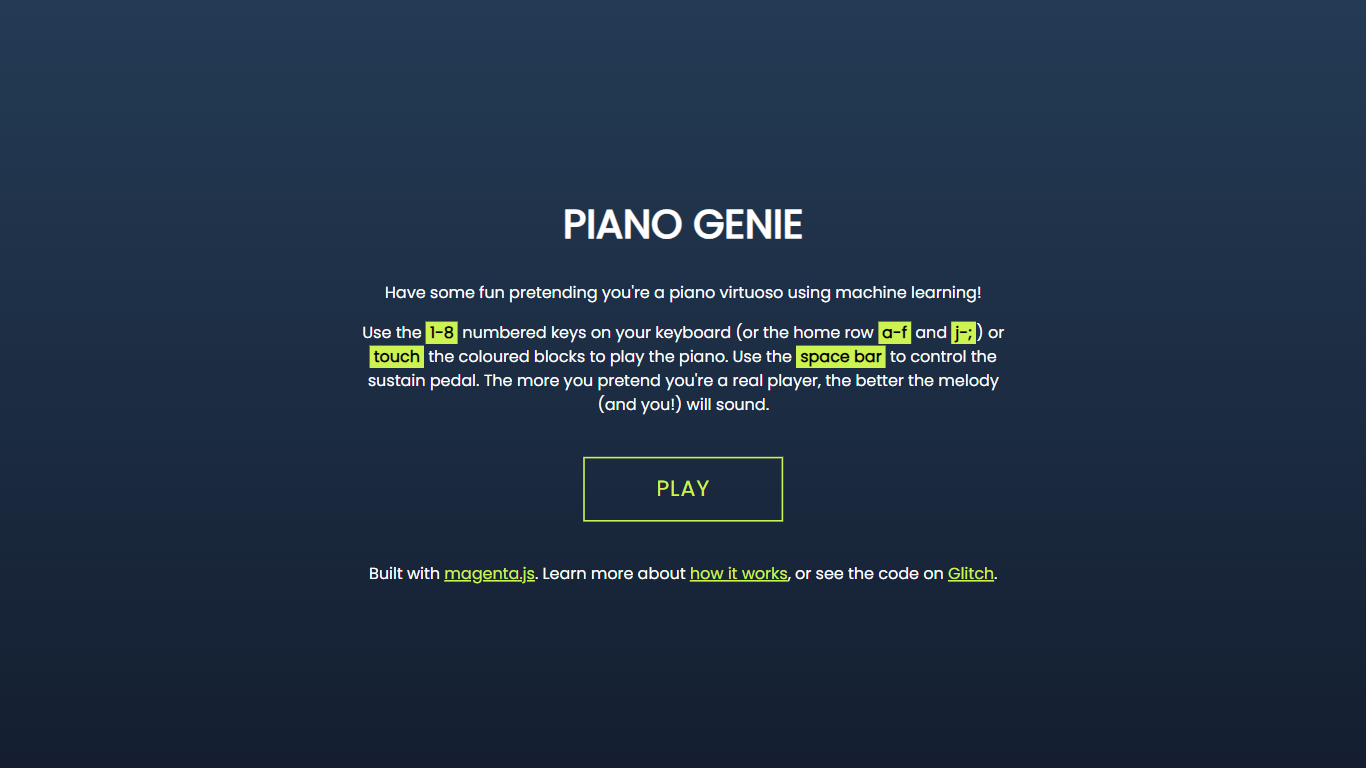
Piano Genie is a browser toy that turns eight buttons into a full 88-key piano using a neural network trained on classical performances. Press keys 1 through 8 on your keyboard, the home row, or colored touch blocks, and the model picks plausible notes so you sound like you know what you are doing. The space bar works as a sustain pedal.
Guitar Hero maps fixed note charts; Piano Genie lets you improvise freely. The model was trained on roughly 1,400 virtuosic performances from the International Piano-e-Competition, so the output skews classical rather than pop or jazz. Google Magenta published the research at ACM IUI 2019 and open-sourced the training code.
Anyone curious about music ML who does not read sheet music can use it for a few minutes of fun. The Glitch-hosted demo shut down with Glitch platform changes, but the creator still hosts a working copy at chrisdonahue.com.
Kidgeni
What is Kidgeni?
Kidgeni is a fun AI playground where kids turn ideas into art, animated doodles, bedtime stories, and printable books. The homepage splits the product into Create, Doodle, and Stories modes, plus coloring pages and merch printing on shirts, hoodies, and long sleeves. New accounts get 15 free credits to start generating before choosing a paid plan.
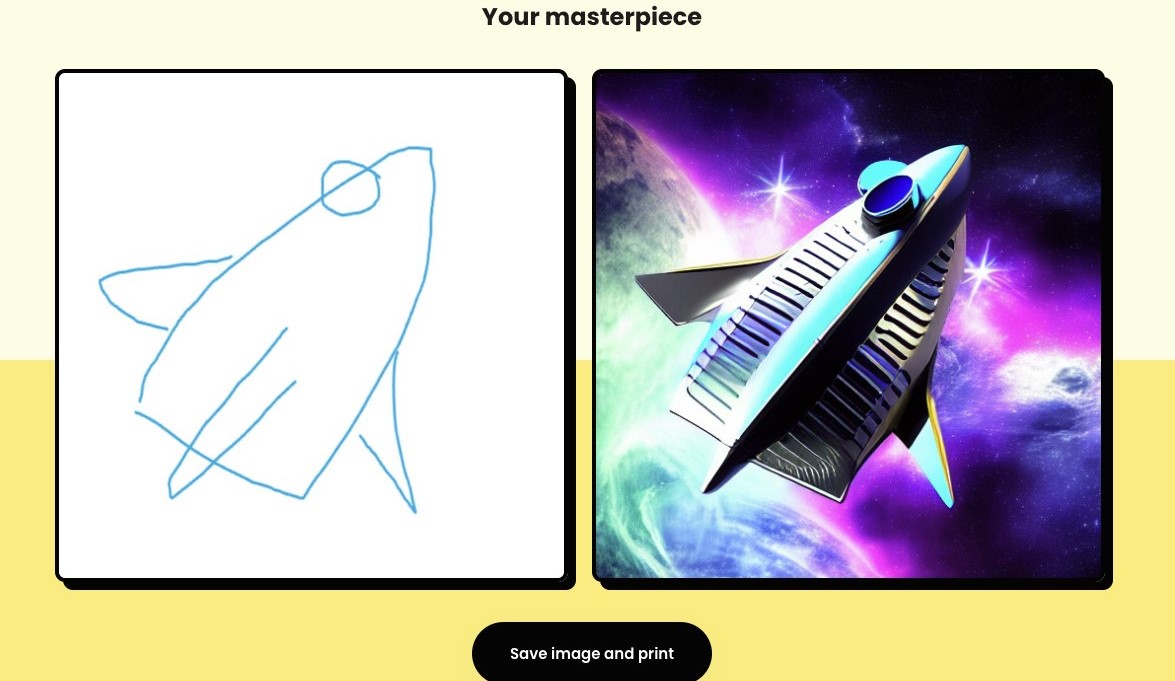
Most kid-facing AI tools focus on chat or homework help. Kidgeni leans into hands-on creation: sketch a doodle and watch it transform, write a short prompt and get a story you can publish, or send a design to print on wearable merch. The Education plan even bundles classroom access for up to 30 students, which sets it apart from single-family art apps.
Parents, teachers, and young creators who want a guided space to experiment with art and storytelling without opening a general-purpose chatbot will find Kidgeni built for that job. It is less about coding lessons and more about letting kids make things they can hold, wear, or read aloud.
Piano Genie Upvotes
Kidgeni Upvotes
Piano Genie Top Features
8-button input maps to a full 88-key piano output in real time via an LSTM autoencoder
Trained on roughly 1,400 virtuosic performances from the International Piano-e-Competition dataset
Play with keyboard keys 1-8, home row letters, or touch blocks on mobile
Space bar controls the sustain pedal for held notes
Switchable 4-button or 8-button controller layouts in the settings panel
Runs entirely in the browser through magenta.js with no download required
Kidgeni Top Features
Sign up and receive 15 free credits to start creating art and stories
Turn hand-drawn doodles into finished artwork with the Doodle mode
Generate kid-friendly stories and publish them as real books
Print AI designs on t-shirts, hoodies, and long sleeves from the platform
Experiment plan includes 250 credits per month; Engage and Education plans offer unlimited monthly credits
Education license covers up to 30 students for classroom use
Piano Genie Category
- Fun
Kidgeni Category
- Fun
Piano Genie Pricing Type
- Free
Kidgeni Pricing Type
- Freemium