Picture it vs Pixlr
In the clash of Picture it vs Pixlr, which AI Image Generation tool emerges victorious? We assess reviews, pricing, alternatives, features, upvotes, and more.
When we put Picture it and Pixlr head to head, which one emerges as the victor?
Let's take a closer look at Picture it and Pixlr, both of which are AI-driven image generation tools, and see what sets them apart. With more upvotes, Pixlr is the preferred choice. Pixlr has garnered 10 upvotes, and Picture it has garnered 7 upvotes.
Think we got it wrong? Cast your vote and show us who's boss!
Picture it

What is Picture it?
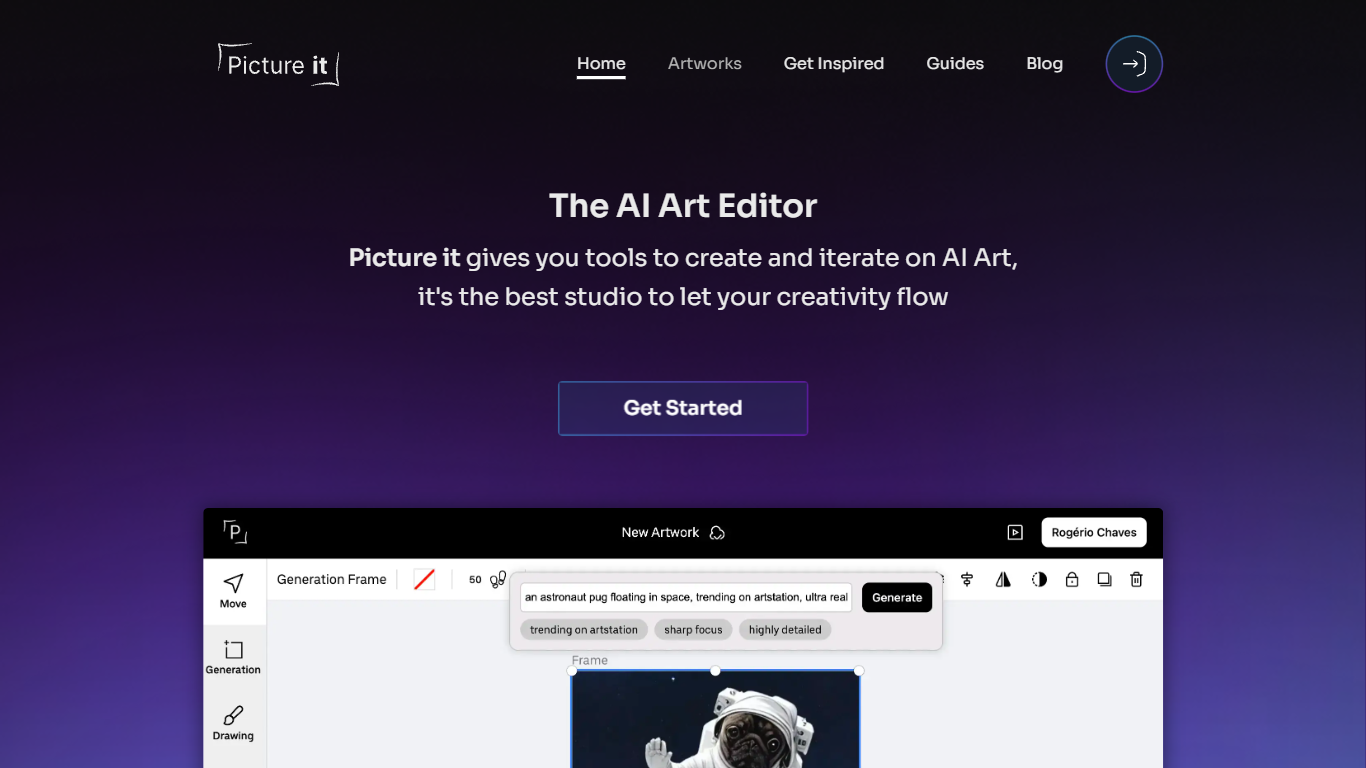
With "Picture it - Turn Your Thoughts Into Art," unleash your creativity by transforming your thoughts into visually stunning art. This cutting-edge platform offers a simple and effective way to convert imaginative concepts into reality through art without the need for complex design skills or software. The web interface is designed with accessibility in mind, featuring easy-to-use input fields that effectively remove any technical barriers. Users can enjoy a seamless interaction with intuitive controls such as search input and range sliders to fine-tune their artistic visions. The custom styles applied ensure a clutter-free and straightforward experience that caters to both amateurs and seasoned artists.
Pixlr
What is Pixlr?
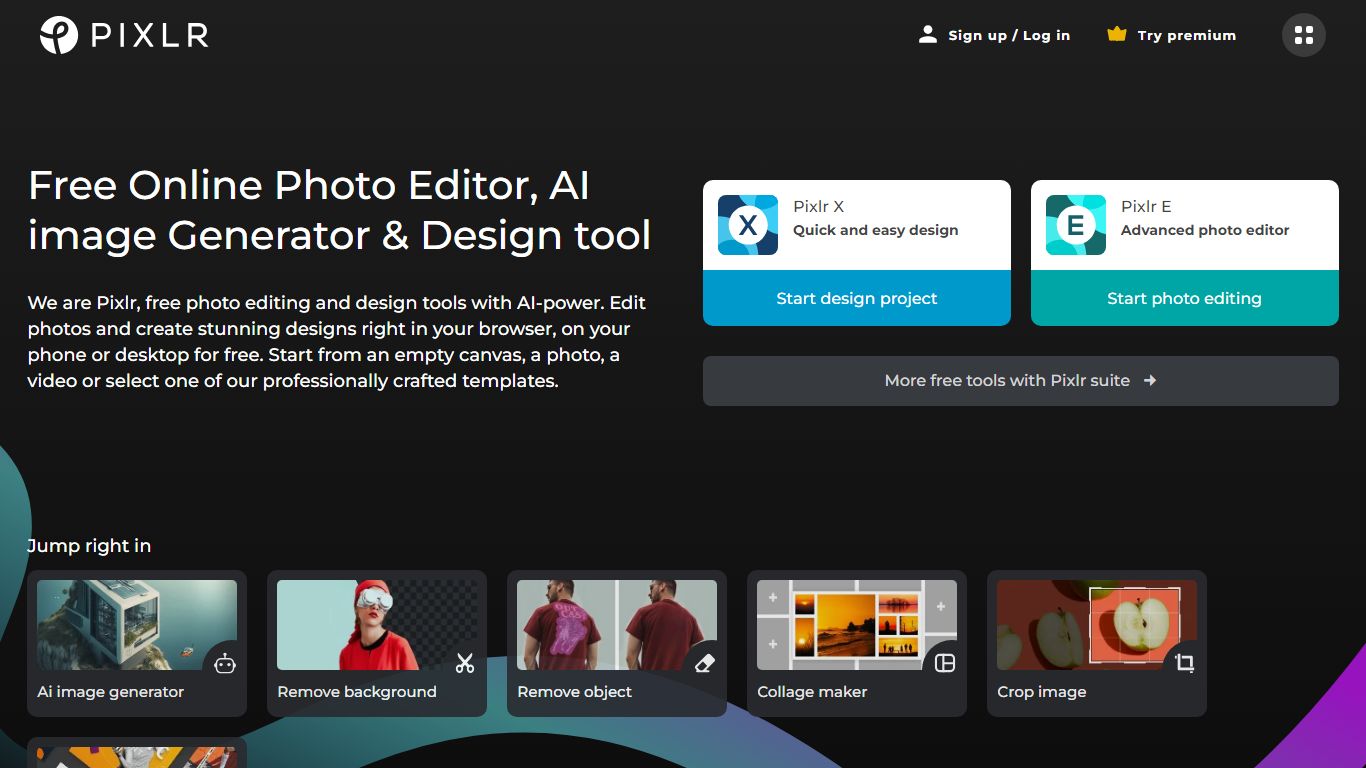
Free Online Photo Editor, AI image Generator & Design tool
We are Pixlr, free photo editing and design tools with AI-power. Edit photos and create stunning designs right in your browser, on your phone or desktop for free. Start from an empty canvas, a photo, a video or select one of our professionally crafted templates.
Photomash Studio by Pixlr:Create high quality visual assets with just one click, for free! The one-click visual creator Photomash Studio instantly removes backgrounds from your photos to create amazing profile pictures, product images, Youtube thumbnails and more..
Design templates:Start designing from professionally crafted templates! Create a YouTube banner, Instagram story, resume, brochure, business card, presentation or the perfect sales pitch with a growing library of thousands of stunning and free templates.
Animations:Animate any design in just a few clicks with Pixlr. Use professional-looking animation presets or get into the gritty timeline details and capture your audience in way that simple images just can't.
Remove background:Erase backgrounds in your photos with ease! Instant AI-powered background removal in a single click! So fast, too easy. Now you can remove backgrounds from portraits, selfies, profile pictures and more in mere seconds.
Collage maker:Need to assemble photos on the fly? Create photo collages free online with our built-in pre-made collage templates. Just select a layout, upload images and start editing.
Filters & Effects:Transform your photos into artistic visuals with a variety of creative photo filters. Achieve the desired photo effects effortlessly in easy clicks!
Picture it Upvotes
Pixlr Upvotes
Picture it Top Features
Customizable Controls: Offering range sliders and input fields customized for ease of use and precision.
Sleek Design: A minimalist and distraction-free web interface emphasizing functionality.
Advanced Compatibility: CSS styling ensures compatibility across various browsers and devices.
User Experience Focused: Intuitive navigation and interactive elements designed for user engagement.
Accessibility: Inclusive design with clear visual cues and accessible interactive components.
Pixlr Top Features
No top features listedPicture it Category
- Image Generation
Pixlr Category
- Image Generation
Picture it Pricing Type
- Freemium
Pixlr Pricing Type
- Freemium