pixcap.com vs DreamFusion
Compare pixcap.com vs DreamFusion and see which AI 3D Generation tool is better when we compare features, reviews, pricing, alternatives, upvotes, etc.
Which one is better? pixcap.com or DreamFusion?
When we compare pixcap.com with DreamFusion, which are both AI-powered 3d generation tools, The upvote count is neck and neck for both pixcap.com and DreamFusion. You can help us determine the winner by casting your vote and tipping the scales in favor of one of the tools.
Think we got it wrong? Cast your vote and show us who's boss!
pixcap.com


What is pixcap.com?
Pixcap is a browser-based 3D generation and editing platform for marketing and product design teams. It combines a marketplace of editable animated mockups, icons, characters, and illustrations with a web editor that needs no Blender or Maya install. The library lists 15,000+ 3D icons, 1,000+ characters, and 500+ mockups you can recolor, repose, and export. Upload a label to an animated device mockup, tweak materials, and download a 4K render in under five minutes.
Where most 3D libraries ship static PNG packs, Pixcap treats assets as editable scenes. You adjust animation styles, swap backgrounds, and run AI style transfer across 10,000+ mix-and-match elements instead of hunting new files for every variation. That trade-off favors marketing and UI work over deep modeling, and the tool deliberately skips rigging workflows found in full 3D suites.
Product teams, UX designers, and marketers use Pixcap for landing page icons, pitch decks, social posts, and branded mockups. Exports ship as GLB, MP4, GIF, or PNG for Figma, After Effects, PowerPoint, and other common tools, and a Figma plugin drops customized 3D assets straight into frames.
DreamFusion
What is DreamFusion?
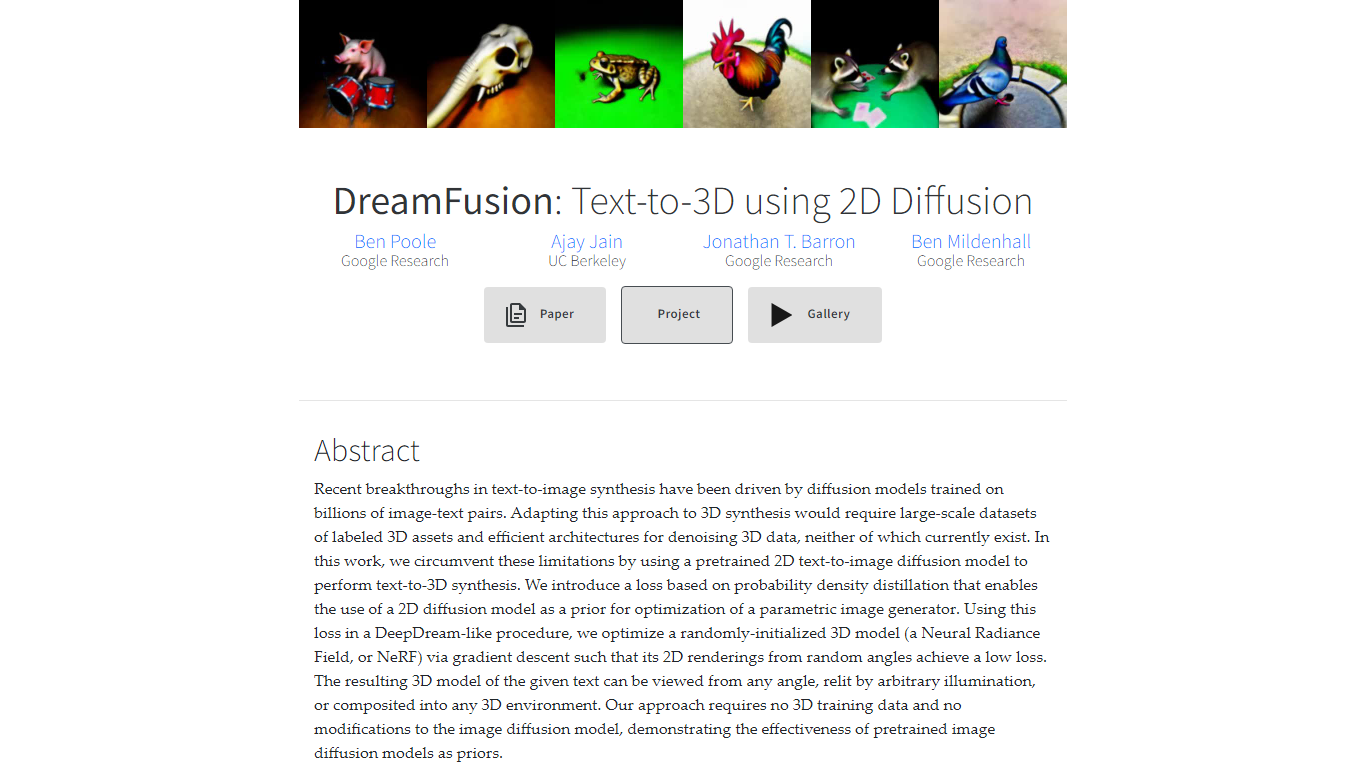
DreamFusion generates 3D objects from text captions using a pretrained 2D text-to-image diffusion model instead of 3D training data. It optimizes a Neural Radiance Field (NeRF) so random-angle 2D renderings match what Imagen expects from your prompt. The result is a relightable 3D asset you can view from any angle, export as a mesh, or place in a scene.
Unlike pipelines that need large labeled 3D datasets, DreamFusion uses Score Distillation Sampling to turn a 2D diffusion prior into a 3D optimizer. That sidesteps the missing infrastructure for 3D denoising at scale. SDS alone gives reasonable appearance; DreamFusion adds regularizers for cleaner normals, depth, and surface geometry under Lambertian shading.
Researchers, 3D artists exploring generative workflows, and ML engineers studying text-to-3D use DreamFusion as the reference implementation from Google Research and UC Berkeley. The project page hosts a searchable gallery of hundreds of generated assets and cites the 2022 arXiv paper.
pixcap.com Upvotes
DreamFusion Upvotes
pixcap.com Top Features
Browse 15,000+ 3D icons, 1,000+ characters, and 500+ mockups with in-browser color and material edits
Download exports as GLB, MP4, GIF, or PNG for Figma, Blender, After Effects, and PowerPoint
Upload designs to animated mockups and export 4K renders in under 5 minutes
Free plan includes 5 high-quality image exports per month; Pro includes 50 HQ images and 10 HQ videos monthly
Mix 10,000+ 3D elements and restyle scenes with AI prompts through Pixcap AI
Figma plugin inserts customized 3D icons and posed characters directly into design files (Elite plan)
DreamFusion Top Features
Generates relightable 3D NeRF models from text captions via Imagen
Score Distillation Sampling optimizes 3D scenes without 3D training data
Exports trained NeRFs to meshes with the marching cubes algorithm
Supports arbitrary viewing angles, relighting, and scene composition
Gallery hosts hundreds of searchable text-generated 3D assets
Adds geometry regularizers beyond SDS for improved normals and depth
pixcap.com Category
- 3D Generation
DreamFusion Category
- 3D Generation
pixcap.com Pricing Type
- Freemium
DreamFusion Pricing Type
- Free