Pixelcode vs CodeSense AI
Compare Pixelcode vs CodeSense AI and see which AI Code Assistant tool is better when we compare features, reviews, pricing, alternatives, upvotes, etc.
Which one is better? Pixelcode or CodeSense AI?
When we compare Pixelcode with CodeSense AI, which are both AI-powered code assistant tools, Both tools are equally favored, as indicated by the identical upvote count. You can help us determine the winner by casting your vote and tipping the scales in favor of one of the tools.
Does the result make you go "hmm"? Cast your vote and turn that frown upside down!
Pixelcode


What is Pixelcode?
Pixelcode turns code screenshots, YouTube frames, images, and PDFs into editable source text through a Chrome extension. Click the extension, crop the snippet you need, and the extracted code lands on your clipboard formatted for your IDE instead of forcing a manual retype.
Generic OCR tools flatten indentation and miss language syntax. Pixelcode targets developer workflows with automatic language detection across 30 plus languages, precision cropping from a few lines to long blocks, and optional unlimited extraction when you connect your own ChatGPT API key on the $35 lifetime tier instead of buying screenshot credits.
Developers learning from video tutorials, reviewing legacy PDF docs, or capturing snippets from blog images use Pixelcode when they want paste-ready code without rebuilding formatting by hand.
CodeSense AI
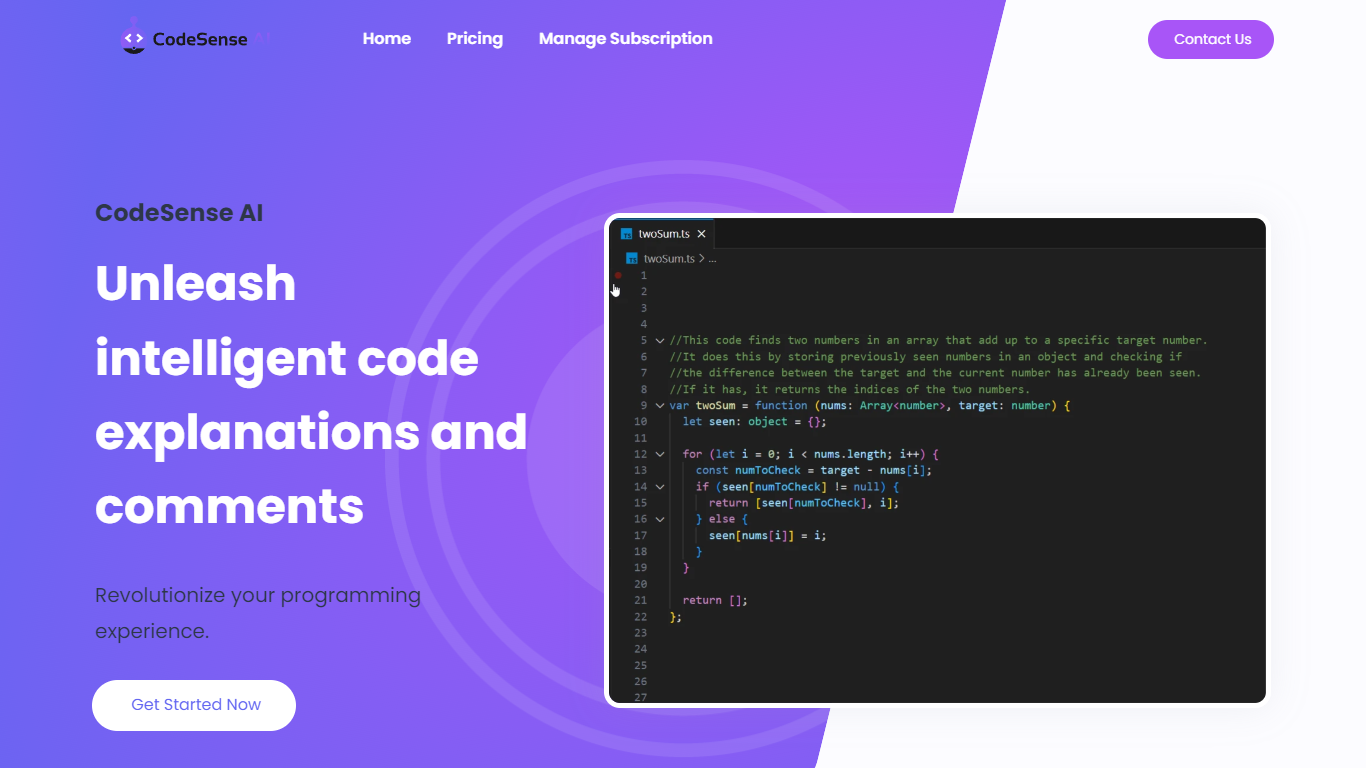
What is CodeSense AI?
CodeSense AI is a Visual Studio Code extension that adds an AI code reviewer and chat assistant inside the editor. It connects to Google Gemini or OpenAI using your own API keys, then helps you review code, ask questions about your workspace, and apply suggested fixes with a built-in diff viewer.
The extension runs a chat panel in VS Code where you can request code reviews, generate new files, modify existing ones, run terminal commands, and manage folders. Conversations persist across view switches, and you can reload or reset chat history when needed.
API keys are stored with VS Code secret storage and sent only to the provider you choose. The project is open source under the MIT license and is published on the Visual Studio Marketplace.
Pixelcode Upvotes
CodeSense AI Upvotes
Pixelcode Top Features
Chrome extension captures and crops code directly in the browser with clipboard output
Recognizes 30+ programming languages including JavaScript, Python, Java, Swift, and Ruby
Pay-per-use lifetime plan costs $15 with 20 free screenshots and $8 per 100 additional captures
Unlimited lifetime tier at $35 routes extraction through your own ChatGPT API key
Processes code from YouTube video frames, static images, and PDF documents
API keys stay on your device and are not stored on Pixelcode servers per the FAQ
CodeSense AI Top Features
Chat-based AI assistant inside VS Code with persistent conversation history
Multi-provider support for Google Gemini and OpenAI (GPT-4o and GPT-4o-mini)
Side-by-side diff view titled CodeSense: AI Suggested Changes before accepting edits
Workspace file operations including read, write, create, delete, and folder management
Terminal command execution and secure API key storage via VS Code Secrets
Pixelcode Category
- Code Assistant
CodeSense AI Category
- Code Assistant
Pixelcode Pricing Type
- Paid
CodeSense AI Pricing Type
- Free