Pixelgen vs AI Logo Maker
In the clash of Pixelgen vs AI Logo Maker, which AI Design tool emerges victorious? We assess reviews, pricing, alternatives, features, upvotes, and more.
When we put Pixelgen and AI Logo Maker head to head, which one emerges as the victor?
Let's take a closer look at Pixelgen and AI Logo Maker, both of which are AI-driven design tools, and see what sets them apart. Both tools are equally favored, as indicated by the identical upvote count. Since other aitools.fyi users could decide the winner, the ball is in your court now to cast your vote and help us determine the winner.
Think we got it wrong? Cast your vote and show us who's boss!
Pixelgen


What is Pixelgen?
Pixelgen is a forward-thinking platform that enables users to craft and manipulate pixel-based images with ease. With a focus on simplicity and user experience, Pixelgen presents a set of intuitive tools designed for both novices and professionals seeking to create, edit, or enhance their digital graphics.
The software features a user-friendly interface that simplifies the process of generating pixel art, providing an array of functionalities from basic editing to more advanced features for detailed and intricate designs.
Whether you're a game developer needing sprites for your game, a digital artist exploring the pixel art style, or a hobbyist looking to express creativity, Pixelgen offers the perfect blend of accessibility and power to bring your pixel creations to life.
AI Logo Maker
What is AI Logo Maker?
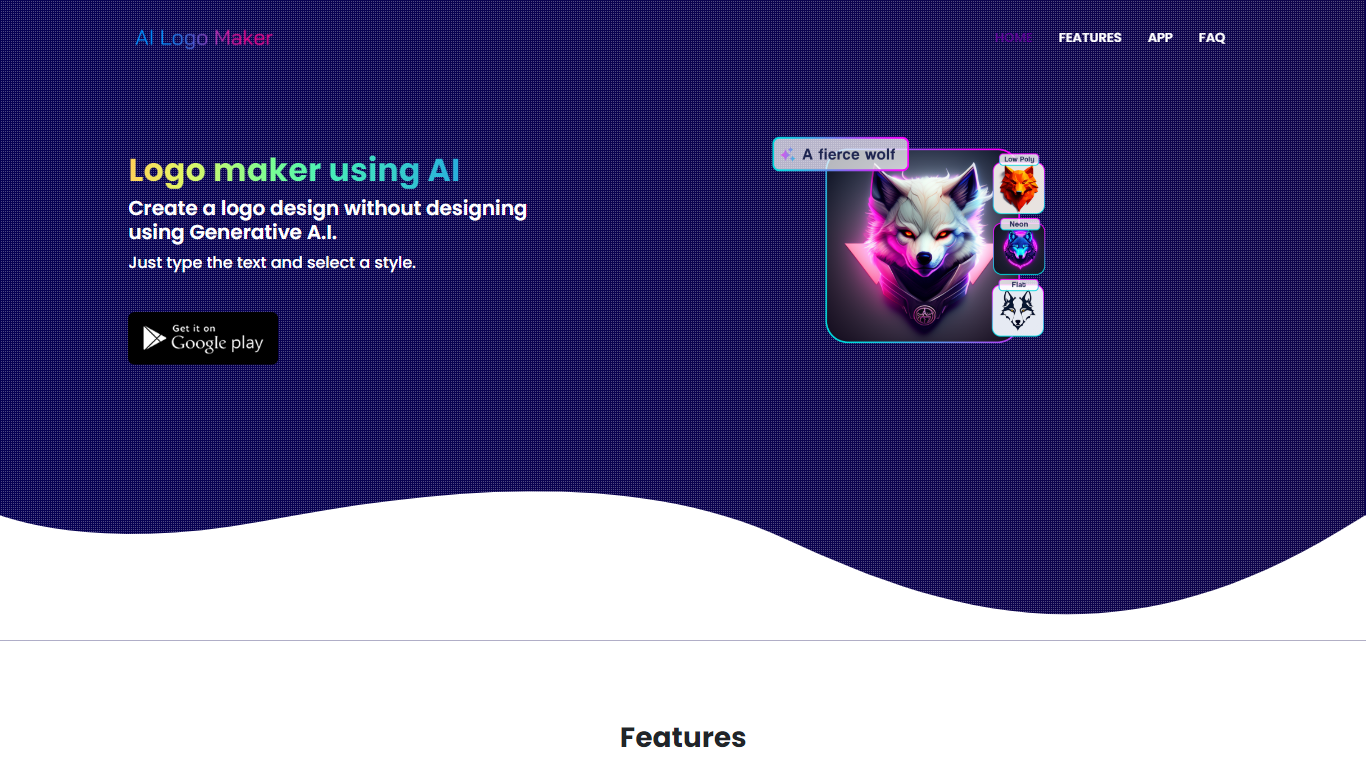
AI Logo Maker turns a brand name, letter mark, or uploaded icon into a finished logo in minutes on the web or through its Android app. Type your text, pick a style, and the generator returns logo concepts you can tweak in a built-in editor with colors, backgrounds, typography, and shapes before exporting PNG, JPG, or SVG files.
Template marketplaces sell generic marks. This tool generates fresh concepts from your input and supports text logos, lettermarks, wordmarks, and icon-based marks in one flow. The site also links a separate AI Poster generator app, but the core product stays focused on quick logo drafts rather than full brand systems.
Startup founders, side hustlers, YouTube creators, and small shops use AI Logo Maker when they need a usable mark without hiring a designer. Commercial use is allowed on downloaded files, and there is no cap on how many logos you can generate on the web experience.
Pixelgen Upvotes
AI Logo Maker Upvotes
Pixelgen Top Features
Intuitive Design: A user-friendly interface that caters to both beginners and professionals.
Pixel Art Creation: Allows for the crafting of pixel-based imagery, perfect for game developers and artists.
Advanced Editing Tools: Offers a variety of editing options for creating detailed and intricate designs.
Accessibility: Designed to be accessible to users with different skill levels.
Versatility: Suitable for various creative projects, including game design and digital art.
AI Logo Maker Top Features
Text-to-logo generation from your brand name with selectable visual styles
Lettermark and wordmark modes for typography-focused brand marks
Upload or pick icons to merge symbols into generated logo layouts
Built-in logo editor adjusts colors, backgrounds, text, and shapes
Export finished logos as PNG, JPG, or SVG for web and print use
Android app on Google Play under package ai.logomaker.design
No stated limit on how many logo concepts you can create on the web tool
Pixelgen Category
- Design
AI Logo Maker Category
- Design
Pixelgen Pricing Type
- Freemium
AI Logo Maker Pricing Type
- Free