
Last updated 08-14-2026
Category:
Reviews:
Join thousands of AI enthusiasts in the World of AI!
AI Logo Maker
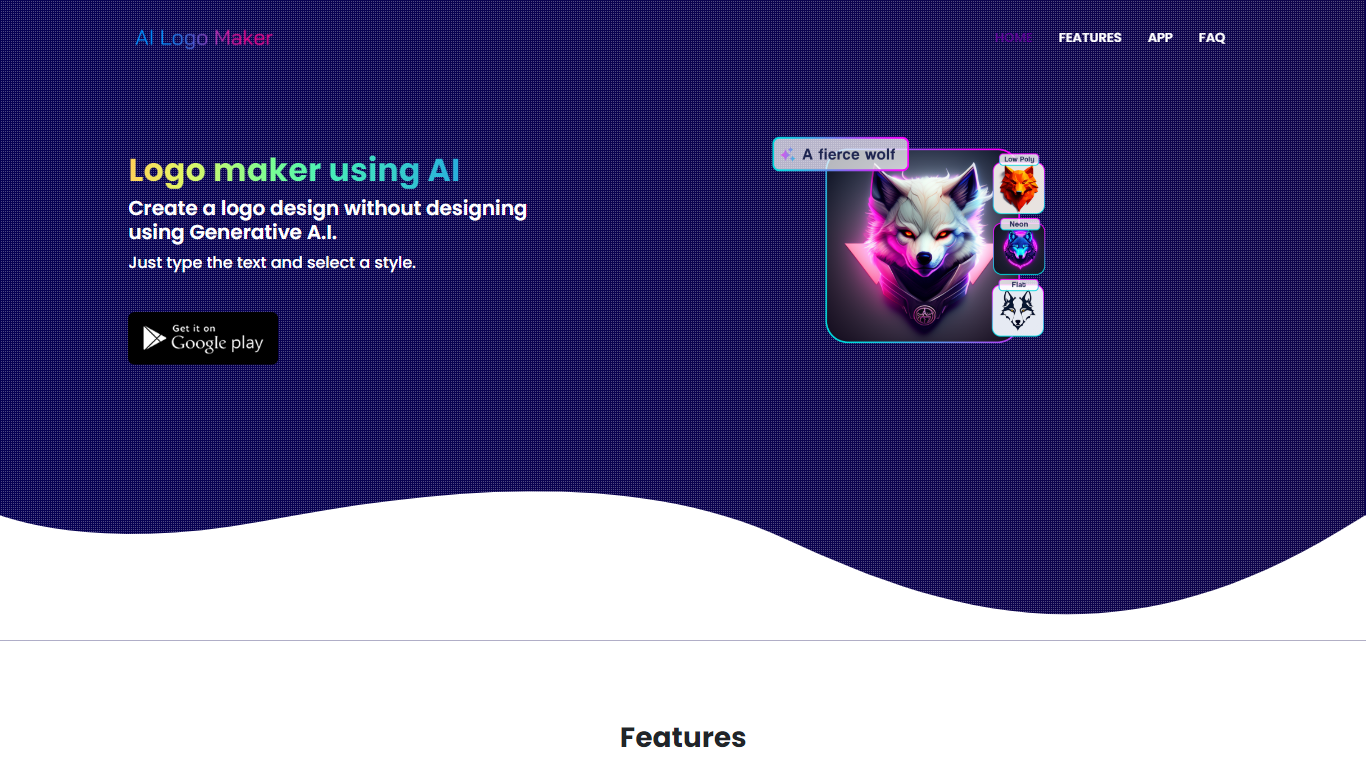
AI Logo Maker turns a brand name, letter mark, or uploaded icon into a finished logo in minutes on the web or through its Android app. Type your text, pick a style, and the generator returns logo concepts you can tweak in a built-in editor with colors, backgrounds, typography, and shapes before exporting PNG, JPG, or SVG files.
Template marketplaces sell generic marks. This tool generates fresh concepts from your input and supports text logos, lettermarks, wordmarks, and icon-based marks in one flow. The site also links a separate AI Poster generator app, but the core product stays focused on quick logo drafts rather than full brand systems.
Startup founders, side hustlers, YouTube creators, and small shops use AI Logo Maker when they need a usable mark without hiring a designer. Commercial use is allowed on downloaded files, and there is no cap on how many logos you can generate on the web experience.
Text-to-logo generation from your brand name with selectable visual styles
Lettermark and wordmark modes for typography-focused brand marks
Upload or pick icons to merge symbols into generated logo layouts
Built-in logo editor adjusts colors, backgrounds, text, and shapes
Export finished logos as PNG, JPG, or SVG for web and print use
Android app on Google Play under package ai.logomaker.design
No stated limit on how many logo concepts you can create on the web tool
Free web access with commercial-use downloads and no stated generation cap
Multiple logo modes cover text, letters, wordmarks, and icon inputs
SVG export supports scalable brand assets beyond raster screenshots
Android app mirrors the web workflow for mobile creation
Built-in editor lets you refine colors and layout without external tools
Thin site documentation with no dedicated pricing or support contact page
iOS app is mentioned in meta tags but only Android Play Store link is shown
Design quality depends on generator styles, not a human designer review
No brand kit features like social templates or trademark clearance checks
Is AI Logo Maker free?
Yes. AI Logo Maker advertises free logo generation on ailogomaker.co with no account required to start. You can create and download logos for personal or commercial projects from the web tool.
Does AI Logo Maker have a mobile app?
Yes. AI Logo Maker offers an Android app on Google Play with the same text-to-logo workflow. The website also promotes a separate AI Poster generator app for graphic designs.
What logo types can AI Logo Maker create?
AI Logo Maker supports text-based logos, lettermarks, wordmarks, and icon-driven marks. You can start from typed text or upload an image and refine the result in the editor.
Can I use AI Logo Maker logos commercially?
Yes. AI Logo Maker states that logos you finalize can be downloaded and used for both personal and commercial purposes without extra licensing steps on the site.
What file formats does AI Logo Maker export?
AI Logo Maker lets you download logos in PNG, JPG, and SVG formats. That covers website headers, social avatars, and vector workflows that need scalable artwork.
Do I need design skills for AI Logo Maker?
No. AI Logo Maker targets users without prior design experience. You enter text or icons, pick styles, and adjust results in a visual editor instead of using desktop design software.