Pixelgen vs AirBrush
In the contest of Pixelgen vs AirBrush, which AI Design tool is the champion? We evaluate pricing, alternatives, upvotes, features, reviews, and more.
If you had to choose between Pixelgen and AirBrush, which one would you go for?
When we examine Pixelgen and AirBrush, both of which are AI-enabled design tools, what unique characteristics do we discover? The upvote count is neck and neck for both Pixelgen and AirBrush. The power is in your hands! Cast your vote and have a say in deciding the winner.
Want to flip the script? Upvote your favorite tool and change the game!
Pixelgen


What is Pixelgen?
Pixelgen is a forward-thinking platform that enables users to craft and manipulate pixel-based images with ease. With a focus on simplicity and user experience, Pixelgen presents a set of intuitive tools designed for both novices and professionals seeking to create, edit, or enhance their digital graphics.
The software features a user-friendly interface that simplifies the process of generating pixel art, providing an array of functionalities from basic editing to more advanced features for detailed and intricate designs.
Whether you're a game developer needing sprites for your game, a digital artist exploring the pixel art style, or a hobbyist looking to express creativity, Pixelgen offers the perfect blend of accessibility and power to bring your pixel creations to life.
AirBrush
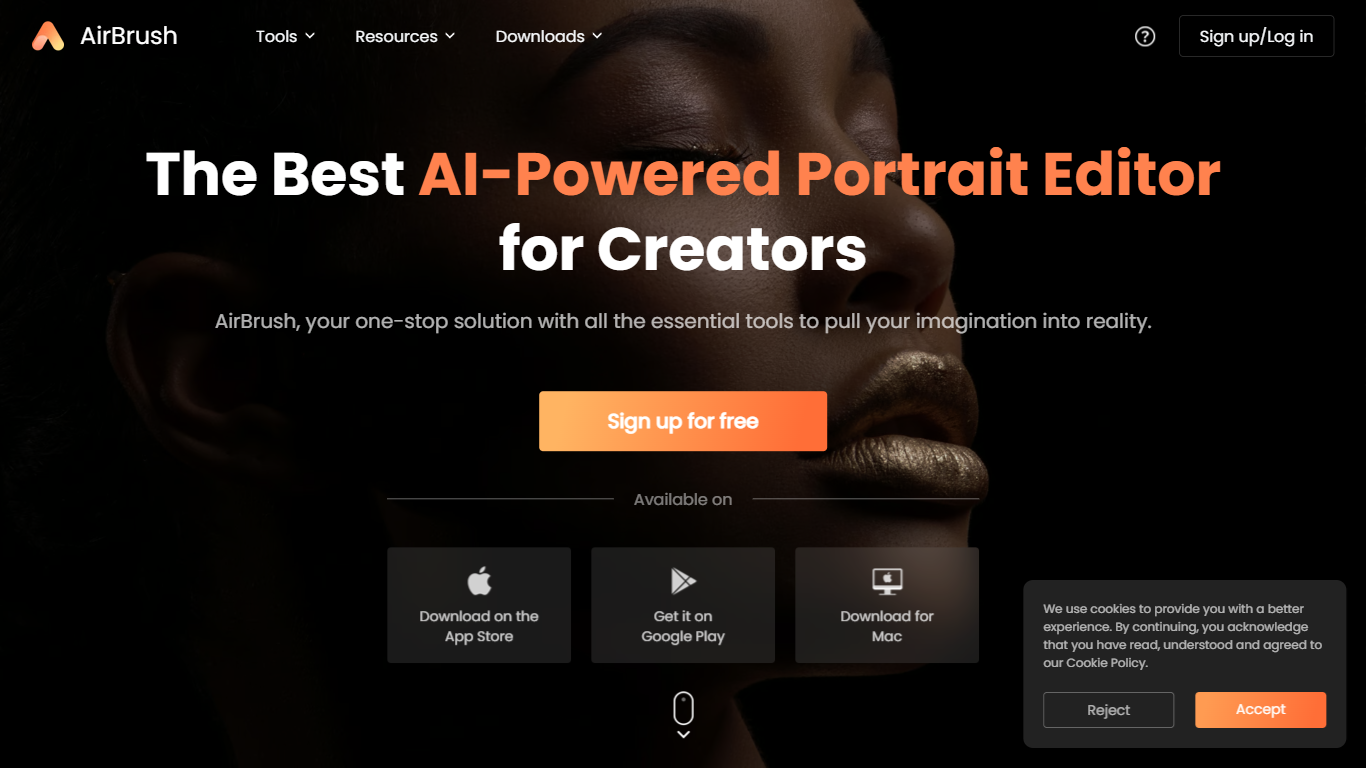
What is AirBrush?
AirBrush is a portrait-focused photo and video editor with 60 plus browser tools for retouching, background removal, face swaps, and creative filters. You can upscale images to 4K, erase objects, try virtual makeup, or run batch enhancements on up to 50 files without installing desktop software for basic edits.
General design suites spread features across complex timelines and layer panels. AirBrush keeps the workflow selfie-first: teeth whitening, wrinkle smoothing, hairstyle previews, and G7X-style relighting live beside e-commerce background tools. Most web tools work without signup, while exports and premium models draw from a monthly credit pool.
Social creators, beauty bloggers, and product photographers who need fast portrait fixes are the target users. AirBrush ships on web, iOS, Android, macOS, and Windows, with a Free tier at 20 credits per month and a Pro Unlimited plan near $9 per month for about 1,000 credits.
Pixelgen Upvotes
AirBrush Upvotes
Pixelgen Top Features
Intuitive Design: A user-friendly interface that caters to both beginners and professionals.
Pixel Art Creation: Allows for the crafting of pixel-based imagery, perfect for game developers and artists.
Advanced Editing Tools: Offers a variety of editing options for creating detailed and intricate designs.
Accessibility: Designed to be accessible to users with different skill levels.
Versatility: Suitable for various creative projects, including game design and digital art.
AirBrush Top Features
60 plus online tools covering portrait retouch, backgrounds, and video cleanup
Image upscaler sharpens photos up to 4K resolution in the browser
Batch enhancer processes up to 50 images in one upload
Virtual makeup, hairstyle, and hair color try-on filters for portraits
Background remover exports transparent PNGs for e-commerce listings
Free Plan includes 20 credits per month with no signup on basic tools
Pro Unlimited plan near $9 per month includes about 1,000 monthly credits
Pixelgen Category
- Design
AirBrush Category
- Design
Pixelgen Pricing Type
- Freemium
AirBrush Pricing Type
- Freemium