
Last updated 08-14-2026
Category:
Reviews:
Join thousands of AI enthusiasts in the World of AI!
AirBrush
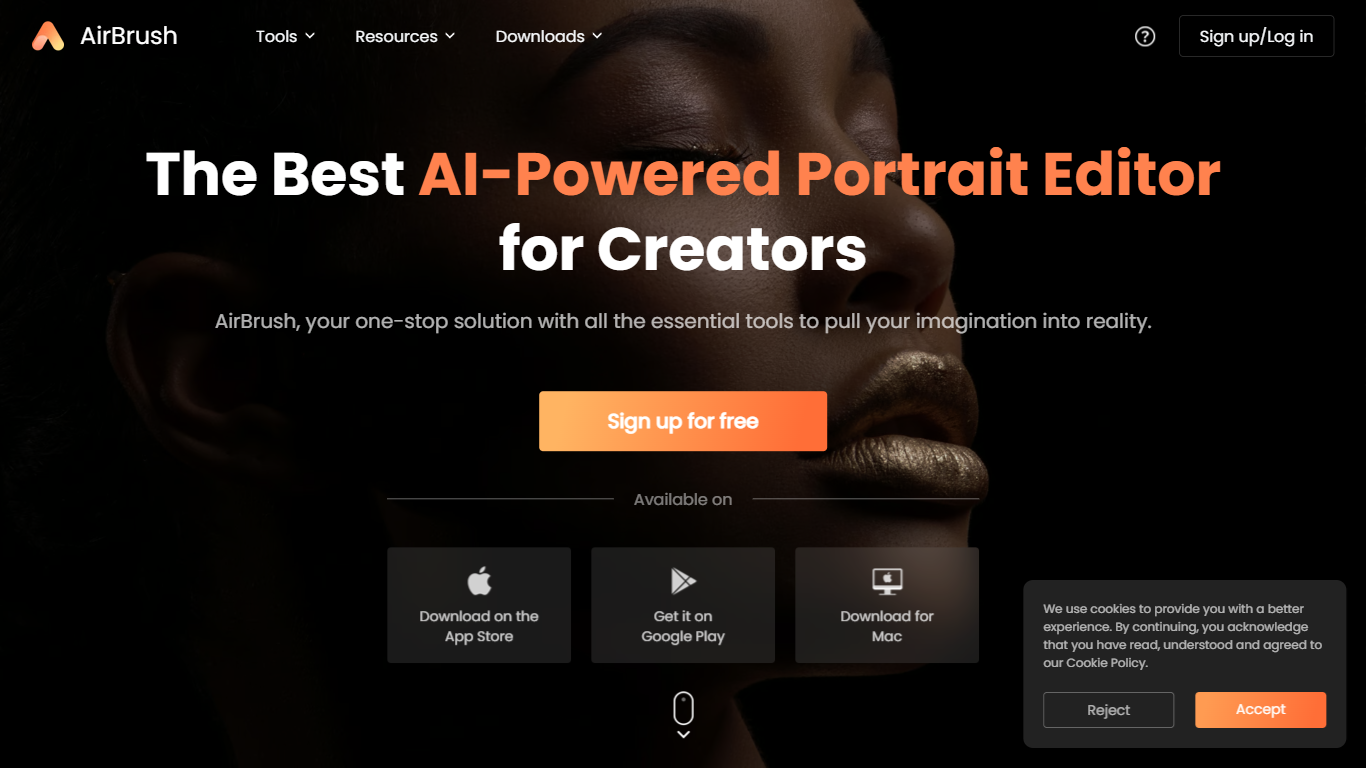
AirBrush is a portrait-focused photo and video editor with 60 plus browser tools for retouching, background removal, face swaps, and creative filters. You can upscale images to 4K, erase objects, try virtual makeup, or run batch enhancements on up to 50 files without installing desktop software for basic edits.
General design suites spread features across complex timelines and layer panels. AirBrush keeps the workflow selfie-first: teeth whitening, wrinkle smoothing, hairstyle previews, and G7X-style relighting live beside e-commerce background tools. Most web tools work without signup, while exports and premium models draw from a monthly credit pool.
Social creators, beauty bloggers, and product photographers who need fast portrait fixes are the target users. AirBrush ships on web, iOS, Android, macOS, and Windows, with a Free tier at 20 credits per month and a Pro Unlimited plan near $9 per month for about 1,000 credits.
60 plus online tools covering portrait retouch, backgrounds, and video cleanup
Image upscaler sharpens photos up to 4K resolution in the browser
Batch enhancer processes up to 50 images in one upload
Virtual makeup, hairstyle, and hair color try-on filters for portraits
Background remover exports transparent PNGs for e-commerce listings
Free Plan includes 20 credits per month with no signup on basic tools
Pro Unlimited plan near $9 per month includes about 1,000 monthly credits
Large catalog of portrait, background, and video tools in one browser editor
Many basic edits work without creating an account
Credit-based Pro plan stays near $9 per month for heavy users
Native apps cover iOS, Android, macOS, and Windows alongside the web app
Batch mode enhances up to 50 images in a single job
Credits expire monthly on subscriptions, so unused allotments do not roll over
Mobile app store pricing can differ from web rates because of platform fees
Advanced body and face edits may look unnatural without manual touch-ups
Is AirBrush free to use online?
Yes. AirBrush offers browser tools without signup for basic edits. The Free Plan includes 20 credits per month, while premium exports and advanced models consume credits from your balance.
How much does AirBrush Pro cost?
AirBrush lists a Pro Unlimited plan near $9 per month with about 1,000 credits. Annual billing is available and typically includes two months free compared with monthly pricing.
Which platforms does AirBrush support?
AirBrush runs in the browser plus native apps on iOS, Android, macOS, and Windows. Credit pricing can differ between the web app and mobile app stores.
What portrait tools does AirBrush include?
AirBrush bundles teeth whitening, wrinkle removal, face swap, open-eyes fix, virtual makeup, hairstyle previews, and G7X-style portrait relighting alongside body and muscle editing tools.
Can AirBrush edit videos?
Yes. AirBrush provides a video enhancer that upscales footage up to 4K, a video background remover, and a video watermark remover accessible from the online editor.
How do AirBrush credits work?
AirBrush uses a credit system where generation and export actions spend credits. Subscription credits refresh monthly and expire each billing period, while purchased credit packs last one year.