Pixelgen vs Appicons AI
Compare Pixelgen vs Appicons AI and see which AI Design tool is better when we compare features, reviews, pricing, alternatives, upvotes, etc.
Which one is better? Pixelgen or Appicons AI?
When we compare Pixelgen with Appicons AI, which are both AI-powered design tools, Both tools are equally favored, as indicated by the identical upvote count. Every vote counts! Cast yours and contribute to the decision of the winner.
You don't agree with the result? Cast your vote to help us decide!
Pixelgen


What is Pixelgen?
Pixelgen is a forward-thinking platform that enables users to craft and manipulate pixel-based images with ease. With a focus on simplicity and user experience, Pixelgen presents a set of intuitive tools designed for both novices and professionals seeking to create, edit, or enhance their digital graphics.
The software features a user-friendly interface that simplifies the process of generating pixel art, providing an array of functionalities from basic editing to more advanced features for detailed and intricate designs.
Whether you're a game developer needing sprites for your game, a digital artist exploring the pixel art style, or a hobbyist looking to express creativity, Pixelgen offers the perfect blend of accessibility and power to bring your pixel creations to life.
Appicons AI
What is Appicons AI?
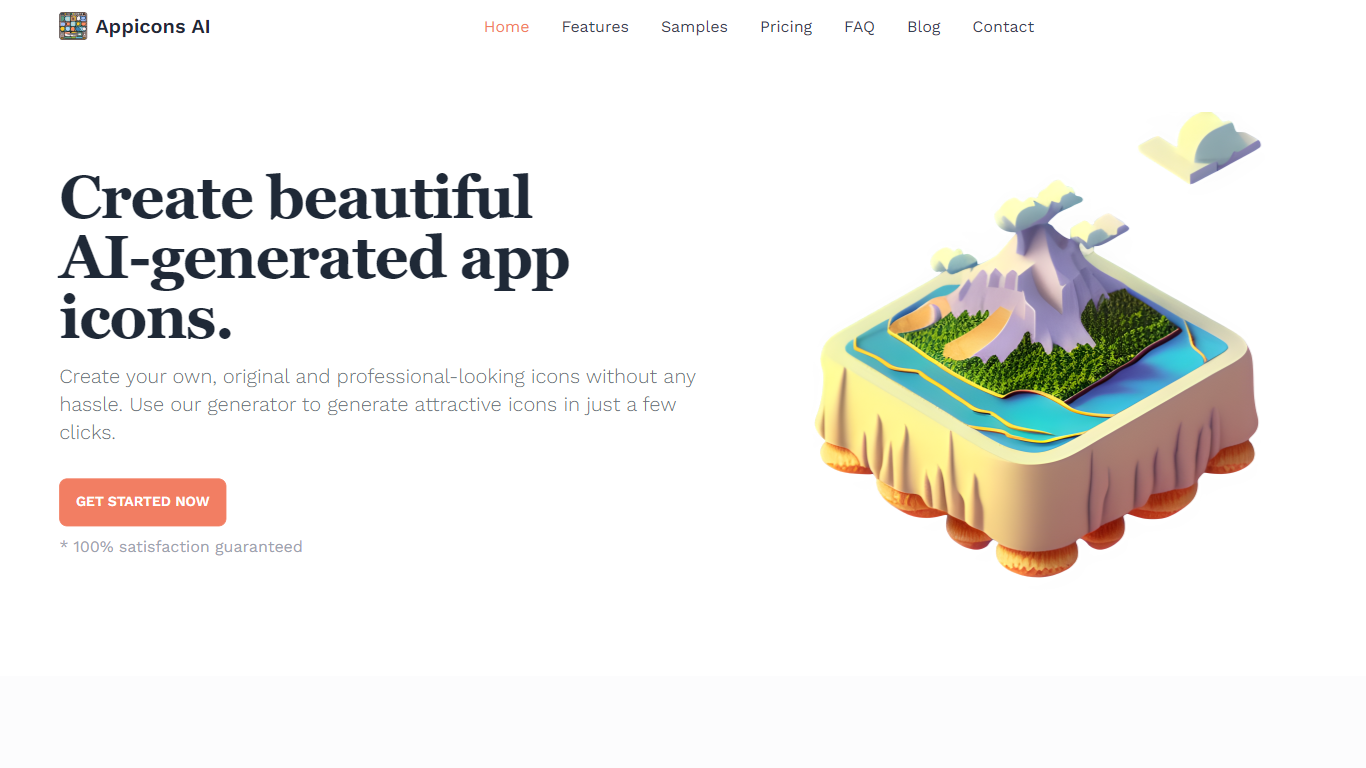
Appicons AI generates mobile and desktop app icons from text prompts, then lets you crop, edit, and export finished artwork without opening a separate design suite. You describe the app and style you want, the platform produces multiple icon options, and you can refine the result in a built-in Photopea editor before downloading a PNG.
Most AI image tools treat app icons as just another image size. Appicons AI narrows the workflow to icon creation specifically: GPT rewrites your prompt into clearer generation instructions, every paid plan includes commercial rights and upscaling to 2048 by 2048 pixels, and unlimited previews let you iterate before spending credits on a final export.
It targets indie developers and small teams shipping iOS, Android, or desktop apps who need store-ready icons fast but do not want to hire a designer or learn Photoshop. The credit-based plans suit occasional one-off launches as well as developers publishing multiple apps in a year.
Pixelgen Upvotes
Appicons AI Upvotes
Pixelgen Top Features
Intuitive Design: A user-friendly interface that caters to both beginners and professionals.
Pixel Art Creation: Allows for the crafting of pixel-based imagery, perfect for game developers and artists.
Advanced Editing Tools: Offers a variety of editing options for creating detailed and intricate designs.
Accessibility: Designed to be accessible to users with different skill levels.
Versatility: Suitable for various creative projects, including game design and digital art.
Appicons AI Top Features
GPT prompt enhancement turns short descriptions into detailed icon generation prompts before images are created
Built-in Photopea editor lets you adjust generated icons without leaving the Appicons AI platform
Exports finished icons as 1024 by 1024 PNG files with upscaling to 2048 by 2048 on all paid plans
Standard plan at $10 includes 100 credits with commercial use rights and unlimited icon previews
Plus plan at $25 includes 300 credits and is marked as the most popular tier on the pricing page
Premium plan at $45 includes 500 credits for developers generating icons across multiple app launches
Pixelgen Category
- Design
Appicons AI Category
- Design
Pixelgen Pricing Type
- Freemium
Appicons AI Pricing Type
- Paid