
Last updated 07-30-2026
Category:
Reviews:
Join thousands of AI enthusiasts in the World of AI!
Appicons AI
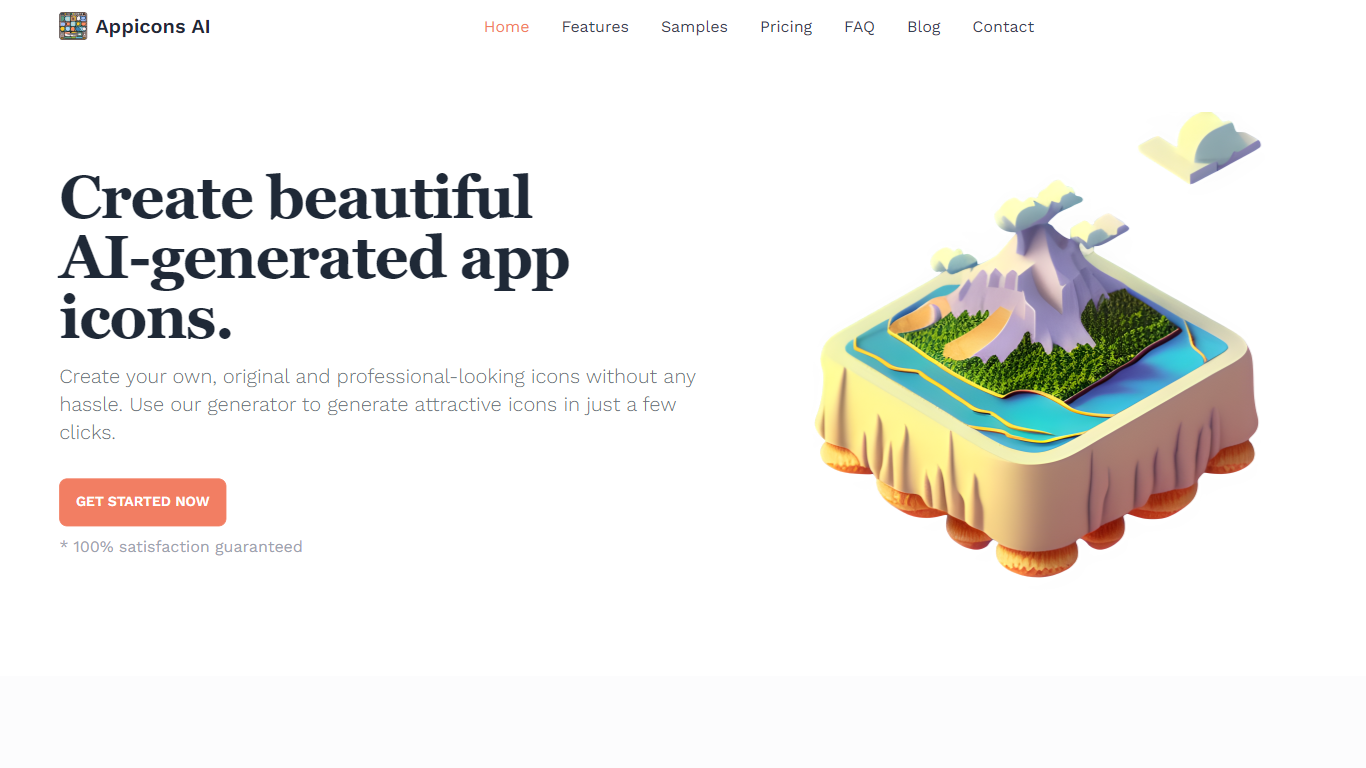
Appicons AI generates mobile and desktop app icons from text prompts, then lets you crop, edit, and export finished artwork without opening a separate design suite. You describe the app and style you want, the platform produces multiple icon options, and you can refine the result in a built-in Photopea editor before downloading a PNG.
Most AI image tools treat app icons as just another image size. Appicons AI narrows the workflow to icon creation specifically: GPT rewrites your prompt into clearer generation instructions, every paid plan includes commercial rights and upscaling to 2048 by 2048 pixels, and unlimited previews let you iterate before spending credits on a final export.
It targets indie developers and small teams shipping iOS, Android, or desktop apps who need store-ready icons fast but do not want to hire a designer or learn Photoshop. The credit-based plans suit occasional one-off launches as well as developers publishing multiple apps in a year.
GPT prompt enhancement turns short descriptions into detailed icon generation prompts before images are created
Built-in Photopea editor lets you adjust generated icons without leaving the Appicons AI platform
Exports finished icons as 1024 by 1024 PNG files with upscaling to 2048 by 2048 on all paid plans
Standard plan at $10 includes 100 credits with commercial use rights and unlimited icon previews
Plus plan at $25 includes 300 credits and is marked as the most popular tier on the pricing page
Premium plan at $45 includes 500 credits for developers generating icons across multiple app launches
GPT prompt enhancement turns vague ideas into detailed icon generation instructions.
Built-in Photopea editor means you can refine icons without a separate design app.
All paid plans include commercial use rights and 2048 by 2048 upscaling.
Unlimited previews let you iterate before spending credits on a final export.
No subscription option; you buy credit packages starting at $10.
Exports are PNG only with no SVG format mentioned on the site.
Examples page at /examples returns a 404 error.
Can I use Appicons AI icons in commercial apps?
Yes, Appicons AI grants commercial use rights on every paid plan, including Standard at $10, Plus at $25, and Premium at $45. You can use exported icons in apps you publish to the App Store, Google Play, or desktop platforms.
What file format does Appicons AI export?
Appicons AI exports finished icons as 1024 by 1024 PNG files. All paid plans also include upscaling to 2048 by 2048 pixels so icons stay sharp on high-resolution displays.
How much does Appicons AI cost?
Appicons AI sells credit packages rather than subscriptions. The Standard plan costs $10 for 100 credits, Plus costs $25 for 300 credits, and Premium costs $45 for 500 credits. Every plan includes unlimited icon previews before you spend credits on a final export.
Can I edit icons after Appicons AI generates them?
Yes, Appicons AI integrates Photopea, a free online Photoshop alternative, so you can edit generated icons directly on the platform. You can also crop and preview designs before exporting the final PNG.
Does Appicons AI work for iOS and Android icons?
Yes, Appicons AI is built for iOS app icons, Android icons, and desktop application icons. You describe the style you want, generate multiple options, customize them, and download PNG files ready for app store submission.
How does Appicons AI improve my prompts?
Appicons AI uses GPT to expand short prompt inputs into detailed icon descriptions before generation. For example, a prompt like breath, air, very simple, flow becomes multiple specific visual directions the AI can render as icon options.