Blend AI Studio vs Appicons AI
Compare Blend AI Studio vs Appicons AI and see which AI Design tool is better when we compare features, reviews, pricing, alternatives, upvotes, etc.
Which one is better? Blend AI Studio or Appicons AI?
When we compare Blend AI Studio with Appicons AI, which are both AI-powered design tools, Interestingly, both tools have managed to secure the same number of upvotes. Join the aitools.fyi users in deciding the winner by casting your vote.
Think we got it wrong? Cast your vote and show us who's boss!
Blend AI Studio
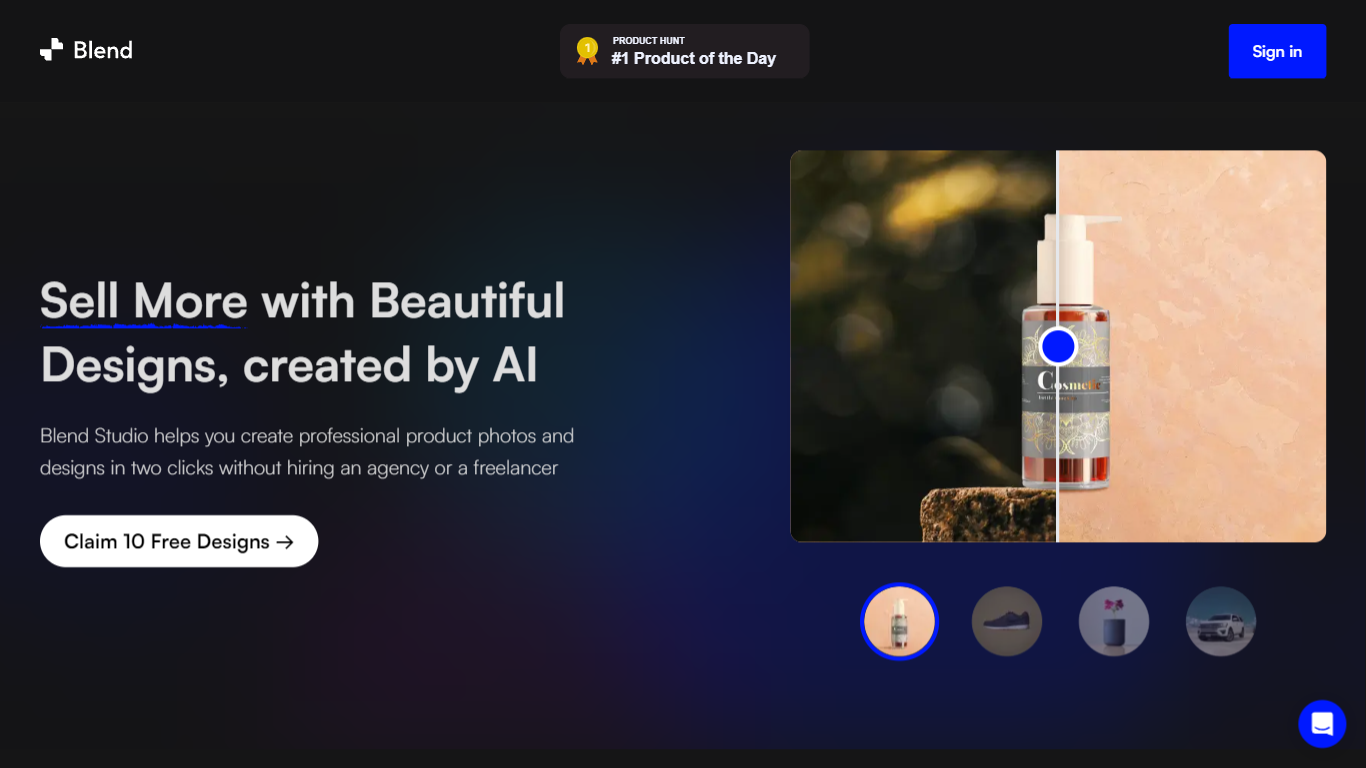

What is Blend AI Studio?
Blend AI Studio is an ecommerce design studio for product photos, model shots, lifestyle scenes, and short product videos without booking a studio or photographer. Upload a product image, pick a workflow like studio shots, ghost mannequin, or virtual try-on, and export listing-ready visuals in minutes.
The platform bundles background removal, AI backgrounds, on-model try-on, logo design, poster creation, and AI video into one web and mobile workflow. Sellers on Amazon, Etsy, Shopify, and DTC storefronts use it to replace scattered editing tools and expensive shoots with batch-friendly production.
Blend is built by BlendIt Studios and positions itself for fashion, beauty, home goods, and high-volume catalog teams that need consistent visuals across thousands of SKUs. The company reports 10M+ images created and 3.5M sellers using the product.
Appicons AI
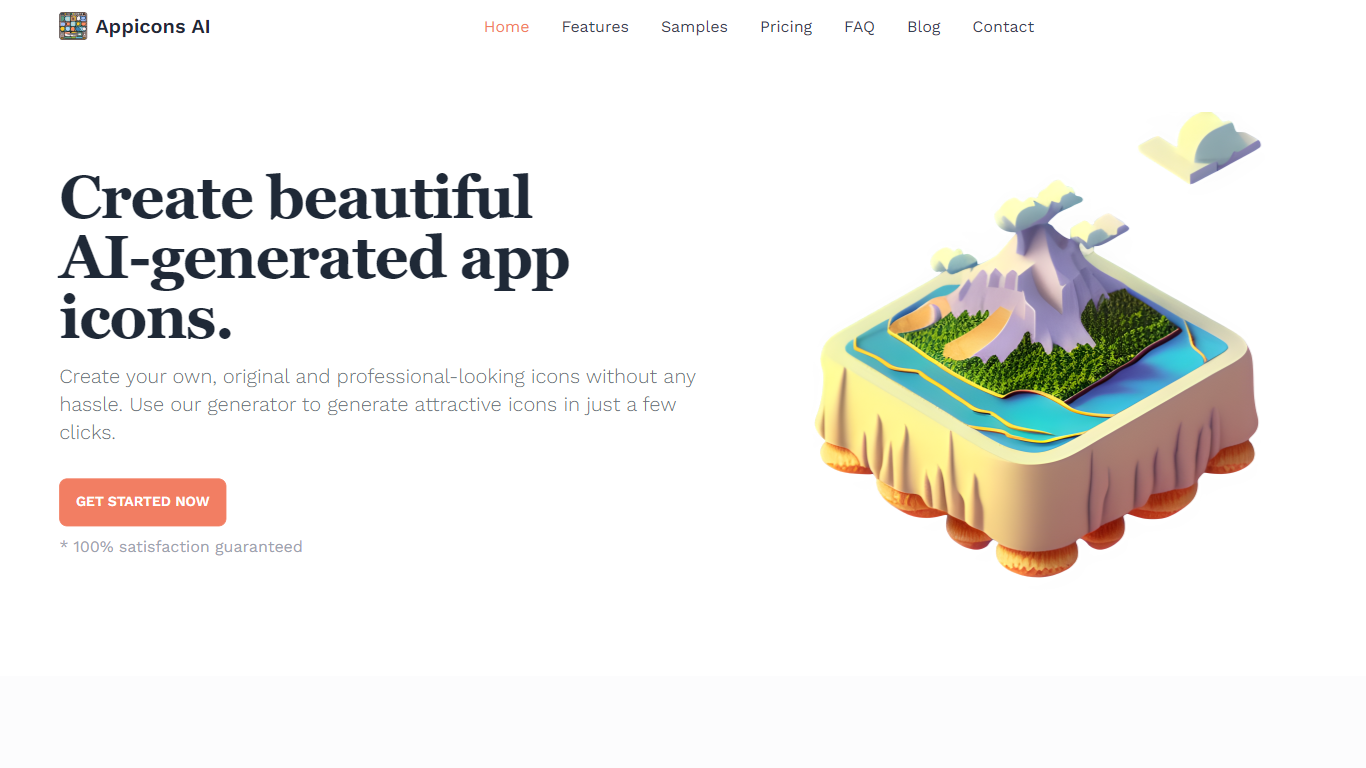
What is Appicons AI?
Appicons AI generates mobile and desktop app icons from text prompts, then lets you crop, edit, and export finished artwork without opening a separate design suite. You describe the app and style you want, the platform produces multiple icon options, and you can refine the result in a built-in Photopea editor before downloading a PNG.
Most AI image tools treat app icons as just another image size. Appicons AI narrows the workflow to icon creation specifically: GPT rewrites your prompt into clearer generation instructions, every paid plan includes commercial rights and upscaling to 2048 by 2048 pixels, and unlimited previews let you iterate before spending credits on a final export.
It targets indie developers and small teams shipping iOS, Android, or desktop apps who need store-ready icons fast but do not want to hire a designer or learn Photoshop. The credit-based plans suit occasional one-off launches as well as developers publishing multiple apps in a year.
Blend AI Studio Upvotes
Appicons AI Upvotes
Blend AI Studio Top Features
Turn flat product photos into white-background studio shots in one upload
Show apparel and jewelry on diverse AI models or your own model photo
Place products in lifestyle scenes without location shoots or props
Generate short AI product videos for ads, reels, and marketplace listings
Batch process large catalogs with ghost mannequin, recolor, and background tools
Design logos, posters, and brand kits alongside product photography workflows
Appicons AI Top Features
GPT prompt enhancement turns short descriptions into detailed icon generation prompts before images are created
Built-in Photopea editor lets you adjust generated icons without leaving the Appicons AI platform
Exports finished icons as 1024 by 1024 PNG files with upscaling to 2048 by 2048 on all paid plans
Standard plan at $10 includes 100 credits with commercial use rights and unlimited icon previews
Plus plan at $25 includes 300 credits and is marked as the most popular tier on the pricing page
Premium plan at $45 includes 500 credits for developers generating icons across multiple app launches
Blend AI Studio Category
- Design
Appicons AI Category
- Design
Blend AI Studio Pricing Type
- Freemium
Appicons AI Pricing Type
- Paid