Pixelgen vs Figflow
In the contest of Pixelgen vs Figflow , which AI Design tool is the champion? We evaluate pricing, alternatives, upvotes, features, reviews, and more.
If you had to choose between Pixelgen and Figflow , which one would you go for?
When we examine Pixelgen and Figflow , both of which are AI-enabled design tools, what unique characteristics do we discover? There's no clear winner in terms of upvotes, as both tools have received the same number. Be a part of the decision-making process. Your vote could determine the winner.
Want to flip the script? Upvote your favorite tool and change the game!
Pixelgen


What is Pixelgen?
Pixelgen is a forward-thinking platform that enables users to craft and manipulate pixel-based images with ease. With a focus on simplicity and user experience, Pixelgen presents a set of intuitive tools designed for both novices and professionals seeking to create, edit, or enhance their digital graphics.
The software features a user-friendly interface that simplifies the process of generating pixel art, providing an array of functionalities from basic editing to more advanced features for detailed and intricate designs.
Whether you're a game developer needing sprites for your game, a digital artist exploring the pixel art style, or a hobbyist looking to express creativity, Pixelgen offers the perfect blend of accessibility and power to bring your pixel creations to life.
Figflow
What is Figflow ?
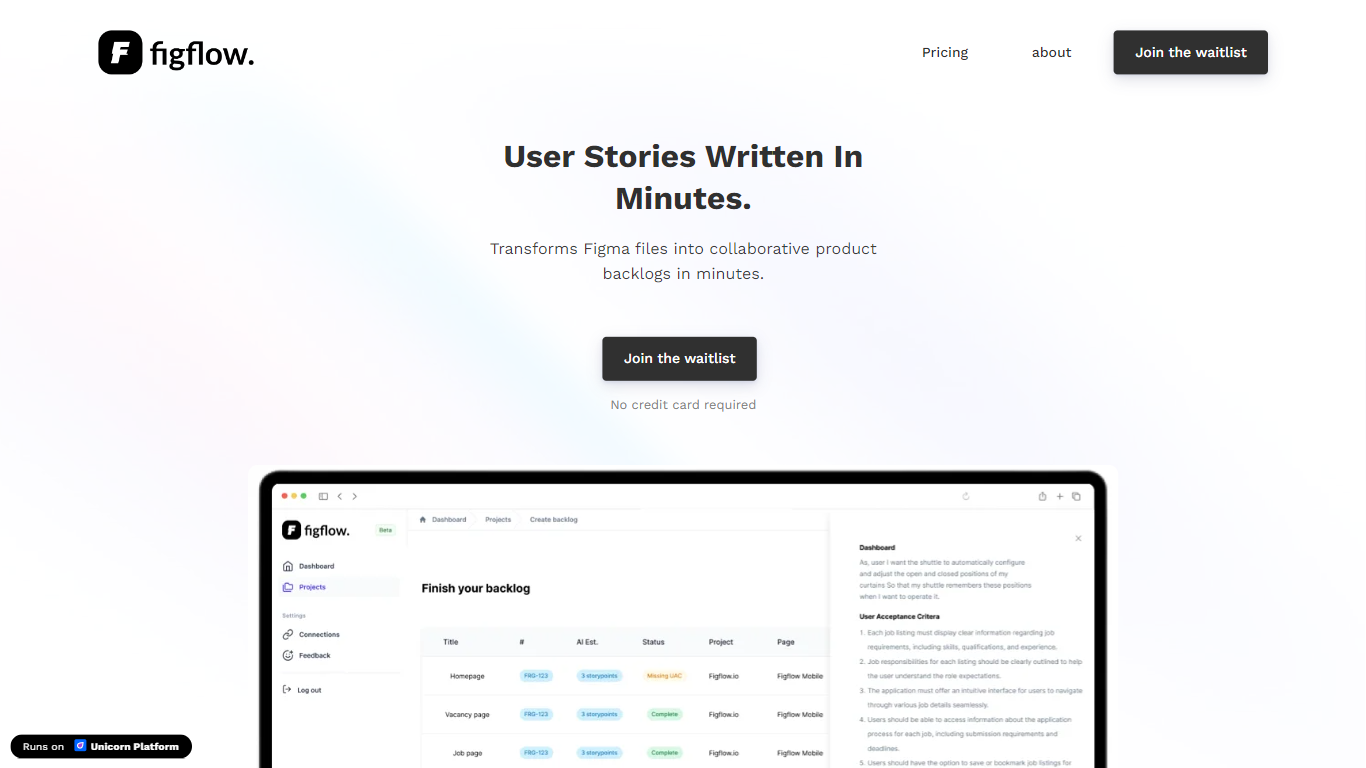
Figflow turns Figma files into structured product backlogs with user stories, acceptance criteria, and story point estimates. You connect Figma through OAuth, upload frames, and Figflow drafts tickets from what is already on the canvas. It targets the handoff gap between design files and sprint-ready work.
Most backlog tools expect you to write stories from scratch. Figflow starts from your Figma screens, embeds design screenshots inside each story, and uses its AI assistant to shape voice and tone. The Professional plan at $9 per month removes the 250-interaction cap on the free Personal tier, which is the main reason teams outgrow the starter plan.
Product owners, product managers, and product designers use Figflow to cut manual story writing before refinement sessions. It fits teams that live in Figma and want a single workspace for multiple projects without exporting screens into a separate doc for every ticket.
Pixelgen Upvotes
Figflow Upvotes
Pixelgen Top Features
Intuitive Design: A user-friendly interface that caters to both beginners and professionals.
Pixel Art Creation: Allows for the crafting of pixel-based imagery, perfect for game developers and artists.
Advanced Editing Tools: Offers a variety of editing options for creating detailed and intricate designs.
Accessibility: Designed to be accessible to users with different skill levels.
Versatility: Suitable for various creative projects, including game design and digital art.
Figflow Top Features
OAuth Figma integration pulls projects without manual file exports
Personal plan includes 250 free AI interactions before paid upgrade
Professional plan at $9 per month unlocks unlimited AI interactions and projects
AI assistant drafts acceptance criteria from design frames and user stories
Design screenshots attach directly to user stories instead of separate exports
Supports 10 languages including English, Dutch, French, German, Spanish, and Japanese
Pixelgen Category
- Design
Figflow Category
- Design
Pixelgen Pricing Type
- Freemium
Figflow Pricing Type
- Freemium