Pixelgen vs Looka
Dive into the comparison of Pixelgen vs Looka and discover which AI tool stands out. We examine alternatives, upvotes, features, reviews, pricing, and beyond.
When comparing Pixelgen and Looka, which one rises above the other?
When we compare Pixelgen and Looka, two exceptional tools powered by artificial intelligence, and place them side by side, several key similarities and differences come to light. The upvote count favors Looka, making it the clear winner. Looka has 117 upvotes, and Pixelgen has 6 upvotes.
Feeling rebellious? Cast your vote and shake things up!
Pixelgen


What is Pixelgen?
Pixelgen is a forward-thinking platform that enables users to craft and manipulate pixel-based images with ease. With a focus on simplicity and user experience, Pixelgen presents a set of intuitive tools designed for both novices and professionals seeking to create, edit, or enhance their digital graphics.
The software features a user-friendly interface that simplifies the process of generating pixel art, providing an array of functionalities from basic editing to more advanced features for detailed and intricate designs.
Whether you're a game developer needing sprites for your game, a digital artist exploring the pixel art style, or a hobbyist looking to express creativity, Pixelgen offers the perfect blend of accessibility and power to bring your pixel creations to life.
Looka
What is Looka?
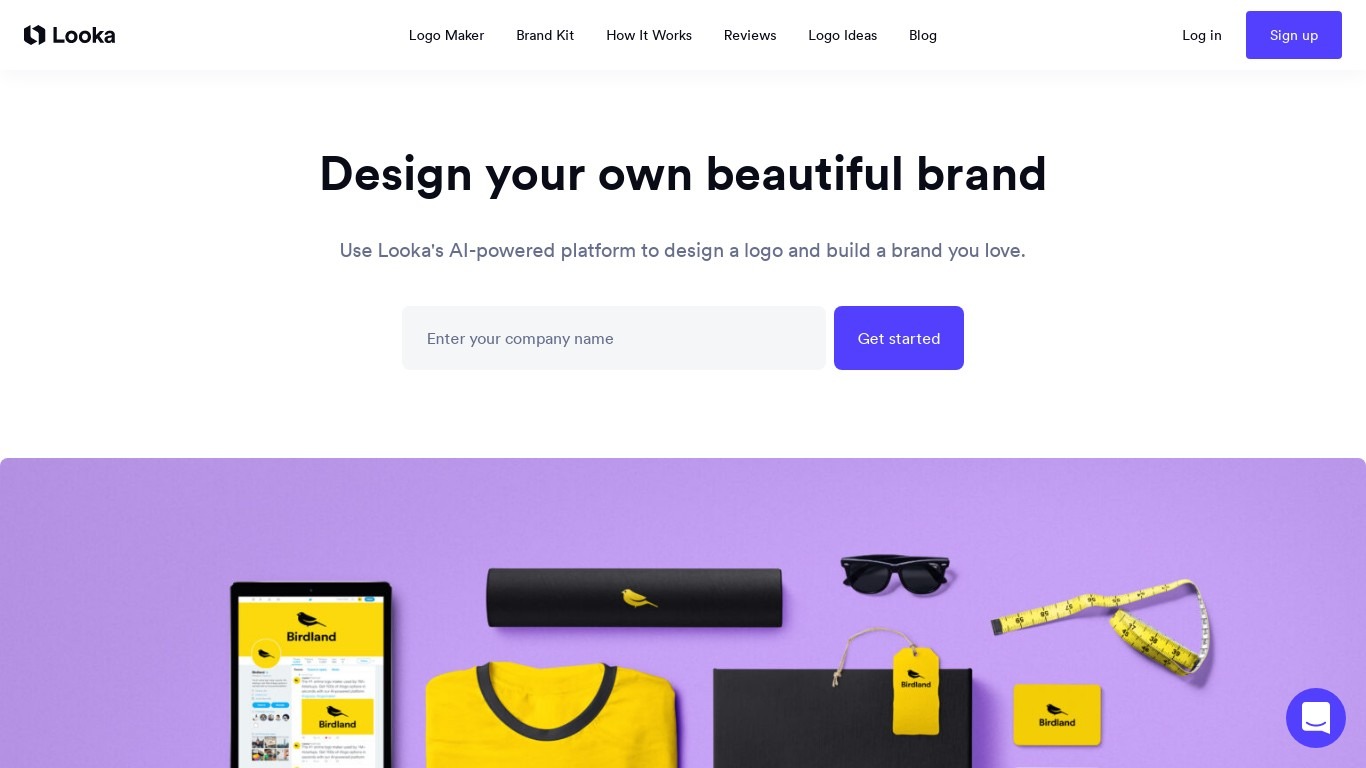
Looka helps entrepreneurs and small businesses build a professional logo, brand identity, and marketing materials without hiring a designer. Enter your company name, pick styles and colors, and the platform generates hundreds of custom logo options in minutes. You browse, favorite, and refine designs in an editor until you have something ready to use commercially.
Compared with template marketplaces, Looka generates non-templated logo combinations from thousands of symbols, fonts, colors, and layouts using machine learning. That means you get unique pairings with contrast, hierarchy, and font rules applied automatically rather than picking from a fixed gallery.
Beyond logos, Looka's Brand Kit turns your finalized design into 300+ branded templates for business cards, social posts, email signatures, and flyers. Brand Kit Web adds a drag-and-drop website builder. Looka has served more than 20 million people in 188 countries since founder Dawson Whitfield launched it in 2016.
Pixelgen Upvotes
Looka Upvotes
Pixelgen Top Features
Intuitive Design: A user-friendly interface that caters to both beginners and professionals.
Pixel Art Creation: Allows for the crafting of pixel-based imagery, perfect for game developers and artists.
Advanced Editing Tools: Offers a variety of editing options for creating detailed and intricate designs.
Accessibility: Designed to be accessible to users with different skill levels.
Versatility: Suitable for various creative projects, including game design and digital art.
Looka Top Features
Hundreds of custom logo mockups from your company name and style picks
15+ logo file types including SVG, PNG, EPS, and PDF exports
300+ branded marketing templates matched to your logo colors and fonts
Drag-and-drop editor for business cards, social posts, and email signatures
Guest mode lets you start designing without creating an account
Brand Kit Web adds a drag-and-drop website builder for $129 per year
Pixelgen Category
- Design
Looka Category
- Branding
Pixelgen Pricing Type
- Freemium
Looka Pricing Type
- Freemium