Pixelgen vs Magic Design | Canva
In the contest of Pixelgen vs Magic Design | Canva, which AI Design tool is the champion? We evaluate pricing, alternatives, upvotes, features, reviews, and more.
If you had to choose between Pixelgen and Magic Design | Canva, which one would you go for?
When we examine Pixelgen and Magic Design | Canva, both of which are AI-enabled design tools, what unique characteristics do we discover? Neither tool takes the lead, as they both have the same upvote count. You can help us determine the winner by casting your vote and tipping the scales in favor of one of the tools.
Disagree with the result? Upvote your favorite tool and help it win!
Pixelgen


What is Pixelgen?
Pixelgen is a forward-thinking platform that enables users to craft and manipulate pixel-based images with ease. With a focus on simplicity and user experience, Pixelgen presents a set of intuitive tools designed for both novices and professionals seeking to create, edit, or enhance their digital graphics.
The software features a user-friendly interface that simplifies the process of generating pixel art, providing an array of functionalities from basic editing to more advanced features for detailed and intricate designs.
Whether you're a game developer needing sprites for your game, a digital artist exploring the pixel art style, or a hobbyist looking to express creativity, Pixelgen offers the perfect blend of accessibility and power to bring your pixel creations to life.
Magic Design | Canva
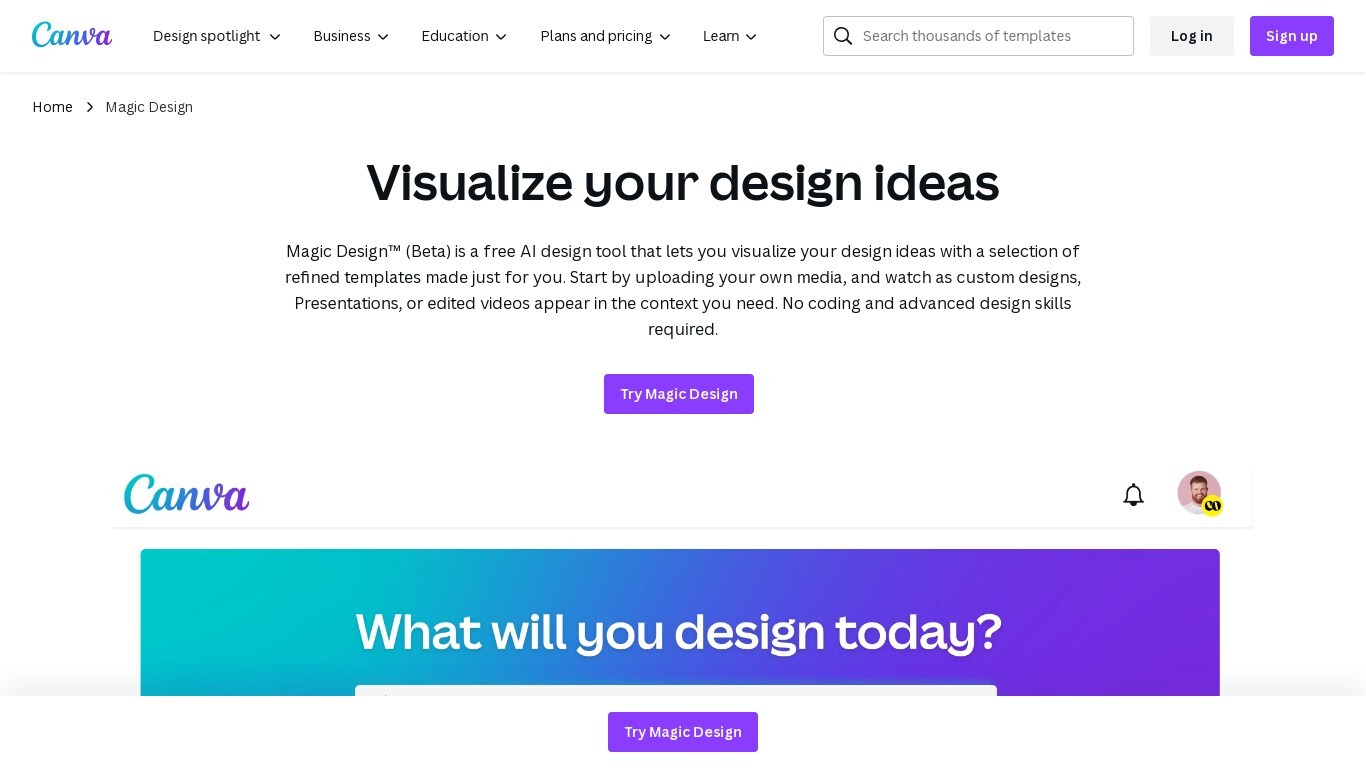
What is Magic Design | Canva?
Magic Design™ is an AI design generator integrated into Canva that helps you create custom, on-brand designs quickly. Start by describing your idea with text or uploading your own images, and Magic Design generates professional templates tailored to your needs. It supports various design types including social media posts, presentations, and videos.
The tool is trained and reviewed by Canva's designers to reduce editing time and improve design accuracy. You can further customize designs by applying your brand colors and fonts using Canva's Brand Kit. Magic Design is designed for users without advanced design skills, enabling fast creation of polished visuals.
It includes safeguards to ensure safe and appropriate content generation. Currently, Magic Design is available in English and is part of Canva’s broader suite of creative tools.
Pixelgen Upvotes
Magic Design | Canva Upvotes
Pixelgen Top Features
Intuitive Design: A user-friendly interface that caters to both beginners and professionals.
Pixel Art Creation: Allows for the crafting of pixel-based imagery, perfect for game developers and artists.
Advanced Editing Tools: Offers a variety of editing options for creating detailed and intricate designs.
Accessibility: Designed to be accessible to users with different skill levels.
Versatility: Suitable for various creative projects, including game design and digital art.
Magic Design | Canva Top Features
✨ Generate designs from text or images to jumpstart creativity
🎨 Apply your brand colors and fonts instantly with Brand Kit integration
⚡ Fast AI-powered creation of presentations, social posts, and videos
🔒 Built-in safeguards ensure safe and appropriate content generation
🤝 Collaborate in real-time with team members on your designs
Pixelgen Category
- Design
Magic Design | Canva Category
- Design
Pixelgen Pricing Type
- Freemium
Magic Design | Canva Pricing Type
- Freemium