Pixelgen vs Muse Pro
Explore the showdown between Pixelgen vs Muse Pro and find out which AI Design tool wins. We analyze upvotes, features, reviews, pricing, alternatives, and more.
In a face-off between Pixelgen and Muse Pro, which one takes the crown?
When we contrast Pixelgen with Muse Pro, both of which are exceptional AI-operated design tools, and place them side by side, we can spot several crucial similarities and divergences. There's no clear winner in terms of upvotes, as both tools have received the same number. The power is in your hands! Cast your vote and have a say in deciding the winner.
You don't agree with the result? Cast your vote to help us decide!
Pixelgen


What is Pixelgen?
Pixelgen is a forward-thinking platform that enables users to craft and manipulate pixel-based images with ease. With a focus on simplicity and user experience, Pixelgen presents a set of intuitive tools designed for both novices and professionals seeking to create, edit, or enhance their digital graphics.
The software features a user-friendly interface that simplifies the process of generating pixel art, providing an array of functionalities from basic editing to more advanced features for detailed and intricate designs.
Whether you're a game developer needing sprites for your game, a digital artist exploring the pixel art style, or a hobbyist looking to express creativity, Pixelgen offers the perfect blend of accessibility and power to bring your pixel creations to life.
Muse Pro
What is Muse Pro?
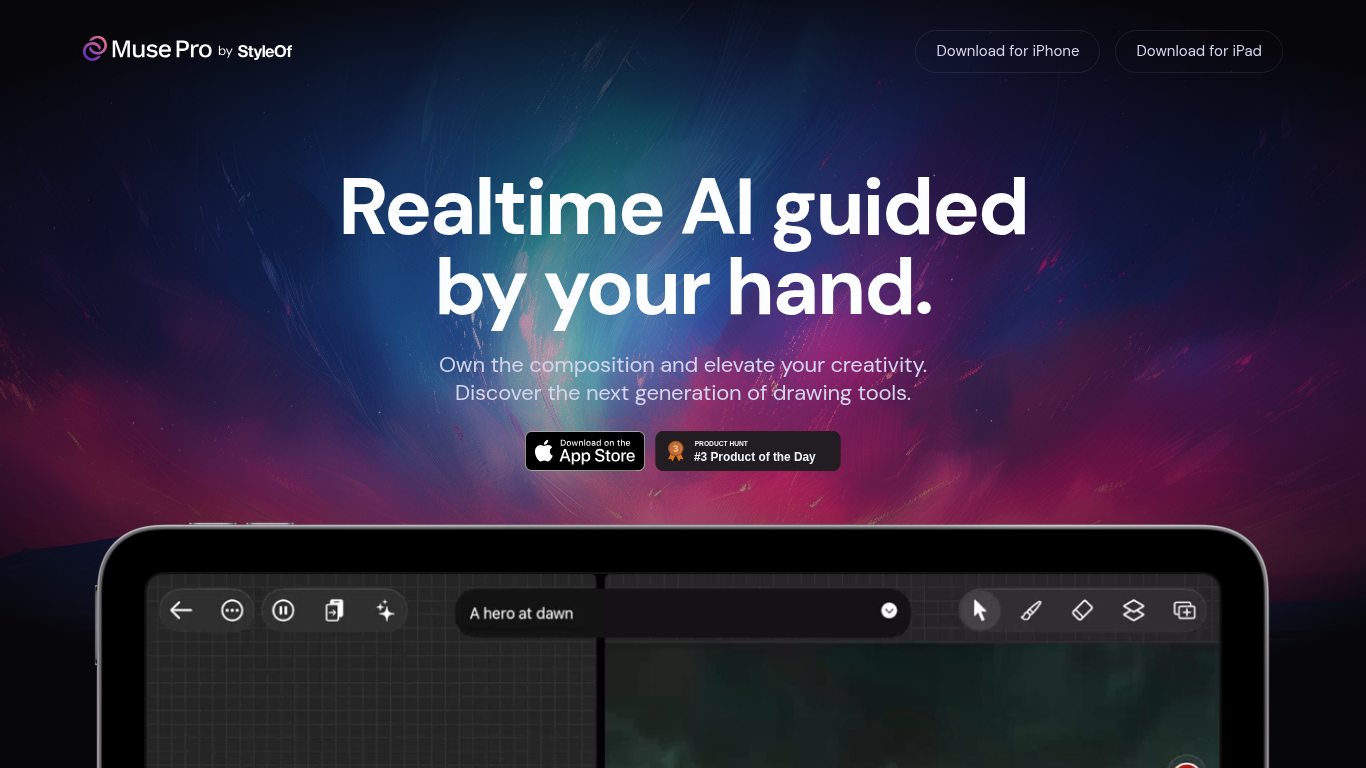
Muse Pro is an AI-powered drawing app designed for artists who want to blend their hand-drawn creativity with real-time AI assistance. It guides your strokes with AI that reacts instantly, helping you shape your ideas as you draw. The app supports Apple Pencil with pressure sensitivity, making the drawing experience feel natural and responsive.
Users can direct the AI using text prompts to quickly shift creative directions or generate new ideas when facing a blank canvas. The app also offers sliders to fine-tune AI behavior, giving you control over how much AI influences your work. You can pause AI collaboration anytime to work independently.
Muse Pro includes features like layers for easy experimentation, a diverse brush library, and the ability to add assets such as shapes, images, and text to your artwork. It also has an enhance function to add detail with a tap and an upscale feature to prepare your art for print.
The app targets digital artists, illustrators, and creative professionals who want to explore new ways of working with AI while maintaining full control over their art. Its value lies in combining traditional drawing tools with AI-powered enhancements that help you develop ideas faster and polish your work effortlessly.
Technically, Muse Pro integrates GPT-4 Vision to interpret your drawing and text prompts, providing AI-generated suggestions and enhancements in real time. This approach keeps the artist in control while offering AI as a creative partner rather than a replacement.
Available on iPhone and iPad, Muse Pro invites artists to own their compositions and elevate creativity through a unique blend of hand guidance and AI collaboration.
Pixelgen Upvotes
Muse Pro Upvotes
Pixelgen Top Features
Intuitive Design: A user-friendly interface that caters to both beginners and professionals.
Pixel Art Creation: Allows for the crafting of pixel-based imagery, perfect for game developers and artists.
Advanced Editing Tools: Offers a variety of editing options for creating detailed and intricate designs.
Accessibility: Designed to be accessible to users with different skill levels.
Versatility: Suitable for various creative projects, including game design and digital art.
Muse Pro Top Features
🎨 Real-time AI guidance that reacts as you draw for natural creativity flow
✍️ Apple Pencil support with pressure sensitivity for precise strokes
💬 Text-to-image prompting to quickly change ideas using simple words
🔄 Randomize feature to generate fresh concepts and avoid creative blocks
🔍 One-tap enhance and upscale tools to add detail and prepare art for print
Pixelgen Category
- Design
Muse Pro Category
- Design
Pixelgen Pricing Type
- Freemium
Muse Pro Pricing Type
- Freemium