
Last updated 07-25-2026
Category:
Reviews:
Join thousands of AI enthusiasts in the World of AI!
Muse Pro
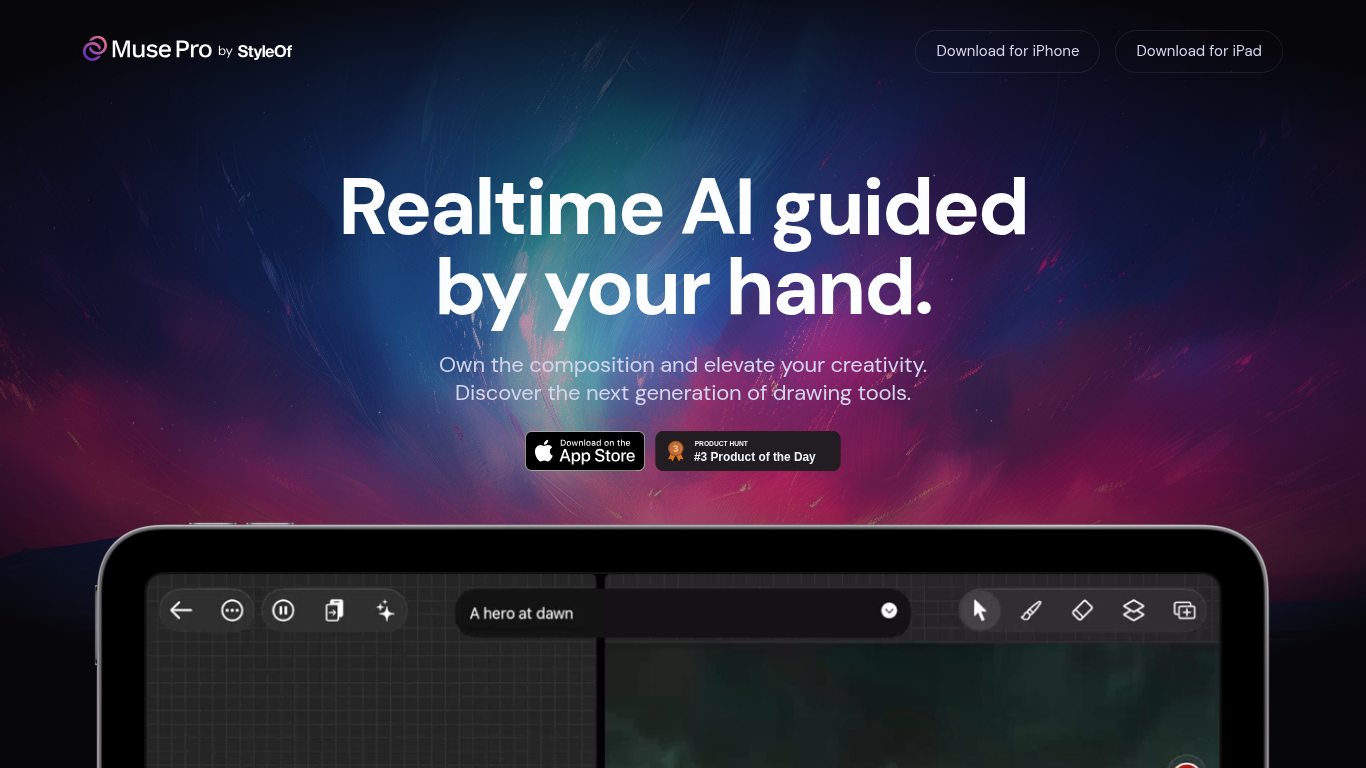
Muse Pro is an AI-powered drawing app designed for artists who want to blend their hand-drawn creativity with real-time AI assistance. It guides your strokes with AI that reacts instantly, helping you shape your ideas as you draw. The app supports Apple Pencil with pressure sensitivity, making the drawing experience feel natural and responsive.
Users can direct the AI using text prompts to quickly shift creative directions or generate new ideas when facing a blank canvas. The app also offers sliders to fine-tune AI behavior, giving you control over how much AI influences your work. You can pause AI collaboration anytime to work independently.
Muse Pro includes features like layers for easy experimentation, a diverse brush library, and the ability to add assets such as shapes, images, and text to your artwork. It also has an enhance function to add detail with a tap and an upscale feature to prepare your art for print.
The app targets digital artists, illustrators, and creative professionals who want to explore new ways of working with AI while maintaining full control over their art. Its value lies in combining traditional drawing tools with AI-powered enhancements that help you develop ideas faster and polish your work effortlessly.
Technically, Muse Pro integrates GPT-4 Vision to interpret your drawing and text prompts, providing AI-generated suggestions and enhancements in real time. This approach keeps the artist in control while offering AI as a creative partner rather than a replacement.
Available on iPhone and iPad, Muse Pro invites artists to own their compositions and elevate creativity through a unique blend of hand guidance and AI collaboration.
🎨 Real-time AI guidance that reacts as you draw for natural creativity flow
✍️ Apple Pencil support with pressure sensitivity for precise strokes
💬 Text-to-image prompting to quickly change ideas using simple words
🔄 Randomize feature to generate fresh concepts and avoid creative blocks
🔍 One-tap enhance and upscale tools to add detail and prepare art for print
Instant AI feedback keeps creative momentum without interrupting workflow
Fine control over AI influence with sliders and pause option
Supports layering and asset integration for complex compositions
Upscaling ensures artwork is print-ready with high quality
Works seamlessly with Apple Pencil for a natural drawing experience
Currently available only on iPhone and iPad, limiting desktop use
Some advanced AI features may require a paid subscription
Can I use Muse Pro without an Apple Pencil?
Yes, Muse Pro works with touch input, but Apple Pencil support offers pressure sensitivity for more precise drawing.
How does the AI assist while I draw?
The AI reacts in real time to your strokes, suggesting enhancements and helping shape your artwork based on your input and prompts.
What devices support Muse Pro?
Muse Pro is available for iPhone and iPad, optimized for Apple Pencil on compatible devices.
Can I pause AI assistance during my drawing session?
Yes, you can pause AI collaboration anytime to work independently on your artwork.
Does Muse Pro support layers in drawings?
Yes, the app includes layer management to help you experiment and refine your artwork easily.
Is there a way to prepare my artwork for printing?
Muse Pro offers an upscale feature that enhances resolution and detail to make your art print-ready.
What is the difference between the free and Pro plans?
The free plan offers basic tools and limited AI features, while the Pro plan unlocks unlimited AI use, full brush library, asset integration, and high-resolution upscaling.