Pixelgen vs Noty AI
In the face-off between Pixelgen vs Noty AI, which AI tool takes the crown? We scrutinize features, alternatives, upvotes, reviews, pricing, and more.
In a face-off between Pixelgen and Noty AI, which one takes the crown?
If we were to analyze Pixelgen and Noty AI, both of which are AI-powered tools, what would we find? Pixelgen is the clear winner in terms of upvotes. Pixelgen has 6 upvotes, and Noty AI has 4 upvotes.
Want to flip the script? Upvote your favorite tool and change the game!
Pixelgen

What is Pixelgen?
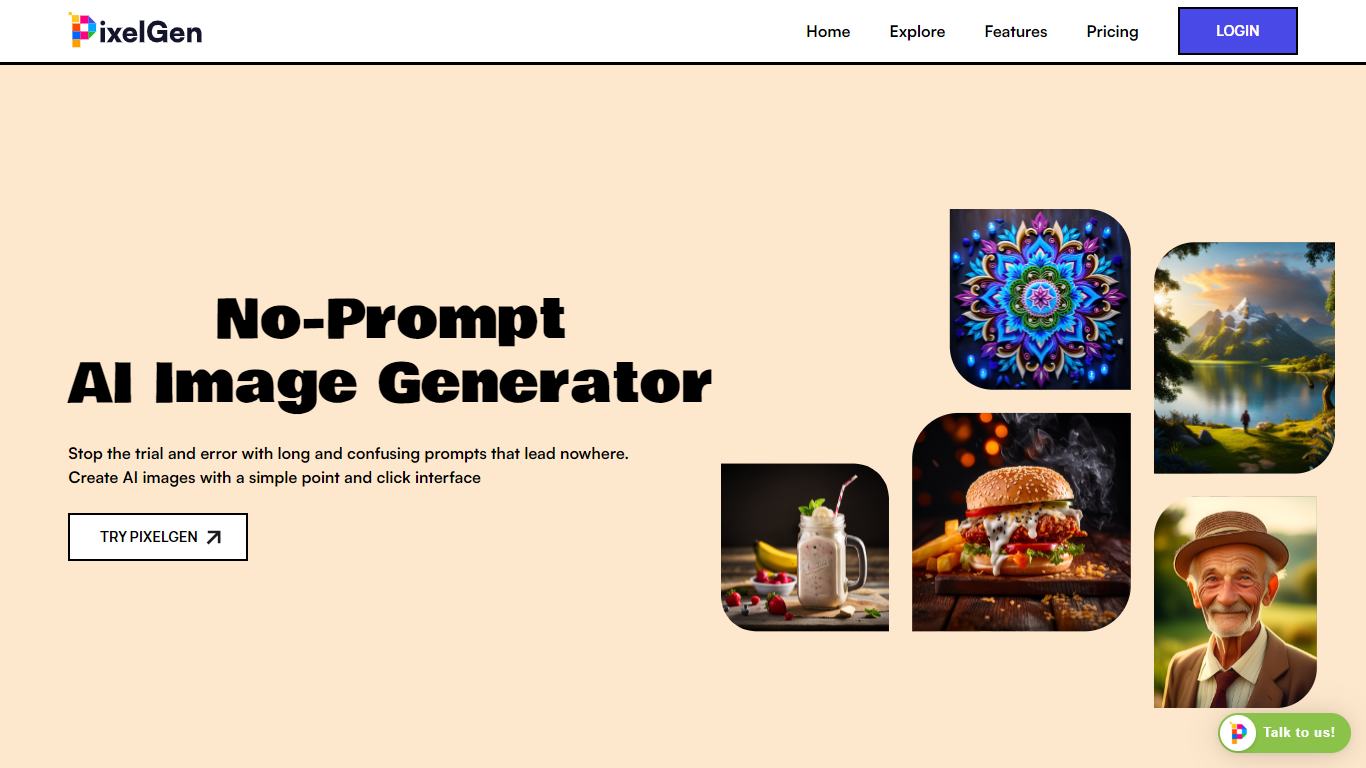
Pixelgen is a forward-thinking platform that enables users to craft and manipulate pixel-based images with ease. With a focus on simplicity and user experience, Pixelgen presents a set of intuitive tools designed for both novices and professionals seeking to create, edit, or enhance their digital graphics.
The software features a user-friendly interface that simplifies the process of generating pixel art, providing an array of functionalities from basic editing to more advanced features for detailed and intricate designs.
Whether you're a game developer needing sprites for your game, a digital artist exploring the pixel art style, or a hobbyist looking to express creativity, Pixelgen offers the perfect blend of accessibility and power to bring your pixel creations to life.
Noty AI
What is Noty AI?
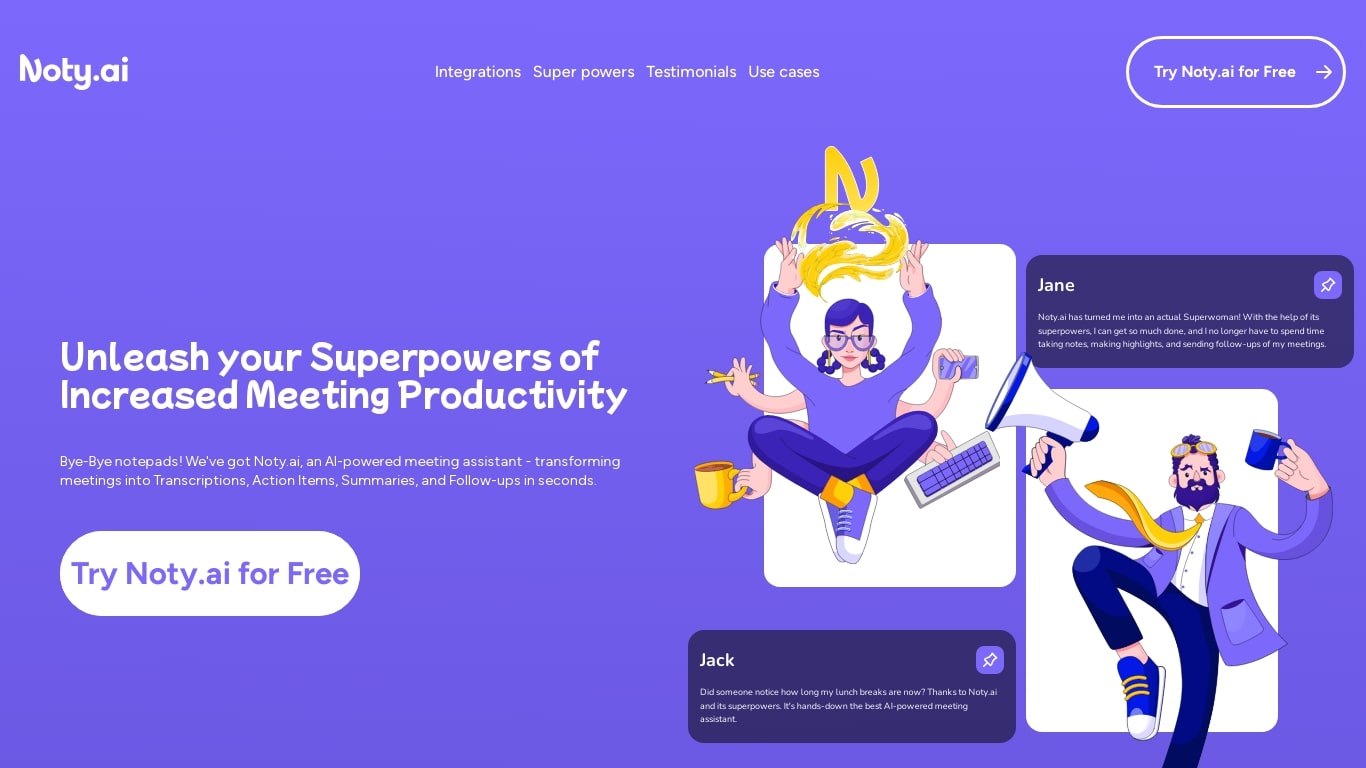
Noty AI is a meeting assistant that turns live video calls into transcripts, summaries, and tasks your team can act on. It records conversations in real time, highlights key moments during the call, and generates post-meeting recaps so nothing discussed gets lost between sessions.
Most meeting transcription tools stop at searchable text. Noty pushes output into assignable tasks, pre-drafted follow-ups, and a shared workspace so the meeting actually moves work forward. The site claims it handles about 95% of post-meeting admin, which is the gap note-taking apps typically leave open.
It works with Google Meet, Zoom, and Microsoft Teams, with live transcription during calls and 98% accuracy cited for Google Meet. After each session, Noty builds summaries, detects action items with deadlines and assignees, and lets you export to Docs, PDF, or plain text.
Project managers, customer success teams, and remote workers use Noty to cut post-meeting admin and keep projects moving without manual note-taking.
Pixelgen Upvotes
Noty AI Upvotes
Pixelgen Top Features
Intuitive Design: A user-friendly interface that caters to both beginners and professionals.
Pixel Art Creation: Allows for the crafting of pixel-based imagery, perfect for game developers and artists.
Advanced Editing Tools: Offers a variety of editing options for creating detailed and intricate designs.
Accessibility: Designed to be accessible to users with different skill levels.
Versatility: Suitable for various creative projects, including game design and digital art.
Noty AI Top Features
Live transcription during Google Meet, Zoom, and Teams calls with 98% accuracy cited for Google Meet
100 hours of transcription per month on Pro with 3 AI credits per meeting
Post-meeting summaries you can review, edit, comment on, or query through in-app chat
Action items, deadlines, and assignees pulled from conversation into a shared to-do list
One-click follow-ups that send recap emails with takeaways and tasks to participants
Global search across all meeting data with export to Docs, PDF, or plain text
90 languages supported for transcription, with several still marked beta on the pricing page
Pixelgen Category
- Design
Noty AI Category
- Meeting Assistant
Pixelgen Pricing Type
- Freemium
Noty AI Pricing Type
- Freemium