Pixelgen vs Polarr Copilot
In the contest of Pixelgen vs Polarr Copilot, which AI Design tool is the champion? We evaluate pricing, alternatives, upvotes, features, reviews, and more.
If you had to choose between Pixelgen and Polarr Copilot, which one would you go for?
When we examine Pixelgen and Polarr Copilot, both of which are AI-enabled design tools, what unique characteristics do we discover? The upvote count reveals a draw, with both tools earning the same number of upvotes. You can help us determine the winner by casting your vote and tipping the scales in favor of one of the tools.
Feeling rebellious? Cast your vote and shake things up!
Pixelgen


What is Pixelgen?
Pixelgen is a forward-thinking platform that enables users to craft and manipulate pixel-based images with ease. With a focus on simplicity and user experience, Pixelgen presents a set of intuitive tools designed for both novices and professionals seeking to create, edit, or enhance their digital graphics.
The software features a user-friendly interface that simplifies the process of generating pixel art, providing an array of functionalities from basic editing to more advanced features for detailed and intricate designs.
Whether you're a game developer needing sprites for your game, a digital artist exploring the pixel art style, or a hobbyist looking to express creativity, Pixelgen offers the perfect blend of accessibility and power to bring your pixel creations to life.
Polarr Copilot
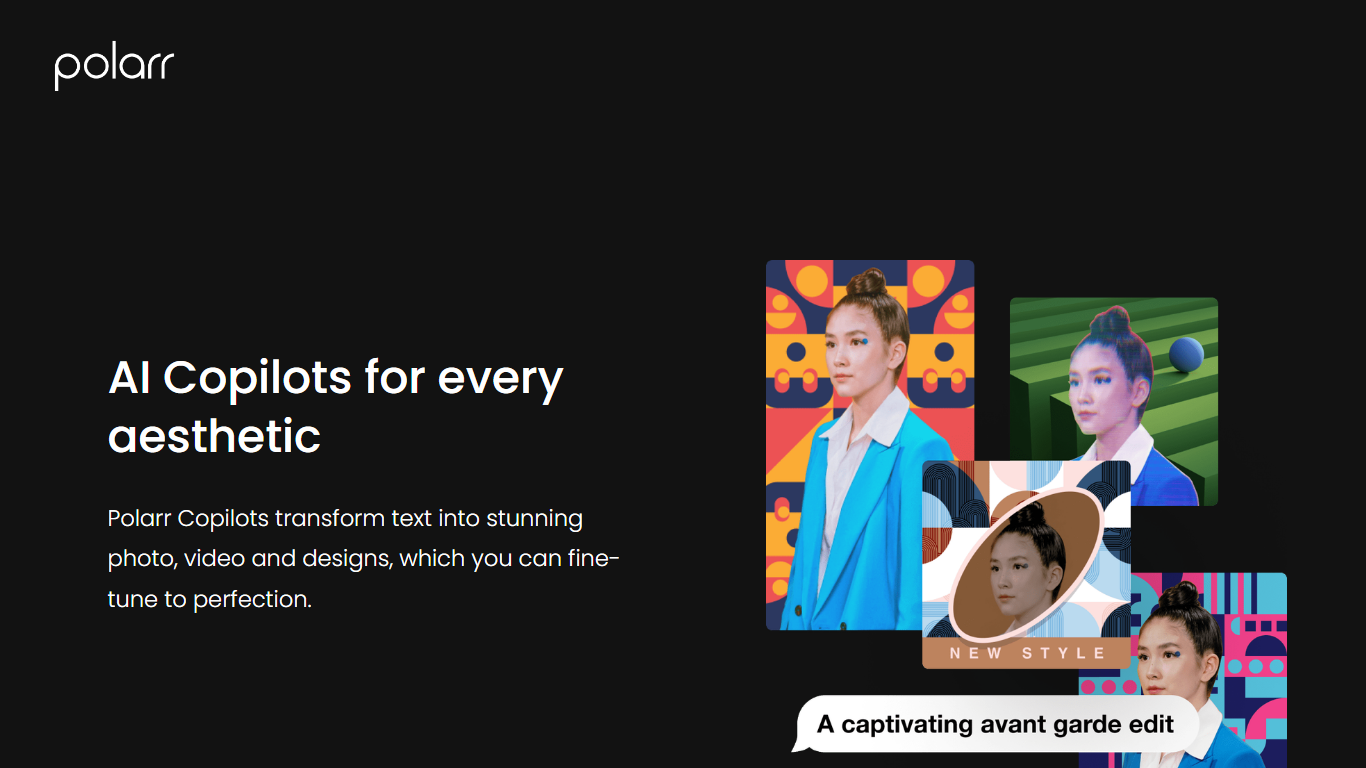
What is Polarr Copilot?
Polarr Copilot turns text prompts into photo, video, and design edits inside Polarr's mobile apps. You describe the look you want, like a snowy background or retro cyberpunk colors, and the AI applies adjustments trained on millions of community-made Polarr filters.
Unlike manual slider editing in traditional photo apps, Polarr Copilot interprets natural language and explains which changes it made. That matters when you have a clear aesthetic in mind but do not know which curves, HSL, or overlay settings to touch. Video edits run through the separate 24FPS app with its own Copilot for cinematic effects.
Mobile photographers, short-form video creators, and social media designers are the target users. Copilot ships inside the Polarr iOS and Android apps, with photo Copilot available free to US iOS users, and companion tools for video (24FPS) and design templates.
Pixelgen Upvotes
Polarr Copilot Upvotes
Pixelgen Top Features
Intuitive Design: A user-friendly interface that caters to both beginners and professionals.
Pixel Art Creation: Allows for the crafting of pixel-based imagery, perfect for game developers and artists.
Advanced Editing Tools: Offers a variety of editing options for creating detailed and intricate designs.
Accessibility: Designed to be accessible to users with different skill levels.
Versatility: Suitable for various creative projects, including game design and digital art.
Polarr Copilot Top Features
Photo Editing Copilot applies text-described color, background, and object edits inside the Polarr app
24FPS Copilot generates cinematic video effects and transitions from natural language prompts
Design Copilot creates customized social media templates from input images and descriptions
Trained on Polarr community filters and edits to match trending aesthetics from text prompts
Explains each edit so users learn which adjustments were applied to their image
Images upload to cloud for processing then delete immediately with no human review
Pixelgen Category
- Design
Polarr Copilot Category
- Design
Pixelgen Pricing Type
- Freemium
Polarr Copilot Pricing Type
- Freemium