
Last updated 08-10-2026
Category:
Reviews:
Join thousands of AI enthusiasts in the World of AI!
Polarr Copilot
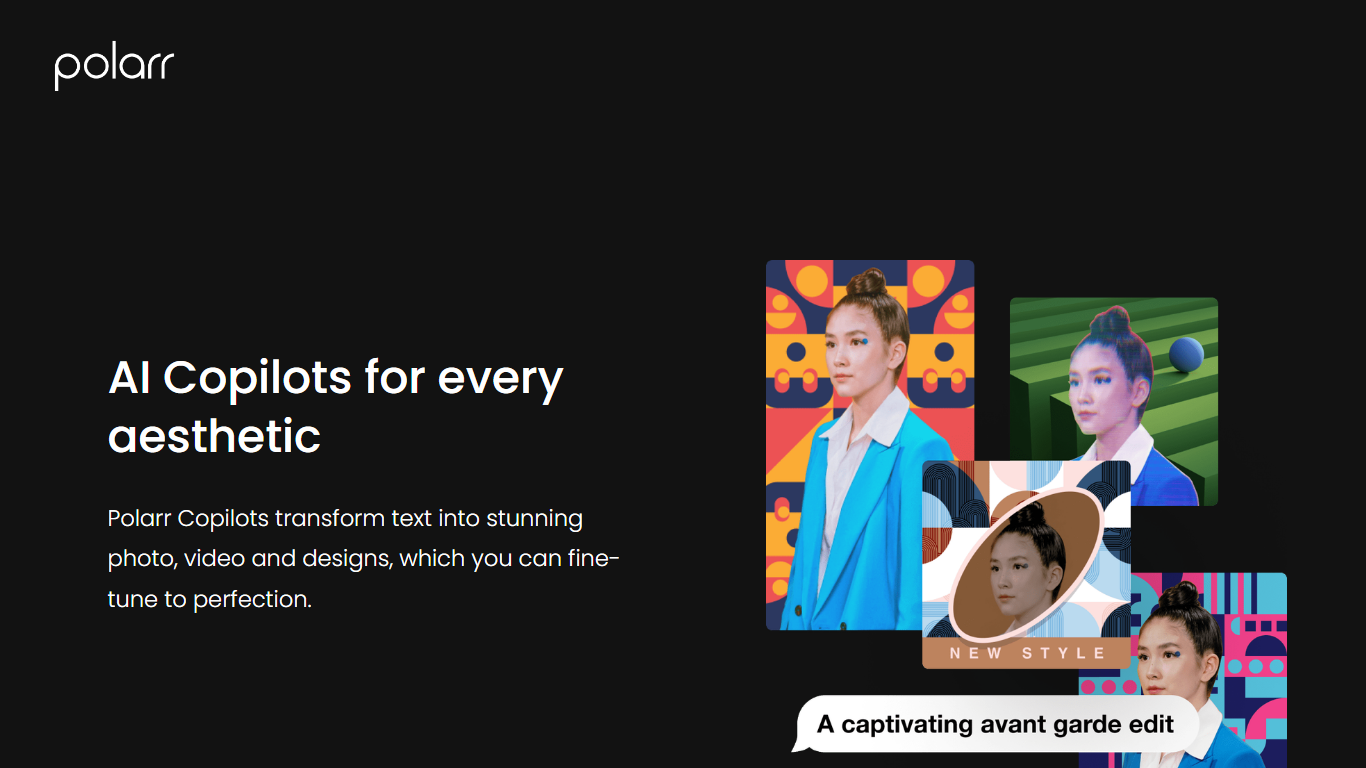
Polarr Copilot turns text prompts into photo, video, and design edits inside Polarr's mobile apps. You describe the look you want, like a snowy background or retro cyberpunk colors, and the AI applies adjustments trained on millions of community-made Polarr filters.
Unlike manual slider editing in traditional photo apps, Polarr Copilot interprets natural language and explains which changes it made. That matters when you have a clear aesthetic in mind but do not know which curves, HSL, or overlay settings to touch. Video edits run through the separate 24FPS app with its own Copilot for cinematic effects.
Mobile photographers, short-form video creators, and social media designers are the target users. Copilot ships inside the Polarr iOS and Android apps, with photo Copilot available free to US iOS users, and companion tools for video (24FPS) and design templates.
Photo Editing Copilot applies text-described color, background, and object edits inside the Polarr app
24FPS Copilot generates cinematic video effects and transitions from natural language prompts
Design Copilot creates customized social media templates from input images and descriptions
Trained on Polarr community filters and edits to match trending aesthetics from text prompts
Explains each edit so users learn which adjustments were applied to their image
Images upload to cloud for processing then delete immediately with no human review
Natural language editing lowers the learning curve for Polarr's advanced toolset.
Copilot explains edits, which helps users understand professional adjustment techniques.
Cloud processing with immediate deletion addresses privacy concerns for sensitive photos.
The former copilot.polarr.com URL is dead; Copilot only works inside mobile apps now.
Free Copilot access is limited to US iOS users, leaving other regions on standard app pricing.
Video Copilot requires a separate 24FPS app rather than one unified Polarr interface.
What is Polarr Copilot?
Polarr Copilot is a suite of AI assistants inside Polarr apps that convert text prompts into photo, video, and design edits. You describe the aesthetic you want and Polarr Copilot applies color, background, and object changes automatically.
Where do I access Polarr Copilot?
Open the Polarr app on iOS or Android, select a photo under the Edit tab, and tap Polarr Copilot. For video effects, use the 24FPS app and find 24FPS Copilot in the Discover Feed or Edit tab.
Is Polarr Copilot free?
Polarr Copilot is available free for iOS users in the United States inside the Polarr app. Other regions and platforms may have different availability within Polarr's standard app pricing.
Does Polarr Copilot edit videos?
Yes. The 24FPS Copilot in Polarr's 24FPS video app applies cinematic colors, transitions, and effects from text prompts. Open the Discover Feed or Edit tab in 24FPS to access it on iOS.
Is Polarr Copilot private?
Polarr Copilot uploads images to the cloud for machine processing and deletes them immediately afterward. Polarr states that no humans view your photos, prompts, or image data during processing.
What happened to copilot.polarr.com?
The copilot.polarr.com subdomain now returns a 404 page. Polarr Copilot functionality lives inside the Polarr and 24FPS mobile apps available from polarr.com rather than as a standalone web product.