Pixelgen vs Vectorizer.AI
In the clash of Pixelgen vs Vectorizer.AI, which AI Design tool emerges victorious? We assess reviews, pricing, alternatives, features, upvotes, and more.
If you had to choose between Pixelgen and Vectorizer.AI, which one would you go for?
Let's take a closer look at Pixelgen and Vectorizer.AI, both of which are AI-driven design tools, and see what sets them apart. The upvote count reveals a draw, with both tools earning the same number of upvotes. Your vote matters! Help us decide the winner among aitools.fyi users by casting your vote.
Not your cup of tea? Upvote your preferred tool and stir things up!
Pixelgen


What is Pixelgen?
Pixelgen is a forward-thinking platform that enables users to craft and manipulate pixel-based images with ease. With a focus on simplicity and user experience, Pixelgen presents a set of intuitive tools designed for both novices and professionals seeking to create, edit, or enhance their digital graphics.
The software features a user-friendly interface that simplifies the process of generating pixel art, providing an array of functionalities from basic editing to more advanced features for detailed and intricate designs.
Whether you're a game developer needing sprites for your game, a digital artist exploring the pixel art style, or a hobbyist looking to express creativity, Pixelgen offers the perfect blend of accessibility and power to bring your pixel creations to life.
Vectorizer.AI
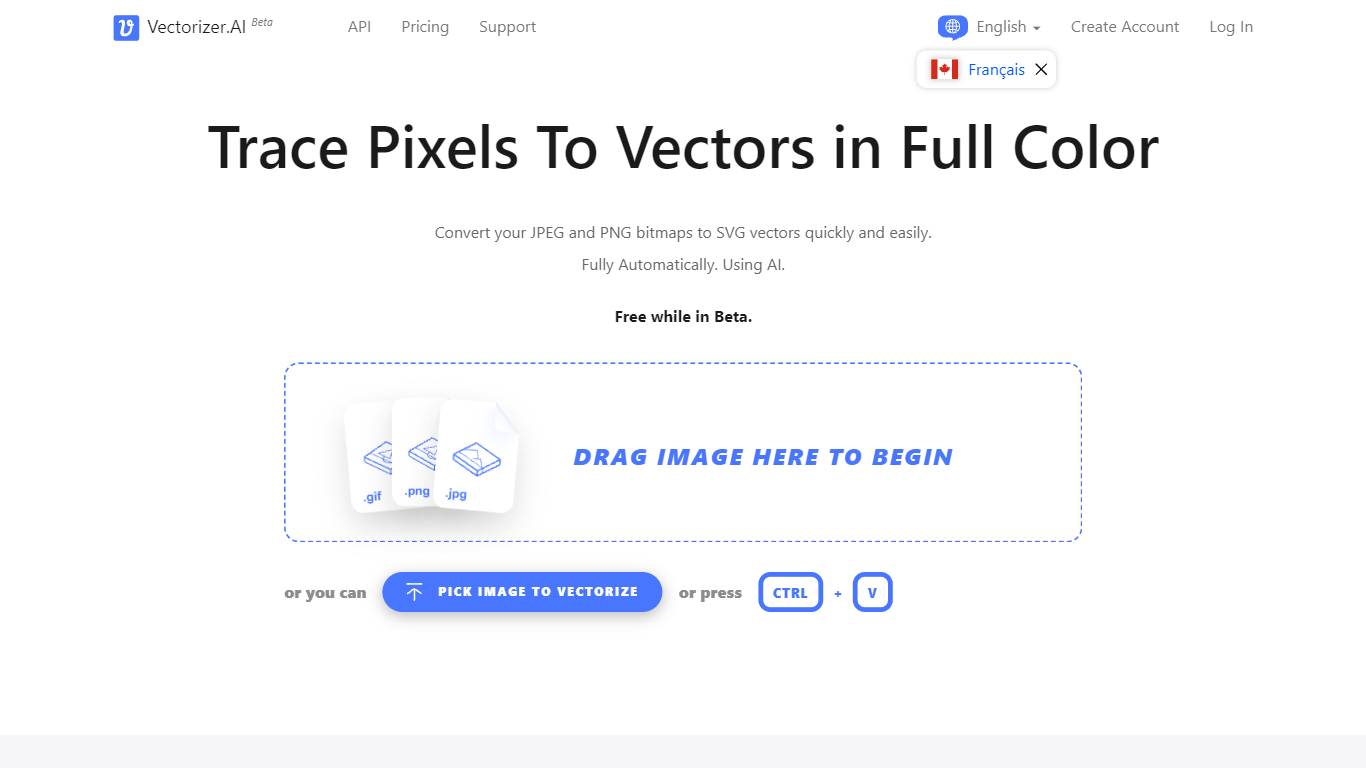
What is Vectorizer.AI?
Vectorizer.AI converts bitmap images such as JPEG, PNG, GIF, BMP, and WebP into clean, scalable vector graphics including SVG, PDF, EPS, and DXF. It transforms pixel-based images into editable geometric shapes with smooth curves and fine details, suitable for logos, illustrations, print, web, CAD, and CNC workflows.
What sets Vectorizer.AI apart is its combination of deep learning and classical algorithms that deliver sub-pixel precision and full-color vectorization. It offers both an interactive web app for manual uploads and an API for automated vectorization, catering to diverse user needs from designers to developers.
Users can preview vector results interactively before downloading, ensuring quality and compatibility with various software. The tool supports multiple export formats and maintains resolution independence while reducing file size, enhancing visual clarity across different media.
Vectorizer.AI also provides flexible API plans with roll-over credits, allowing businesses to scale usage without losing unused credits. This flexibility, combined with high precision and broad format support, makes it a practical choice for professional vectorization tasks.
Pixelgen Upvotes
Vectorizer.AI Upvotes
Pixelgen Top Features
Intuitive Design: A user-friendly interface that caters to both beginners and professionals.
Pixel Art Creation: Allows for the crafting of pixel-based imagery, perfect for game developers and artists.
Advanced Editing Tools: Offers a variety of editing options for creating detailed and intricate designs.
Accessibility: Designed to be accessible to users with different skill levels.
Versatility: Suitable for various creative projects, including game design and digital art.
Vectorizer.AI Top Features
Supports multiple input formats: PNG, JPG, GIF, WebP, and BMP for versatile image vectorization.
Offers both a web app for manual uploads and an API for automated vectorization workflows.
Interactive preview with zoom and inspection before download to ensure vector quality.
Full-color vectorization with sub-pixel precision captures fine details and smooth curves.
Exports to multiple formats: SVG, PDF, EPS, DXF, and PNG to fit various design and production needs.
API credits roll over up to 5× monthly credits for flexible usage.
Uses state-of-the-art GPUs and CPUs for high-performance vectorization.
Pixelgen Category
- Design
Vectorizer.AI Category
- Design
Pixelgen Pricing Type
- Freemium
Vectorizer.AI Pricing Type
- Freemium