
Last updated 07-28-2026
Category:
Reviews:
Join thousands of AI enthusiasts in the World of AI!
Vectorizer.AI
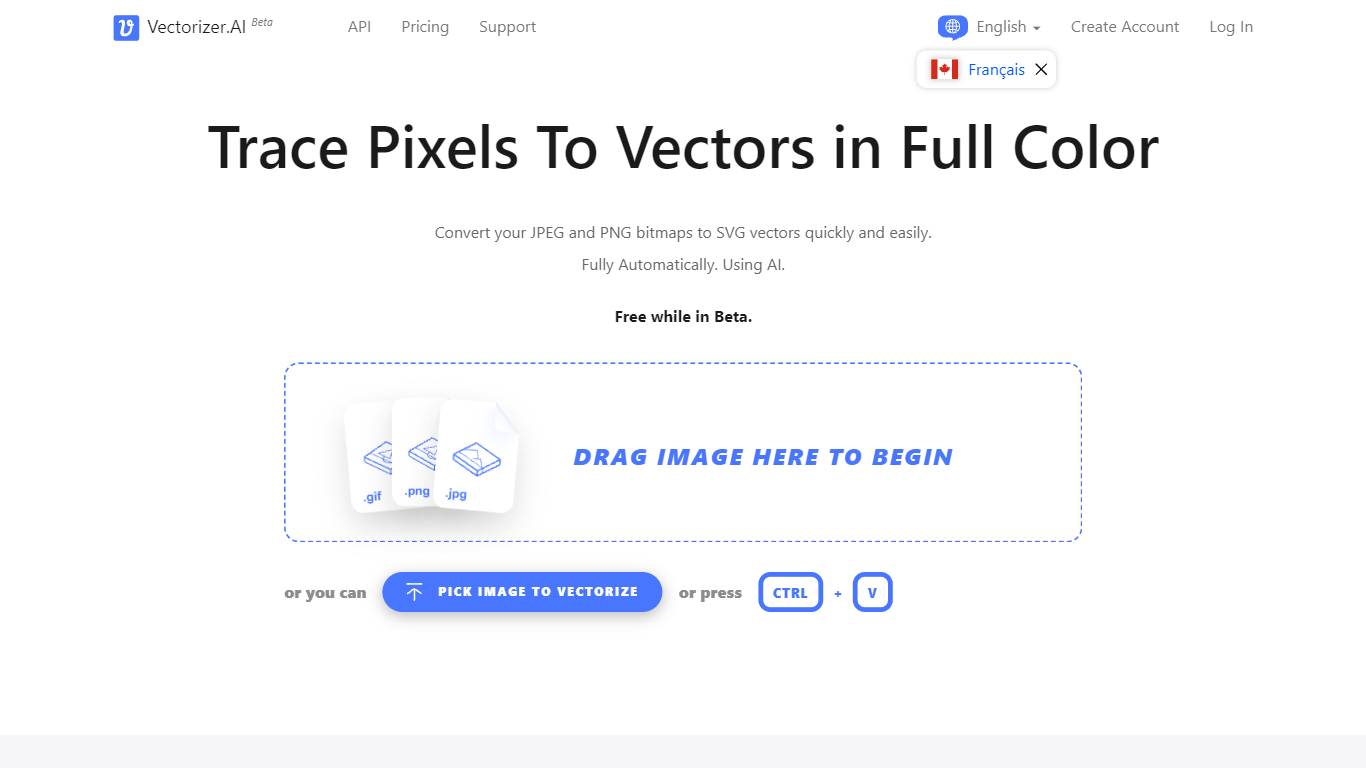
Vectorizer.AI converts bitmap images such as JPEG, PNG, GIF, BMP, and WebP into clean, scalable vector graphics including SVG, PDF, EPS, and DXF. It transforms pixel-based images into editable geometric shapes with smooth curves and fine details, suitable for logos, illustrations, print, web, CAD, and CNC workflows.
What sets Vectorizer.AI apart is its combination of deep learning and classical algorithms that deliver sub-pixel precision and full-color vectorization. It offers both an interactive web app for manual uploads and an API for automated vectorization, catering to diverse user needs from designers to developers.
Users can preview vector results interactively before downloading, ensuring quality and compatibility with various software. The tool supports multiple export formats and maintains resolution independence while reducing file size, enhancing visual clarity across different media.
Vectorizer.AI also provides flexible API plans with roll-over credits, allowing businesses to scale usage without losing unused credits. This flexibility, combined with high precision and broad format support, makes it a practical choice for professional vectorization tasks.
Supports multiple input formats: PNG, JPG, GIF, WebP, and BMP for versatile image vectorization.
Offers both a web app for manual uploads and an API for automated vectorization workflows.
Interactive preview with zoom and inspection before download to ensure vector quality.
Full-color vectorization with sub-pixel precision captures fine details and smooth curves.
Exports to multiple formats: SVG, PDF, EPS, DXF, and PNG to fit various design and production needs.
API credits roll over up to 5× monthly credits for flexible usage.
Uses state-of-the-art GPUs and CPUs for high-performance vectorization.
Supports multiple input and output formats for broad compatibility.
Offers both manual web app and automated API workflows.
Interactive preview helps ensure vector quality before download.
Roll-over credits for API plans provide flexible usage.
High precision vectorization with sub-pixel accuracy.
No special pricing for academic or non-profit users.
Subscription fees are non-refundable.
Remaining API credits are lost upon cancellation.
What does Vectorizer.AI do?
Vectorizer.AI converts bitmap images like JPEGs and PNGs into scalable vector graphics such as SVGs, enabling resolution-independent and editable artwork.
How do I use Vectorizer.AI to convert an image to a vector?
Upload your bitmap image to Vectorizer.AI's web app or use the API. The tool processes the image into vector shapes, lets you preview the result, and then you can download it in your preferred format.
What are some key features of Vectorizer.AI?
Vectorizer.AI features a Deep Vector Engine, supports various curve types and full shape fitting, provides clean corners with sub-pixel precision, and leverages powerful GPUs and CPUs for fast processing.
Is it free to download the vectors created with Vectorizer.AI?
Downloading vectorized images from Vectorizer.AI is free during the Beta phase, allowing users to try the service without cost.
What output formats does Vectorizer.AI support?
Vectorizer.AI supports exporting vector images in SVG, PDF, EPS, DXF, and PNG formats, with SVG as the default and most flexible option.
What is the difference between the Web App and API plans?
Vectorizer.AI the Web App is designed for manual image uploads and interactive previews, while API plans enable automated vectorization within software, websites, or production pipelines.
Do unused API credits roll over?
Yes, Vectorizer.AI allows unused API credits to roll over up to five times your monthly credits, providing flexibility in managing usage.