Vectorizer.AI vs Blend AI Studio
When comparing Vectorizer.AI vs Blend AI Studio, which AI Design tool shines brighter? We look at pricing, alternatives, upvotes, features, reviews, and more.
Between Vectorizer.AI and Blend AI Studio, which one is superior?
When we put Vectorizer.AI and Blend AI Studio side by side, both being AI-powered design tools, Neither tool takes the lead, as they both have the same upvote count. Join the aitools.fyi users in deciding the winner by casting your vote.
Not your cup of tea? Upvote your preferred tool and stir things up!
Vectorizer.AI
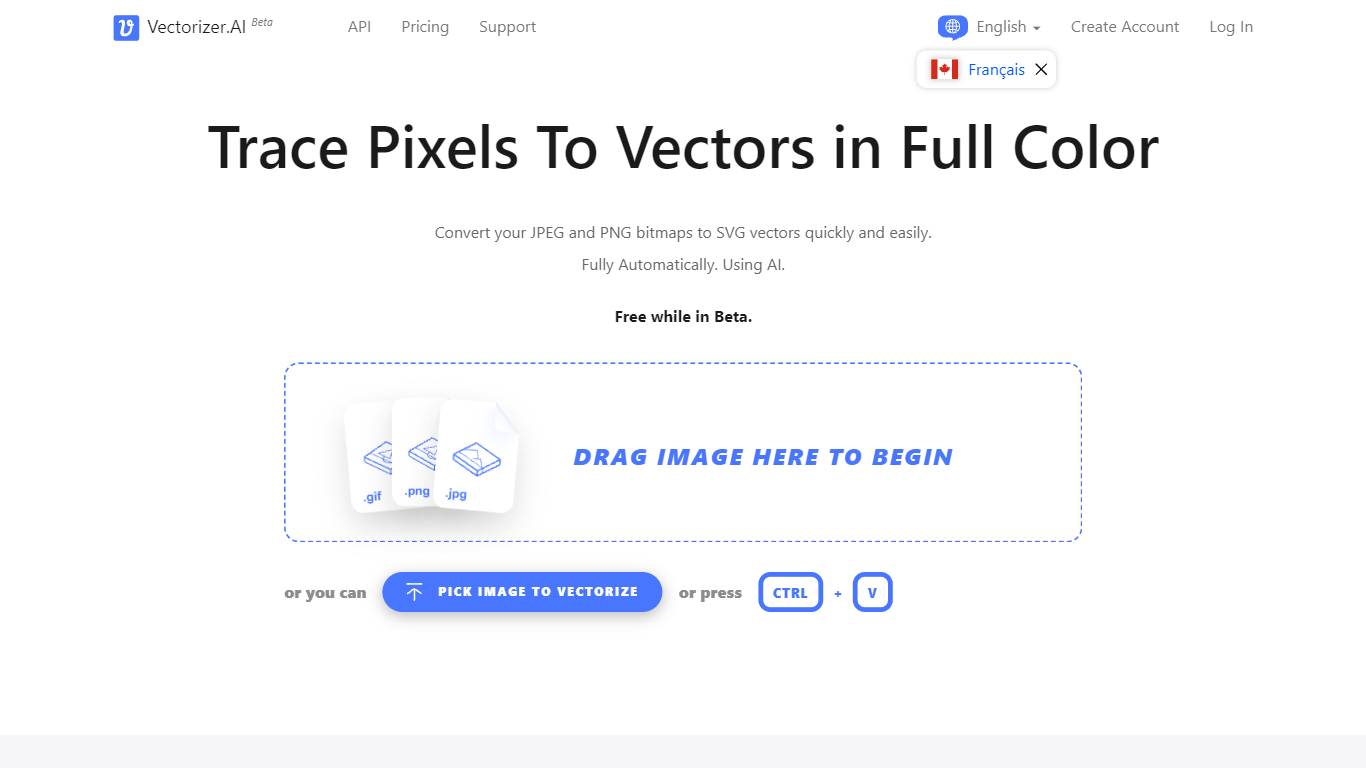

What is Vectorizer.AI?
Vectorizer.AI converts bitmap images such as JPEG, PNG, GIF, BMP, and WebP into clean, scalable vector graphics including SVG, PDF, EPS, and DXF. It transforms pixel-based images into editable geometric shapes with smooth curves and fine details, suitable for logos, illustrations, print, web, CAD, and CNC workflows.
What sets Vectorizer.AI apart is its combination of deep learning and classical algorithms that deliver sub-pixel precision and full-color vectorization. It offers both an interactive web app for manual uploads and an API for automated vectorization, catering to diverse user needs from designers to developers.
Users can preview vector results interactively before downloading, ensuring quality and compatibility with various software. The tool supports multiple export formats and maintains resolution independence while reducing file size, enhancing visual clarity across different media.
Vectorizer.AI also provides flexible API plans with roll-over credits, allowing businesses to scale usage without losing unused credits. This flexibility, combined with high precision and broad format support, makes it a practical choice for professional vectorization tasks.
Blend AI Studio
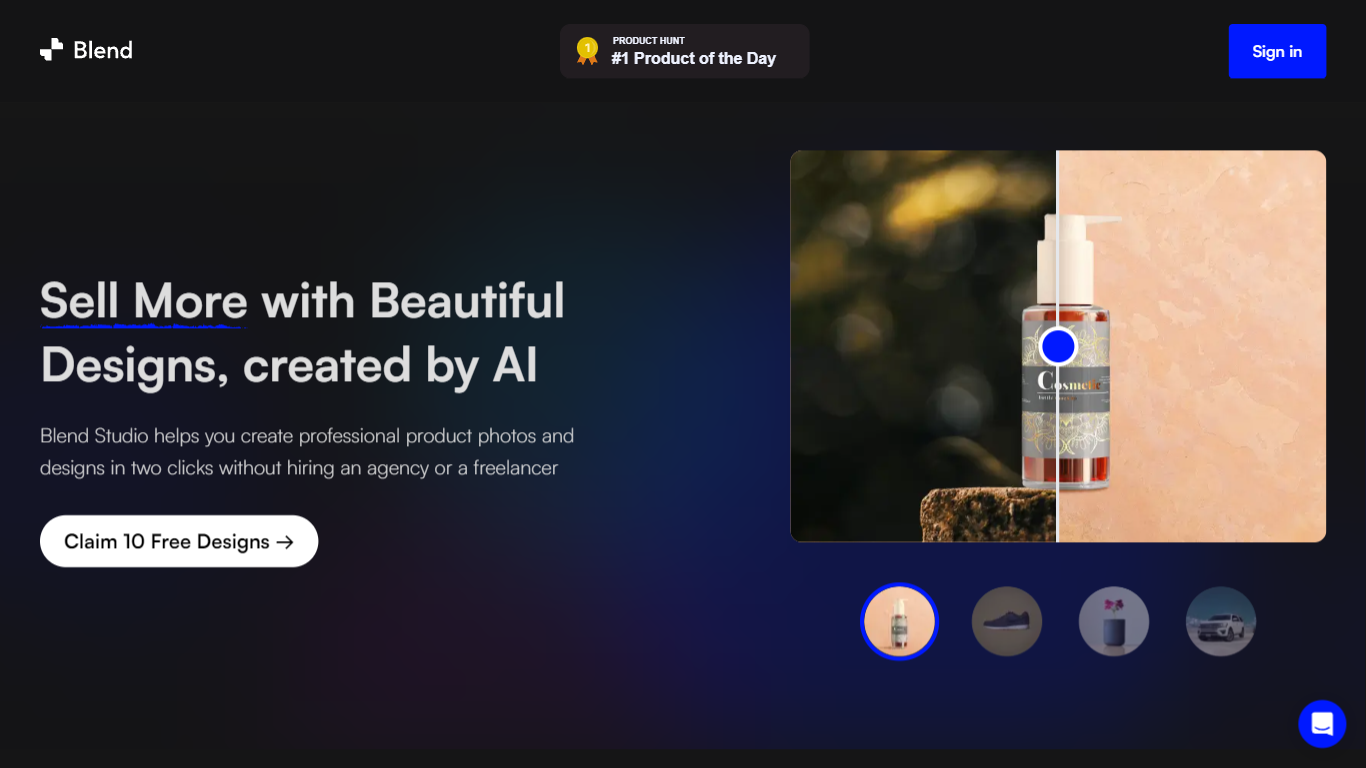
What is Blend AI Studio?
Blend AI Studio is an ecommerce design studio for product photos, model shots, lifestyle scenes, and short product videos without booking a studio or photographer. Upload a product image, pick a workflow like studio shots, ghost mannequin, or virtual try-on, and export listing-ready visuals in minutes.
The platform bundles background removal, AI backgrounds, on-model try-on, logo design, poster creation, and AI video into one web and mobile workflow. Sellers on Amazon, Etsy, Shopify, and DTC storefronts use it to replace scattered editing tools and expensive shoots with batch-friendly production.
Blend is built by BlendIt Studios and positions itself for fashion, beauty, home goods, and high-volume catalog teams that need consistent visuals across thousands of SKUs. The company reports 10M+ images created and 3.5M sellers using the product.
Vectorizer.AI Upvotes
Blend AI Studio Upvotes
Vectorizer.AI Top Features
Supports multiple input formats: PNG, JPG, GIF, WebP, and BMP for versatile image vectorization.
Offers both a web app for manual uploads and an API for automated vectorization workflows.
Interactive preview with zoom and inspection before download to ensure vector quality.
Full-color vectorization with sub-pixel precision captures fine details and smooth curves.
Exports to multiple formats: SVG, PDF, EPS, DXF, and PNG to fit various design and production needs.
API credits roll over up to 5× monthly credits for flexible usage.
Uses state-of-the-art GPUs and CPUs for high-performance vectorization.
Blend AI Studio Top Features
Turn flat product photos into white-background studio shots in one upload
Show apparel and jewelry on diverse AI models or your own model photo
Place products in lifestyle scenes without location shoots or props
Generate short AI product videos for ads, reels, and marketplace listings
Batch process large catalogs with ghost mannequin, recolor, and background tools
Design logos, posters, and brand kits alongside product photography workflows
Vectorizer.AI Category
- Design
Blend AI Studio Category
- Design
Vectorizer.AI Pricing Type
- Freemium
Blend AI Studio Pricing Type
- Freemium