Made Live vs Vectorizer.AI
In the battle of Made Live vs Vectorizer.AI, which AI Design tool comes out on top? We compare reviews, pricing, alternatives, upvotes, features, and more.
Between Made Live and Vectorizer.AI, which one is superior?
Upon comparing Made Live with Vectorizer.AI, which are both AI-powered design tools, Interestingly, both tools have managed to secure the same number of upvotes. The power is in your hands! Cast your vote and have a say in deciding the winner.
Feeling rebellious? Cast your vote and shake things up!
Made Live


What is Made Live?
Made Live enables authors and artists to create, publish, and distribute illustrated books such as children's stories, comics, and graphic novels. It provides tools that support the entire publishing process from initial creation to reaching readers.
This tool stands out by focusing specifically on richly illustrated content, offering features tailored to the unique needs of visual storytelling. Unlike general publishing tools, Made Live emphasizes creative control and accessibility for both beginners and experienced creators.
Made Live combines a user-friendly interface with end-to-end publishing solutions, allowing users to maintain ownership of their work while simplifying distribution. This approach helps creators share their illustrated stories with a broad audience without sacrificing artistic vision.
Vectorizer.AI
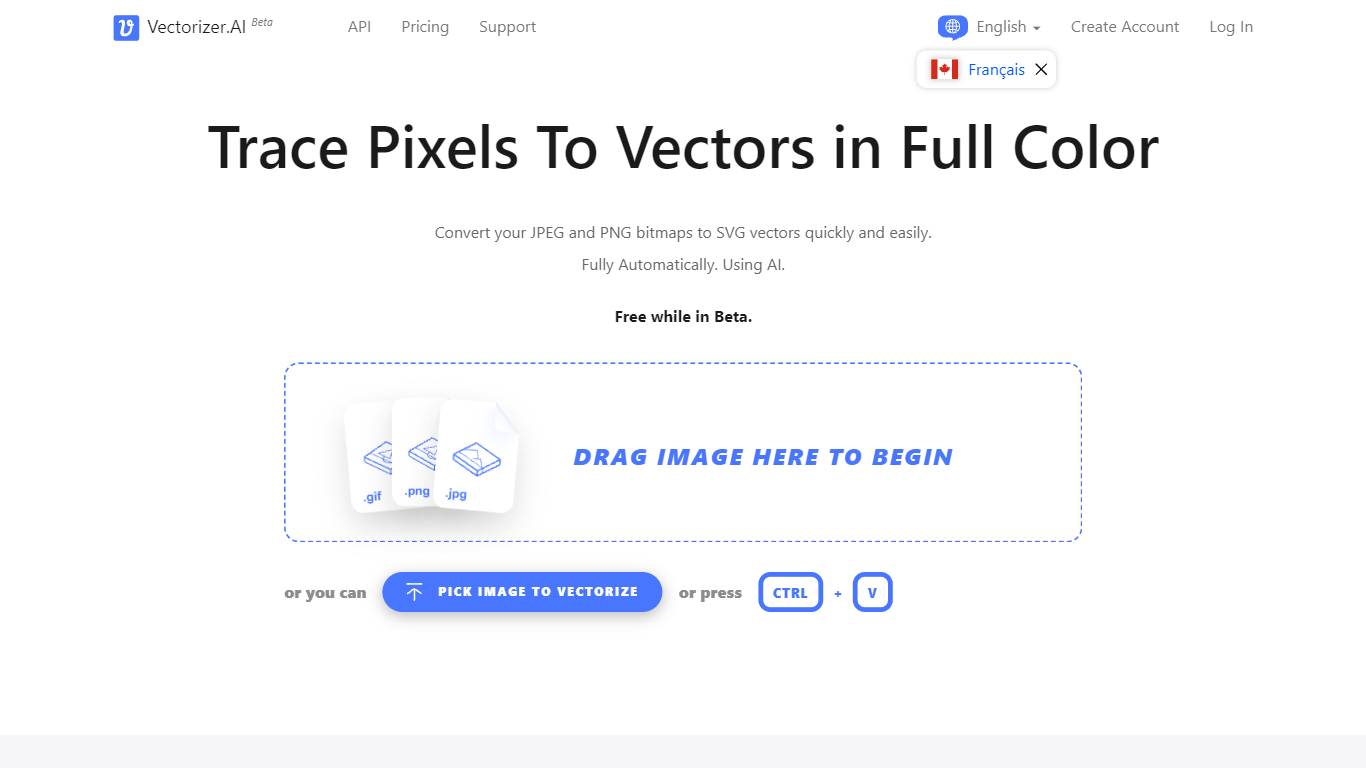
What is Vectorizer.AI?
Vectorizer.AI converts bitmap images such as JPEG, PNG, GIF, BMP, and WebP into clean, scalable vector graphics including SVG, PDF, EPS, and DXF. It transforms pixel-based images into editable geometric shapes with smooth curves and fine details, suitable for logos, illustrations, print, web, CAD, and CNC workflows.
What sets Vectorizer.AI apart is its combination of deep learning and classical algorithms that deliver sub-pixel precision and full-color vectorization. It offers both an interactive web app for manual uploads and an API for automated vectorization, catering to diverse user needs from designers to developers.
Users can preview vector results interactively before downloading, ensuring quality and compatibility with various software. The tool supports multiple export formats and maintains resolution independence while reducing file size, enhancing visual clarity across different media.
Vectorizer.AI also provides flexible API plans with roll-over credits, allowing businesses to scale usage without losing unused credits. This flexibility, combined with high precision and broad format support, makes it a practical choice for professional vectorization tasks.
Made Live Upvotes
Vectorizer.AI Upvotes
Made Live Top Features
📚 End-to-End Publishing: Manage creation, publishing, and distribution in one platform.
🎨 Illustration-Focused Tools: Designed specifically for children's books, comics, and graphic novels.
🖥️ User-Friendly Interface: Accessible to both beginners and experienced creators.
🌍 Broad Distribution: Features to help reach a wide audience effectively.
🔒 Full Creative Control: Maintain ownership and control over your published work.
📄 Supports Multiple Formats: Publish in formats suitable for illustrated content.
💡 Streamlined Workflow: Simplifies the publishing process from start to finish.
Vectorizer.AI Top Features
Supports multiple input formats: PNG, JPG, GIF, WebP, and BMP for versatile image vectorization.
Offers both a web app for manual uploads and an API for automated vectorization workflows.
Interactive preview with zoom and inspection before download to ensure vector quality.
Full-color vectorization with sub-pixel precision captures fine details and smooth curves.
Exports to multiple formats: SVG, PDF, EPS, DXF, and PNG to fit various design and production needs.
API credits roll over up to 5× monthly credits for flexible usage.
Uses state-of-the-art GPUs and CPUs for high-performance vectorization.
Made Live Category
- Design
Vectorizer.AI Category
- Design
Made Live Pricing Type
- Freemium
Vectorizer.AI Pricing Type
- Freemium