Vectorizer.AI vs Magic Brush AI
Explore the showdown between Vectorizer.AI vs Magic Brush AI and find out which AI Design tool wins. We analyze upvotes, features, reviews, pricing, alternatives, and more.
In a face-off between Vectorizer.AI and Magic Brush AI, which one takes the crown?
When we contrast Vectorizer.AI with Magic Brush AI, both of which are exceptional AI-operated design tools, and place them side by side, we can spot several crucial similarities and divergences. The upvote count is neck and neck for both Vectorizer.AI and Magic Brush AI. The power is in your hands! Cast your vote and have a say in deciding the winner.
Does the result make you go "hmm"? Cast your vote and turn that frown upside down!
Vectorizer.AI
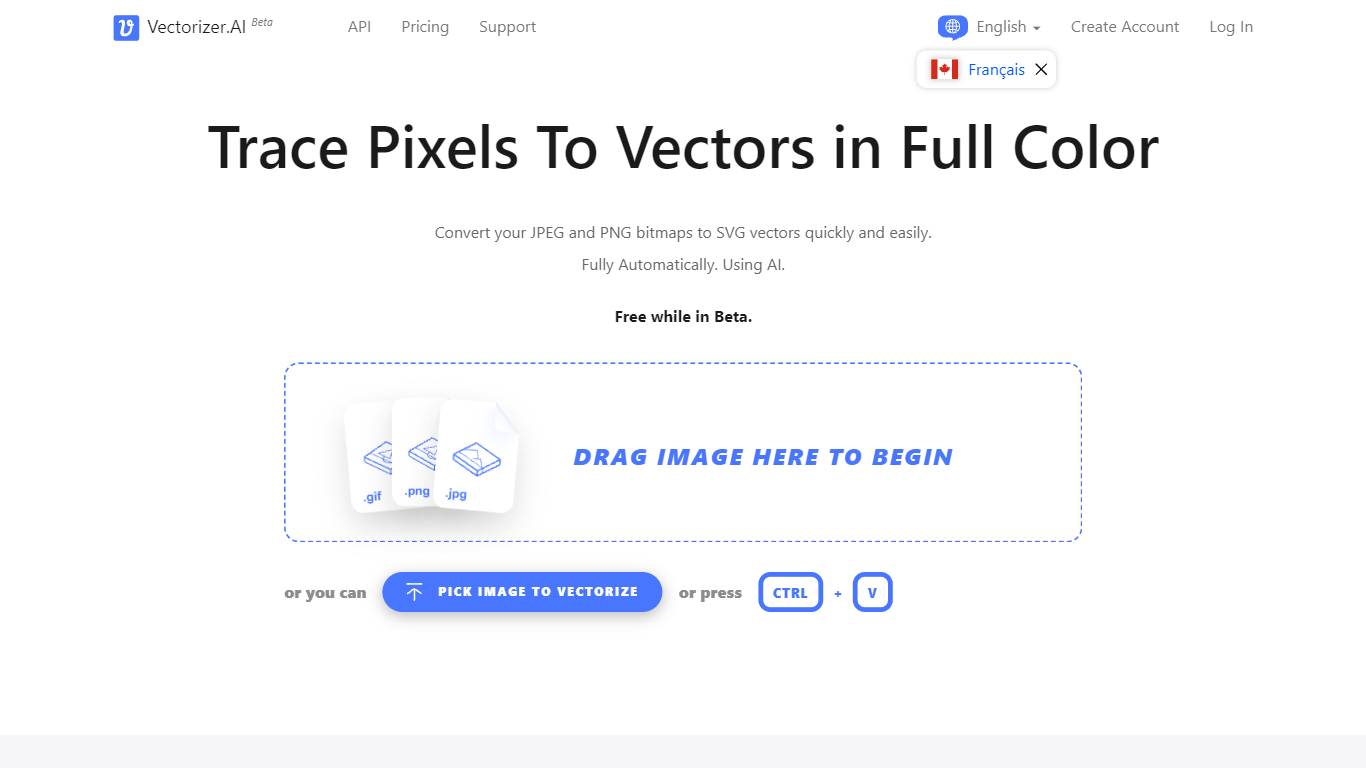

What is Vectorizer.AI?
Vectorizer.AI converts bitmap images such as JPEG, PNG, GIF, BMP, and WebP into clean, scalable vector graphics including SVG, PDF, EPS, and DXF. It transforms pixel-based images into editable geometric shapes with smooth curves and fine details, suitable for logos, illustrations, print, web, CAD, and CNC workflows.
What sets Vectorizer.AI apart is its combination of deep learning and classical algorithms that deliver sub-pixel precision and full-color vectorization. It offers both an interactive web app for manual uploads and an API for automated vectorization, catering to diverse user needs from designers to developers.
Users can preview vector results interactively before downloading, ensuring quality and compatibility with various software. The tool supports multiple export formats and maintains resolution independence while reducing file size, enhancing visual clarity across different media.
Vectorizer.AI also provides flexible API plans with roll-over credits, allowing businesses to scale usage without losing unused credits. This flexibility, combined with high precision and broad format support, makes it a practical choice for professional vectorization tasks.
Magic Brush AI

What is Magic Brush AI?
Magic Brush AI introduces an innovative AI-powered plugin specifically designed for Figma users who wish to enhance their design process. The Magic Brush AI plugin seamlessly integrates with Figma, allowing designers to generate and edit images directly within the application. If you're looking to speed up your design workflow and leverage artificial intelligence in your projects, Magic Brush AI offers a simple yet powerful solution. With easy installation and a user-friendly interface, Magic Brush expands creative possibilities without ever leaving your favorite design platform. Additionally, the community aspect is emphasized with an invitation to join their Discord, suggesting a focus on user engagement and support. Designed by Elie Toubiana from sunshine-filled Los Angeles, CA, Magic Brush AI is poised to transform how creatives interact with Figma and image editing.
Vectorizer.AI Upvotes
Magic Brush AI Upvotes
Vectorizer.AI Top Features
Supports multiple input formats: PNG, JPG, GIF, WebP, and BMP for versatile image vectorization.
Offers both a web app for manual uploads and an API for automated vectorization workflows.
Interactive preview with zoom and inspection before download to ensure vector quality.
Full-color vectorization with sub-pixel precision captures fine details and smooth curves.
Exports to multiple formats: SVG, PDF, EPS, DXF, and PNG to fit various design and production needs.
API credits roll over up to 5× monthly credits for flexible usage.
Uses state-of-the-art GPUs and CPUs for high-performance vectorization.
Magic Brush AI Top Features
AI Powered Plugin: A convenient Figma plugin that utilizes AI for image generation and editing.
Seamless Integration: Integrates with Figma for a streamlined design workflow.
Easy Installation: Simple process to install the plugin directly on Figma.
Community Support: Access to a Discord community for networking and support.
Frequent Updates: Continual improvements and feature additions to enhance user experience.
Vectorizer.AI Category
- Design
Magic Brush AI Category
- Design
Vectorizer.AI Pricing Type
- Freemium
Magic Brush AI Pricing Type
- Freemium