Planio vs GitMind
Compare Planio vs GitMind and see which AI Project Management tool is better when we compare features, reviews, pricing, alternatives, upvotes, etc.
Which one is better? Planio or GitMind?
When we compare Planio with GitMind, which are both AI-powered project management tools, The community has spoken, Planio leads with more upvotes. Planio has garnered 7 upvotes, and GitMind has garnered 6 upvotes.
You don't agree with the result? Cast your vote to help us decide!
Planio
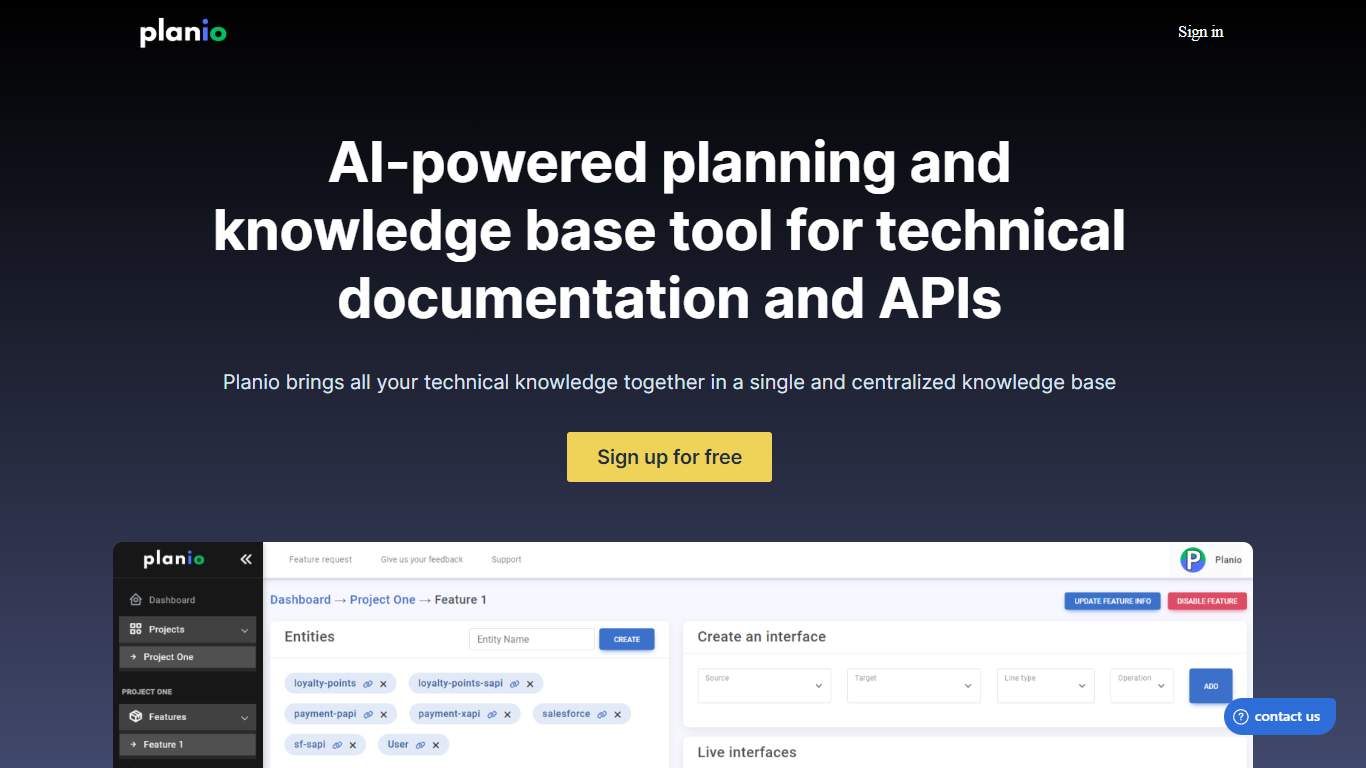

What is Planio?
Planio is a versatile platform that helps teams manage projects and documentation in one place. It combines tools like task tracking, wikis, Gantt charts, and API specifications to keep work organized and accessible. Users can create detailed technical documents, design data flows, and maintain a centralized knowledge base that supports both developers and managers.
The platform is designed for teams of all sizes, from small startups to larger organizations, aiming to improve collaboration and speed up onboarding. It supports various project management methods, including Agile and traditional workflows, making it flexible for different team needs.
Planio's value lies in its all-in-one approach, reducing the need to switch between multiple apps. It integrates communication, documentation, and planning tools, which helps teams stay aligned and reduces information silos. This centralization also makes it easier to track progress and maintain up-to-date project details.
A key differentiator is Planio's focus on technical documentation alongside project management. It supports API specifications like Swagger, enabling teams to document and share API details clearly. The platform also offers diagramming tools and spreadsheets to map out data flows and feature interactions, which helps in designing better software and systems.
Technically, Planio runs as a cloud-based service with a user-friendly interface that requires no complex setup. It emphasizes security and data privacy, ensuring that sensitive project information is protected. The platform also provides integrations with popular tools to fit into existing workflows.
Overall, Planio is a solid choice for teams looking to combine project management with thorough technical documentation. It helps keep all project elements connected, making it easier to manage complex projects and onboard new team members efficiently.
The platform continues to evolve, adding features that enhance collaboration and documentation quality, making it a reliable tool for technical teams and project managers alike.
GitMind
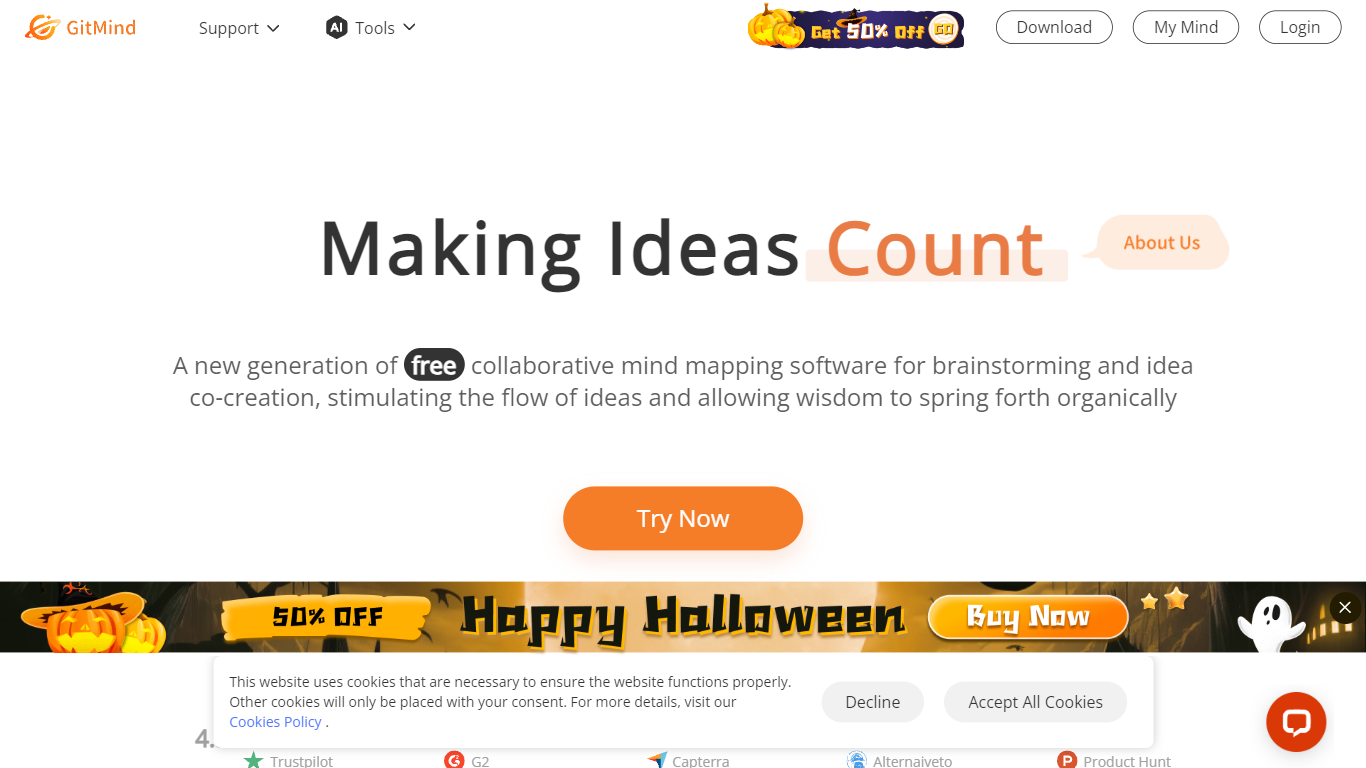
What is GitMind?
GitMind turns text, videos, audio, PDFs, websites, and images into mind maps, summaries, flowcharts, and infographics inside one visual workspace. Upload a file or paste a link, and the tool structures the content into editable diagrams you can share or present. Desktop and mobile apps sync projects across platforms for studying, research, and project planning.
Standalone mind map apps stop at diagram editing. GitMind bundles summarizers, OCR, YouTube transcript tools, and AI chat with ChatGPT, Claude, Gemini, and DeepSeek in the same canvas. That combination suits teams who want source material converted into visuals without switching between a note app, a diagram tool, and a separate AI chat tab.
Project managers, teachers, students, and researchers use GitMind to plan campaigns, summarize lectures, and generate UML or flowchart diagrams from prompts. The site reports 10 million users across 160 countries. Real-time collaboration and presentation mode support team workshops and classroom reviews.
Planio Upvotes
GitMind Upvotes
Planio Top Features
📋 Task Management: Organize and track tasks to keep projects on schedule.
📚 Central Wiki: Create and share documentation for easy team access.
📈 Gantt Charts: Visualize project timelines and dependencies clearly.
🔧 API Documentation: Manage and share API specs like Swagger effortlessly.
🔄 Data Flow Diagrams: Design and document system interactions visually.
GitMind Top Features
Converts videos, PDFs, audio, websites, and images into mind maps or summaries
Free tier includes up to 10 mind maps and whiteboards
YouTube summarizer handles 20 minutes of one video per day on the free plan
Generates flowcharts, UML diagrams, ERDs, and infographics from text prompts
Integrates ChatGPT, Claude, Gemini, and DeepSeek inside the workspace
Real-time collaboration with presentation mode for team reviews
Planio Category
- Project Management
GitMind Category
- Project Management
Planio Pricing Type
- Freemium
GitMind Pricing Type
- Freemium