Plask Motion vs Riverside
In the contest of Plask Motion vs Riverside, which AI Video Editing tool is the champion? We evaluate pricing, alternatives, upvotes, features, reviews, and more.
If you had to choose between Plask Motion and Riverside, which one would you go for?
When we examine Plask Motion and Riverside, both of which are AI-enabled video editing tools, what unique characteristics do we discover? With more upvotes, Riverside is the preferred choice. Riverside has 25 upvotes, and Plask Motion has 6 upvotes.
Think we got it wrong? Cast your vote and show us who's boss!
Plask Motion
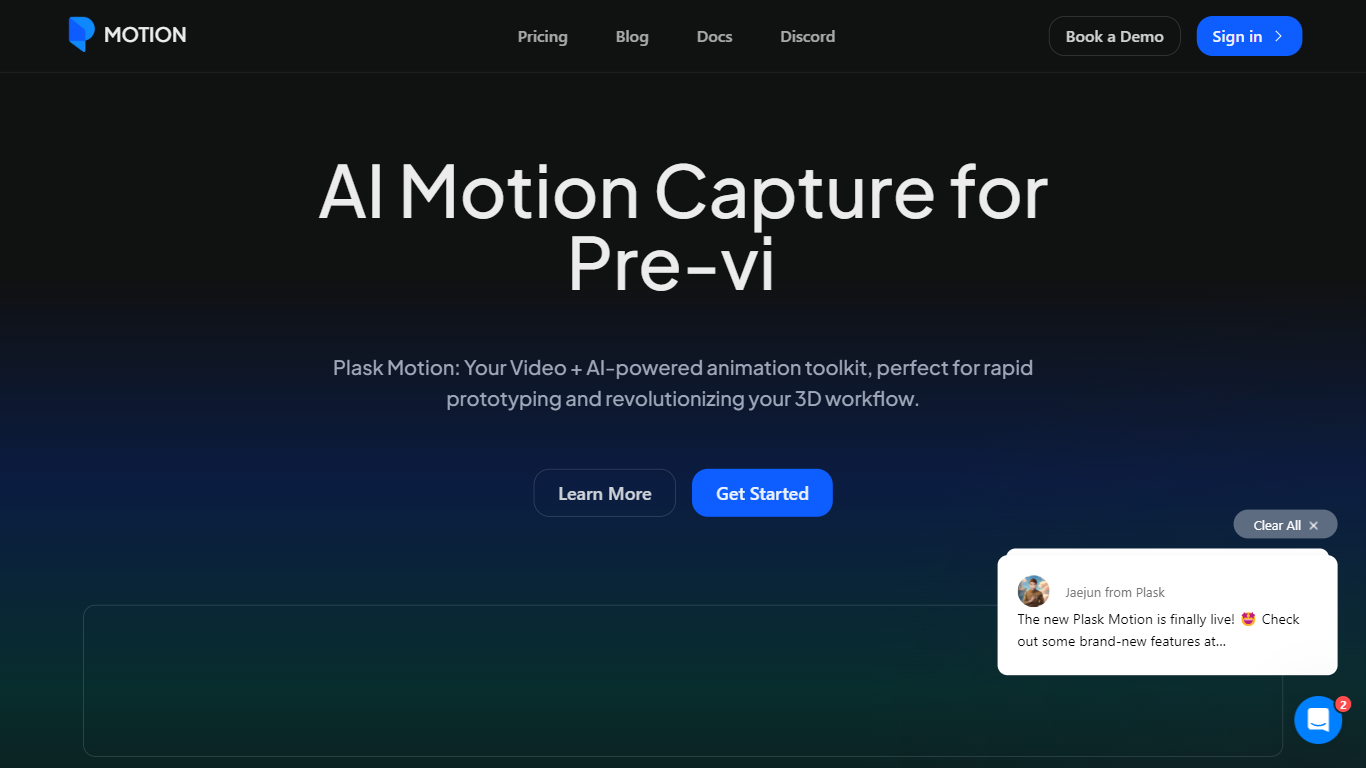

What is Plask Motion?
Plask Motion turns ordinary video footage into 3D character animation using AI motion capture that needs no suits, sensors, or dedicated studio setup. Upload a clip from a phone or webcam, and Plask extracts full-body and hand motion data you apply to imported 3D characters including MMD and VRM models.
Compared with traditional mocap studios or marker-based systems, Plask runs in the browser and adds AI-assisted camera, lighting, and post-processing like motion blur and depth-of-field inside the same editor. That makes it practical for indie game developers and VTubers who need usable animation data in minutes rather than days.
Game developers, animators, and XR creators use Plask Motion to export FBX, GLB, and BVH files into Unreal, Unity, Maya, and Blender. The platform also offers a video outsourcing service for custom TikTok-style dance animations delivered within 24 hours.
Riverside

What is Riverside?
Riverside is a video editing and recording platform built for remote podcasts, interviews, and webinars. It records up to 4K video and uncompressed audio locally on each participant's device, so spotty internet does not tank quality. After recording, you edit in a text-based timeline, generate Magic Clips, captions, and show notes, then publish to YouTube, Spotify, and Apple Podcasts from the same workflow.
Zoom and Google Meet optimize for live calls, not post-production. Riverside records separate tracks locally, then layers AI cleanup, filler-word removal, and clip generation on top. The trade-off is that it is built for creators who publish regularly, not for one-off internal meetings that never leave the call app.
Podcasters, marketers, and producers at companies like Spotify and The New York Times use Riverside for studio-style remote recordings. Founded in 2020 by brothers Gideon and Nadav, the product now lives at riverside.com while riverside.fm redirects to the same experience.
Plask Motion Upvotes
Riverside Upvotes
Plask Motion Top Features
Extract full-body and hand motion from smartphone or webcam video without marker suits
Apply captured motion to imported 3D characters with blinking and physics for MMD and VRM models
Export animations as FBX, GLB, or BVH for Unreal, Unity, Maya, and Blender workflows
Free plan includes 15 seconds of daily motion capture with 1 GB storage
Standard plan at $18 per month provides 10 minutes of monthly capture and 3 GB storage
Pro plan at $50 per month offers 1 hour of monthly capture, 10 GB storage, and pre-release features
AI-assisted camera, lighting, motion blur, and depth-of-field controls built into the editor
Riverside Top Features
Local recording up to 4K video with separate WAV and MP4 tracks per speaker
Free plan includes 2 hours of multi-track recordings and unlimited single-track editing
Pro plan at $24 per month (billed annually) adds 15 hours of separate track downloads and 4K output
AI Co-Creator generates clips, show notes, captions, and filler-word removal from recordings
Built-in podcast hosting publishes to Spotify, Apple Podcasts, and YouTube
Grow and Webinar tiers add multistream live streaming and webinar registration for up to 100 attendees
Plask Motion Category
- Video Editing
Riverside Category
- Video Editing
Plask Motion Pricing Type
- Freemium
Riverside Pricing Type
- Freemium