
Last updated 07-30-2026
Category:
Reviews:
Join thousands of AI enthusiasts in the World of AI!
Plask Motion
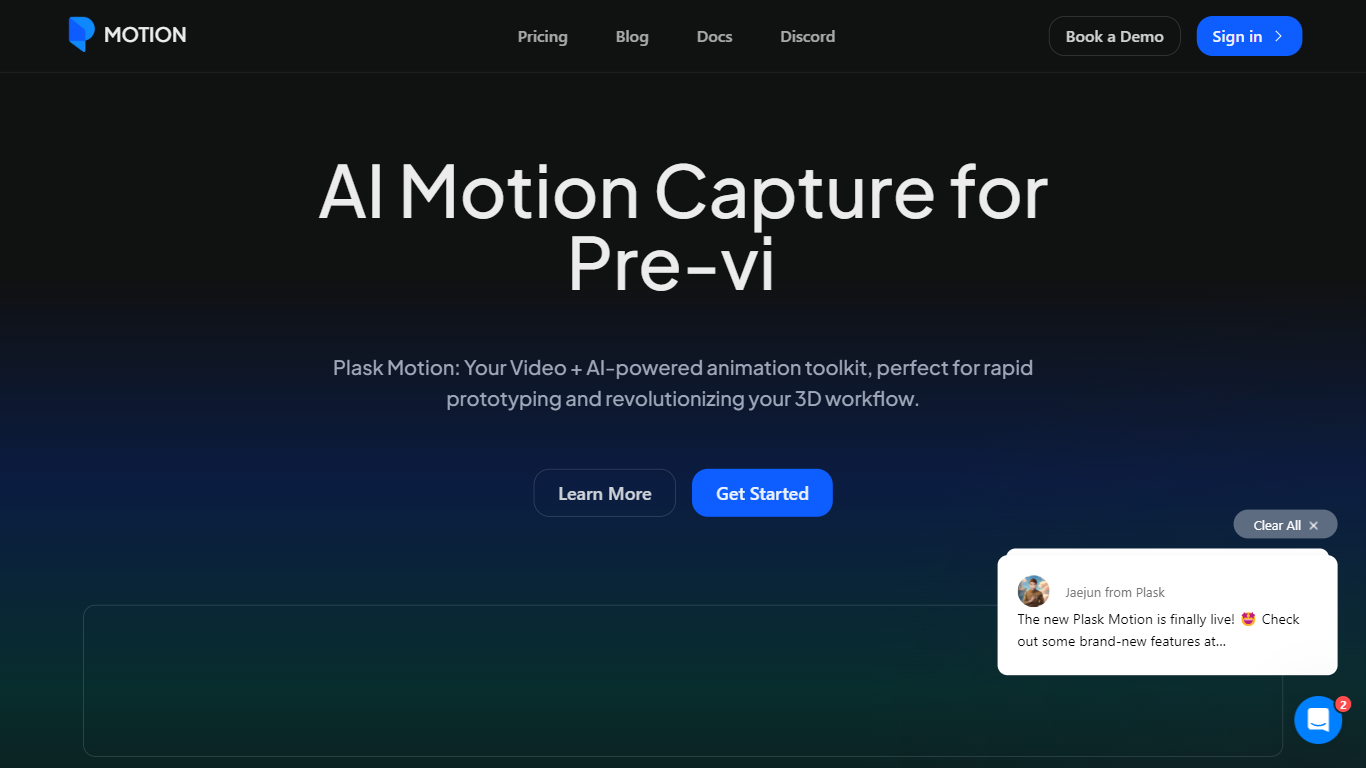
Plask Motion turns ordinary video footage into 3D character animation using AI motion capture that needs no suits, sensors, or dedicated studio setup. Upload a clip from a phone or webcam, and Plask extracts full-body and hand motion data you apply to imported 3D characters including MMD and VRM models.
Compared with traditional mocap studios or marker-based systems, Plask runs in the browser and adds AI-assisted camera, lighting, and post-processing like motion blur and depth-of-field inside the same editor. That makes it practical for indie game developers and VTubers who need usable animation data in minutes rather than days.
Game developers, animators, and XR creators use Plask Motion to export FBX, GLB, and BVH files into Unreal, Unity, Maya, and Blender. The platform also offers a video outsourcing service for custom TikTok-style dance animations delivered within 24 hours.
Extract full-body and hand motion from smartphone or webcam video without marker suits
Apply captured motion to imported 3D characters with blinking and physics for MMD and VRM models
Export animations as FBX, GLB, or BVH for Unreal, Unity, Maya, and Blender workflows
Free plan includes 15 seconds of daily motion capture with 1 GB storage
Standard plan at $18 per month provides 10 minutes of monthly capture and 3 GB storage
Pro plan at $50 per month offers 1 hour of monthly capture, 10 GB storage, and pre-release features
AI-assisted camera, lighting, motion blur, and depth-of-field controls built into the editor
No mocap suits or studio equipment required; works with everyday video footage.
Exports to FBX, GLB, and BVH for direct use in major 3D software.
Built-in camera, lighting, and post-processing reduce the need for separate rendering tools.
Multi-person motion capture and hand tracking included on all tiers.
Academic discounts available for students and educators.
Free plan limits capture to 15 seconds per day, which restricts longer sequences.
Monthly capture caps on paid plans (10 minutes Standard, 1 hour Pro) may not suit high-volume studios.
Browser-based workflow requires a stable internet connection for processing.
Is Plask Motion free to use?
Yes. Plask Motion offers a free plan with 15 seconds of daily motion capture, 1 GB storage, and FBX, GLB, and BVH export. Paid Standard and Pro plans start at $18 and $50 per month when billed yearly.
Does Plask Motion require mocap suits?
No. Plask Motion uses AI to extract motion from standard video footage. You can upload clips from a smartphone, webcam, or any online source without sensors or special equipment.
Can I upload my own 3D model to Plask Motion?
Yes. Plask Motion supports custom 3D character imports and works with MMD and VRM models, including blinking and physics simulation on supported formats.
What file formats does Plask Motion export?
Plask Motion exports FBX, GLB, and BVH animation files. These formats integrate with industry tools including Unreal Engine, Unity, Maya, and Blender.
Does Plask Motion support finger tracking?
Yes. Plask Motion includes full hand capture alongside full-body motion extraction on both free and paid plans.
Is there a free trial for Plask Motion paid plans?
Yes. Plask Motion Standard and Pro plans include a 7-day free trial. Academic discounts are also available through Plask's blog and support channels.