TubeMagic vs Plask Motion
In the contest of TubeMagic vs Plask Motion, which AI Video Editing tool is the champion? We evaluate pricing, alternatives, upvotes, features, reviews, and more.
If you had to choose between TubeMagic and Plask Motion, which one would you go for?
When we examine TubeMagic and Plask Motion, both of which are AI-enabled video editing tools, what unique characteristics do we discover? Both tools are equally favored, as indicated by the identical upvote count. Join the aitools.fyi users in deciding the winner by casting your vote.
Feeling rebellious? Cast your vote and shake things up!
TubeMagic

What is TubeMagic?
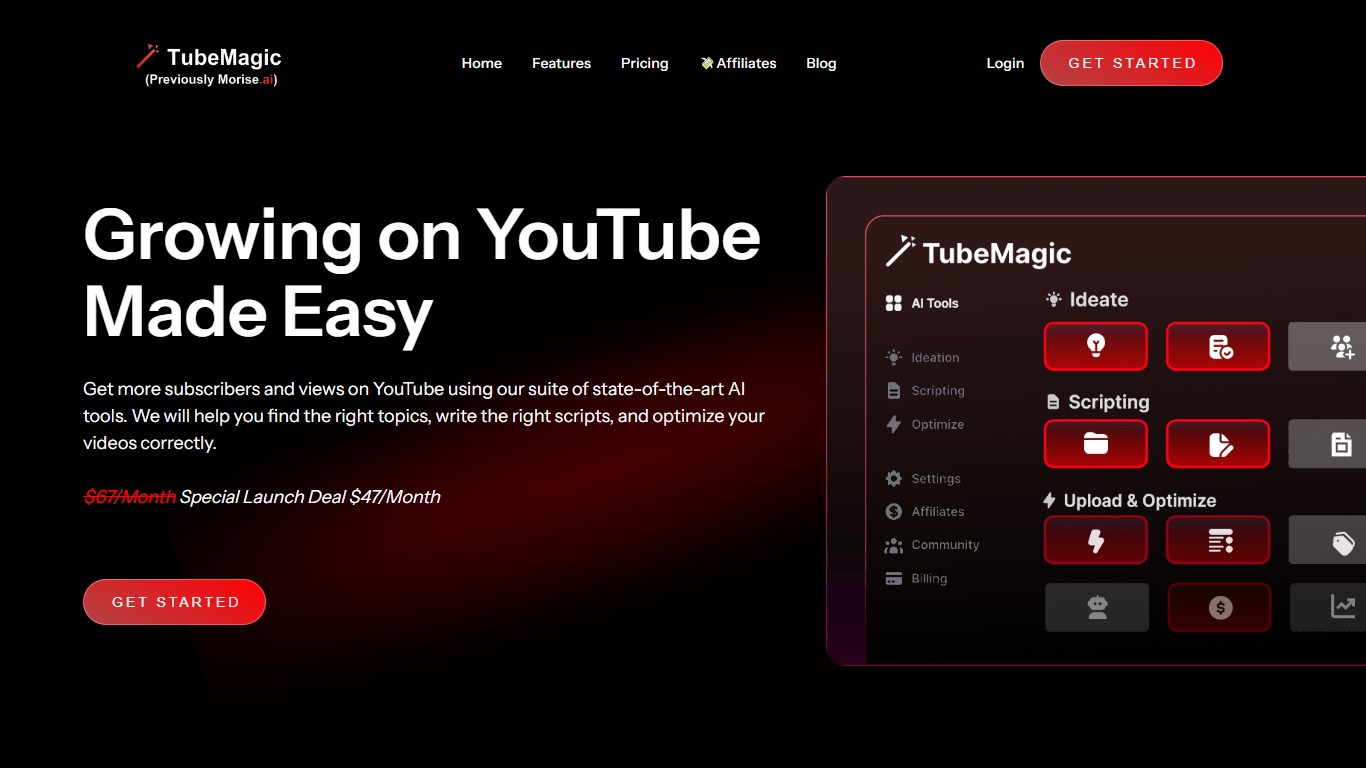
TubeMagic helps YouTube creators script, research, and optimize videos from one dashboard instead of juggling separate apps. Its script writer generates retention-focused drafts in seconds, and the same subscription covers titles, tags, descriptions, thumbnails, keyword research, and upload prep.
Where VidIQ and TubeBuddy lean on analytics and browser-side optimization, TubeMagic puts script drafting first. You paste a channel link to mirror your tone, pick models like Claude 4.0 or GPT-4o, set length from one to twenty minutes, and feed in top-performing videos as inspiration. The site reports over 200K scripts generated and lists creators with large followings as users.
TubeMagic started as Morise.AI in 2023, was acquired by YouTuber Matt Par in January 2024, and by mid-2025 the team narrowed focus to the script writer while keeping the rest of the toolkit available. It suits solo creators, agencies, and channel managers who publish regularly and need faster scripting plus SEO-minded metadata.
Plask Motion
What is Plask Motion?
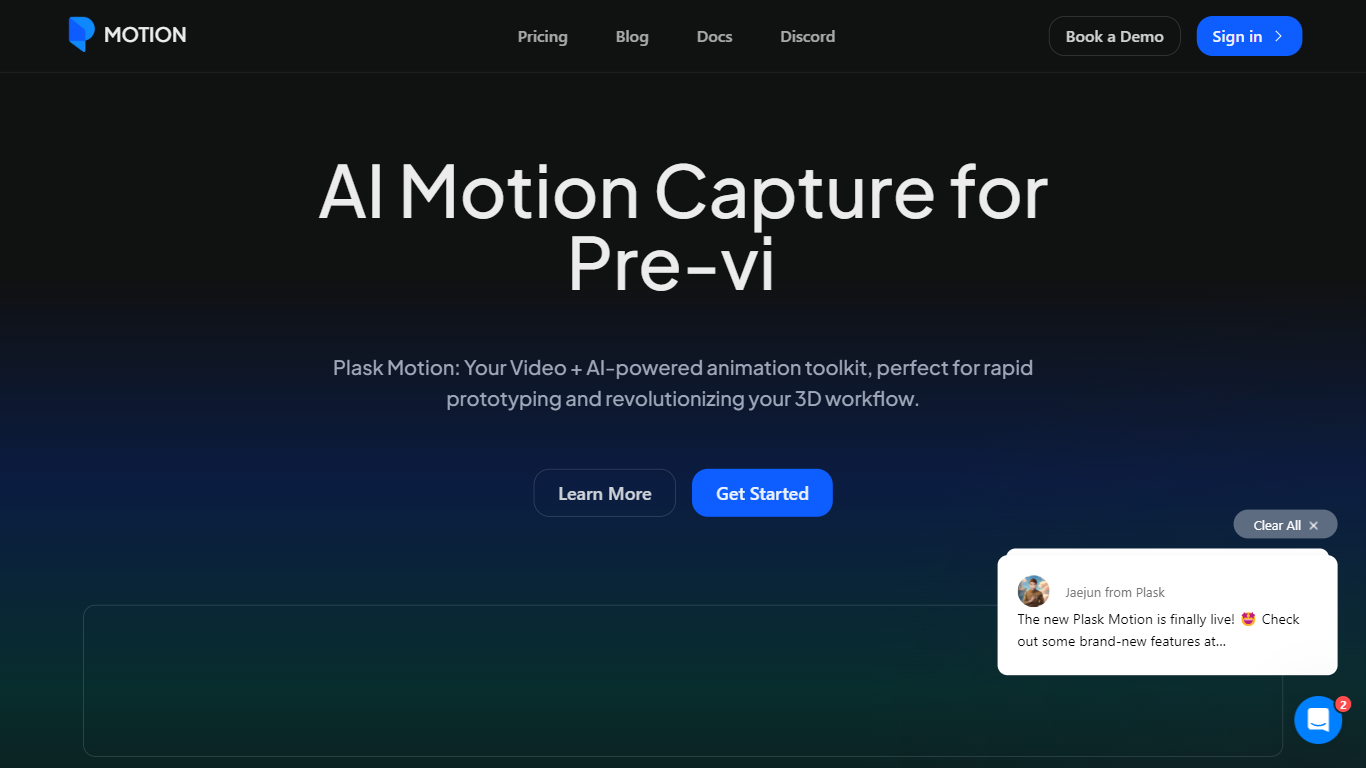
Plask Motion turns ordinary video footage into 3D character animation using AI motion capture that needs no suits, sensors, or dedicated studio setup. Upload a clip from a phone or webcam, and Plask extracts full-body and hand motion data you apply to imported 3D characters including MMD and VRM models.
Compared with traditional mocap studios or marker-based systems, Plask runs in the browser and adds AI-assisted camera, lighting, and post-processing like motion blur and depth-of-field inside the same editor. That makes it practical for indie game developers and VTubers who need usable animation data in minutes rather than days.
Game developers, animators, and XR creators use Plask Motion to export FBX, GLB, and BVH files into Unreal, Unity, Maya, and Blender. The platform also offers a video outsourcing service for custom TikTok-style dance animations delivered within 24 hours.
TubeMagic Upvotes
Plask Motion Upvotes
TubeMagic Top Features
Paste your channel link and TubeMagic mirrors your tone and structure
Choose Claude 4.0, GPT-4o, or other models when drafting scripts
Match script length to video time with word targets from 100 words for 1 minute up to 3000 words for 20 minutes
Add inspiration videos and it merges their patterns into your draft
Warp Upload Optimizer suggests titles, tags, and descriptions before publish
Keyword research shows volume, competition, and a Magic Score per topic
Supports 95+ languages for titles, descriptions, tags, and video ideas
Plask Motion Top Features
Extract full-body and hand motion from smartphone or webcam video without marker suits
Apply captured motion to imported 3D characters with blinking and physics for MMD and VRM models
Export animations as FBX, GLB, or BVH for Unreal, Unity, Maya, and Blender workflows
Free plan includes 15 seconds of daily motion capture with 1 GB storage
Standard plan at $18 per month provides 10 minutes of monthly capture and 3 GB storage
Pro plan at $50 per month offers 1 hour of monthly capture, 10 GB storage, and pre-release features
AI-assisted camera, lighting, motion blur, and depth-of-field controls built into the editor
TubeMagic Category
- Video Editing
Plask Motion Category
- Video Editing
TubeMagic Pricing Type
- Paid
Plask Motion Pricing Type
- Freemium