Plask Motion vs Peech AI
In the contest of Plask Motion vs Peech AI, which AI Video Editing tool is the champion? We evaluate pricing, alternatives, upvotes, features, reviews, and more.
If you had to choose between Plask Motion and Peech AI, which one would you go for?
When we examine Plask Motion and Peech AI, both of which are AI-enabled video editing tools, what unique characteristics do we discover? With more upvotes, Plask Motion is the preferred choice. The upvote count for Plask Motion is 6, and for Peech AI it's 5.
Not your cup of tea? Upvote your preferred tool and stir things up!
Plask Motion
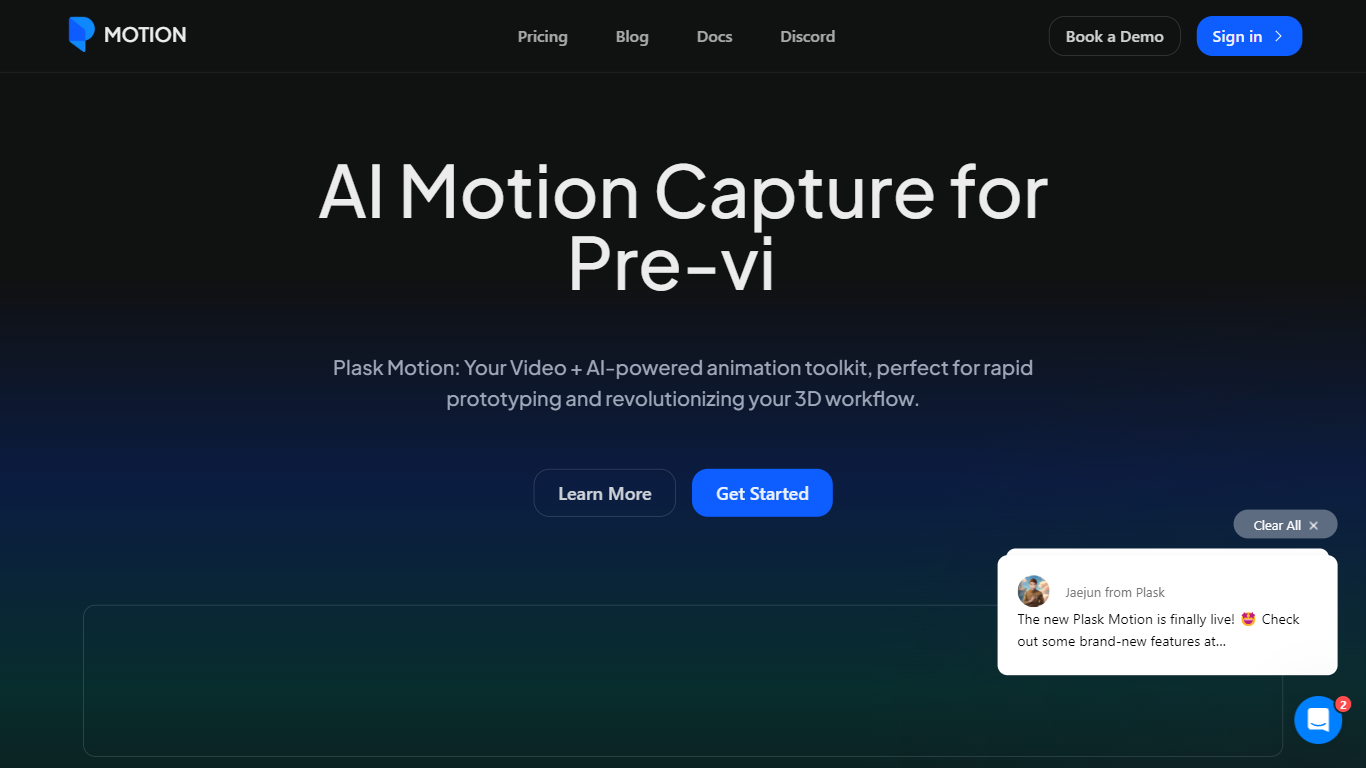

What is Plask Motion?
Plask Motion turns ordinary video footage into 3D character animation using AI motion capture that needs no suits, sensors, or dedicated studio setup. Upload a clip from a phone or webcam, and Plask extracts full-body and hand motion data you apply to imported 3D characters including MMD and VRM models.
Compared with traditional mocap studios or marker-based systems, Plask runs in the browser and adds AI-assisted camera, lighting, and post-processing like motion blur and depth-of-field inside the same editor. That makes it practical for indie game developers and VTubers who need usable animation data in minutes rather than days.
Game developers, animators, and XR creators use Plask Motion to export FBX, GLB, and BVH files into Unreal, Unity, Maya, and Blender. The platform also offers a video outsourcing service for custom TikTok-style dance animations delivered within 24 hours.
Peech AI

What is Peech AI?
Peech turns raw video footage into branded, platform-ready clips through automated post-production. Upload your content and the platform tags scenes, transcribes speech, applies your brand elements, and outputs resized versions for social, web, and ads. A text-to-video editor lets you trim clips and remove filler words as easily as editing a document.
Agency-style post-production usually means days of editor time for every batch of marketing videos. Peech automates transcription in 20+ languages, facial-recognition framing, aspect-ratio cropping, and highlight clip generation in one workflow. Media teams report cutting post-production time by up to 95% and design costs by over 80% compared to hiring external editors.
Marketing teams at B2B companies like Peerspot and Datarails use Peech to repurpose webinars and interviews into daily social clips. Media companies organize large footage libraries with automatic tagging and topic-based highlight recommendations. You can start free without a credit card, then scale to dozens of branded videos per month through the app at app.peech-ai.com.
Plask Motion Upvotes
Peech AI Upvotes
Plask Motion Top Features
Extract full-body and hand motion from smartphone or webcam video without marker suits
Apply captured motion to imported 3D characters with blinking and physics for MMD and VRM models
Export animations as FBX, GLB, or BVH for Unreal, Unity, Maya, and Blender workflows
Free plan includes 15 seconds of daily motion capture with 1 GB storage
Standard plan at $18 per month provides 10 minutes of monthly capture and 3 GB storage
Pro plan at $50 per month offers 1 hour of monthly capture, 10 GB storage, and pre-release features
AI-assisted camera, lighting, motion blur, and depth-of-field controls built into the editor
Peech AI Top Features
Real-time transcription and translation into 20+ languages with subtitle export
Text-to-video editor cuts clips and removes filler words like editing a doc
Automated brand elements applied across every output with one-click execution
Frame cropper centers speakers via facial recognition across aspect ratios
Clip Generator produces ready-to-publish social videos from long-form footage
Plask Motion Category
- Video Editing
Peech AI Category
- Video Editing
Plask Motion Pricing Type
- Freemium
Peech AI Pricing Type
- Freemium