Typeframes vs Plask Motion
Compare Typeframes vs Plask Motion and see which AI Video Editing tool is better when we compare features, reviews, pricing, alternatives, upvotes, etc.
Which one is better? Typeframes or Plask Motion?
When we compare Typeframes with Plask Motion, which are both AI-powered video editing tools, The upvote count favors Typeframes, making it the clear winner. Typeframes has 7 upvotes, and Plask Motion has 6 upvotes.
Does the result make you go "hmm"? Cast your vote and turn that frown upside down!
Typeframes


What is Typeframes?
Typeframes converts simple text prompts into engaging product videos optimized for social media platforms like YouTube, Instagram, and TikTok. It enables users to produce high-quality videos quickly without advanced video editing skills.
What sets Typeframes apart is its AI-driven approach that simplifies video production by offering customizable templates and automated suggestions to boost engagement. Unlike traditional video editors, it focuses on speed and ease of use, allowing creators to generate videos in minutes rather than hours.
The platform supports exporting videos in multiple resolutions tailored for different social media formats, including vertical videos. This makes Typeframes especially useful for content creators and marketers aiming to produce consistent, platform-optimized video content efficiently.
By streamlining the video creation process, Typeframes helps users save time and resources while enhancing their social media presence with visually appealing videos.
Plask Motion
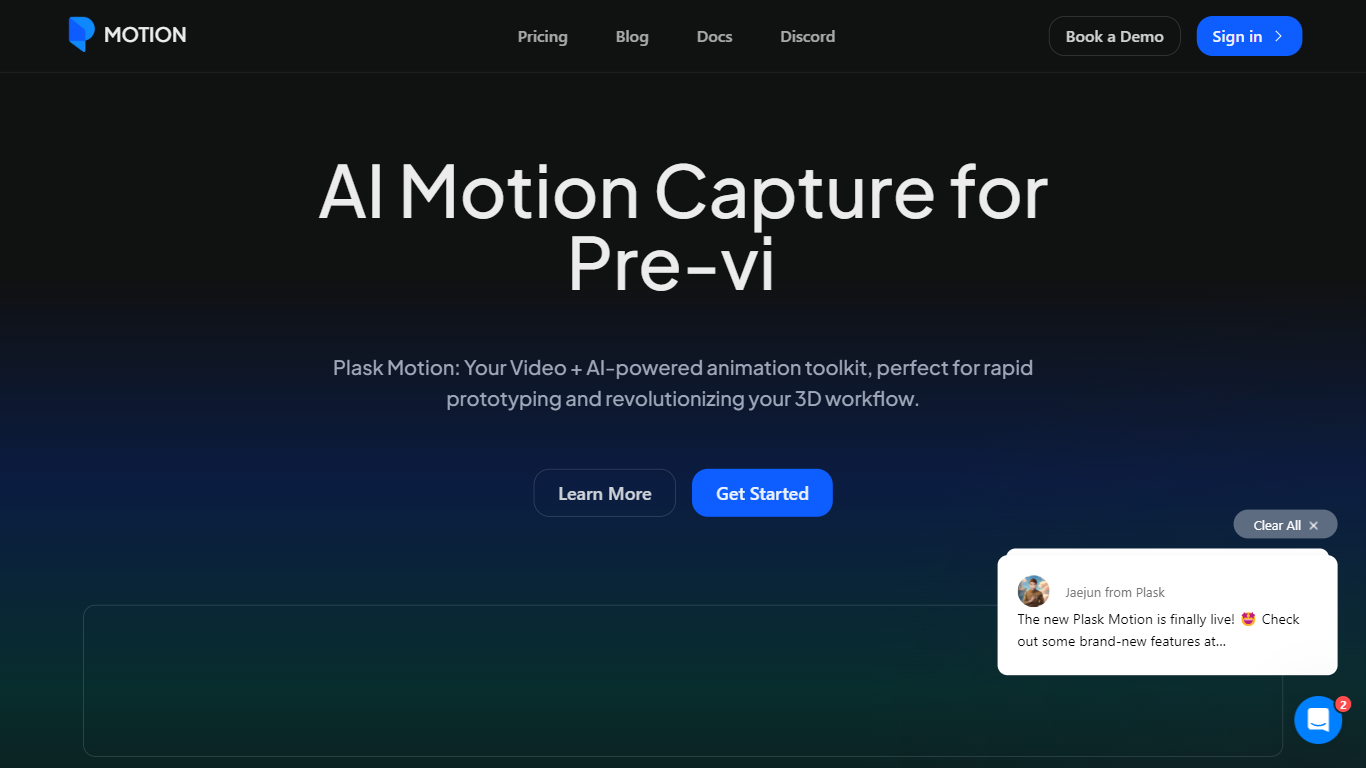
What is Plask Motion?
Plask Motion turns ordinary video footage into 3D character animation using AI motion capture that needs no suits, sensors, or dedicated studio setup. Upload a clip from a phone or webcam, and Plask extracts full-body and hand motion data you apply to imported 3D characters including MMD and VRM models.
Compared with traditional mocap studios or marker-based systems, Plask runs in the browser and adds AI-assisted camera, lighting, and post-processing like motion blur and depth-of-field inside the same editor. That makes it practical for indie game developers and VTubers who need usable animation data in minutes rather than days.
Game developers, animators, and XR creators use Plask Motion to export FBX, GLB, and BVH files into Unreal, Unity, Maya, and Blender. The platform also offers a video outsourcing service for custom TikTok-style dance animations delivered within 24 hours.
Typeframes Upvotes
Plask Motion Upvotes
Typeframes Top Features
Transform text prompts into engaging videos quickly
Customize templates to match your brand style easily
Create vertical videos optimized for social platforms
Simple interface requires no video editing skills
Export videos in multiple resolutions including high quality
AI-driven suggestions to boost video engagement
Plask Motion Top Features
Extract full-body and hand motion from smartphone or webcam video without marker suits
Apply captured motion to imported 3D characters with blinking and physics for MMD and VRM models
Export animations as FBX, GLB, or BVH for Unreal, Unity, Maya, and Blender workflows
Free plan includes 15 seconds of daily motion capture with 1 GB storage
Standard plan at $18 per month provides 10 minutes of monthly capture and 3 GB storage
Pro plan at $50 per month offers 1 hour of monthly capture, 10 GB storage, and pre-release features
AI-assisted camera, lighting, motion blur, and depth-of-field controls built into the editor
Typeframes Category
- Video Editing
Plask Motion Category
- Video Editing
Typeframes Pricing Type
- Freemium
Plask Motion Pricing Type
- Freemium