Pluno vs U-xer
Dive into the comparison of Pluno vs U-xer and discover which AI Automation tool stands out. We examine alternatives, upvotes, features, reviews, pricing, and beyond.
When comparing Pluno and U-xer, which one rises above the other?
When we compare Pluno and U-xer, two exceptional automation tools powered by artificial intelligence, and place them side by side, several key similarities and differences come to light. There's no clear winner in terms of upvotes, as both tools have received the same number. You can help us determine the winner by casting your vote and tipping the scales in favor of one of the tools.
You don't agree with the result? Cast your vote to help us decide!
Pluno

What is Pluno?
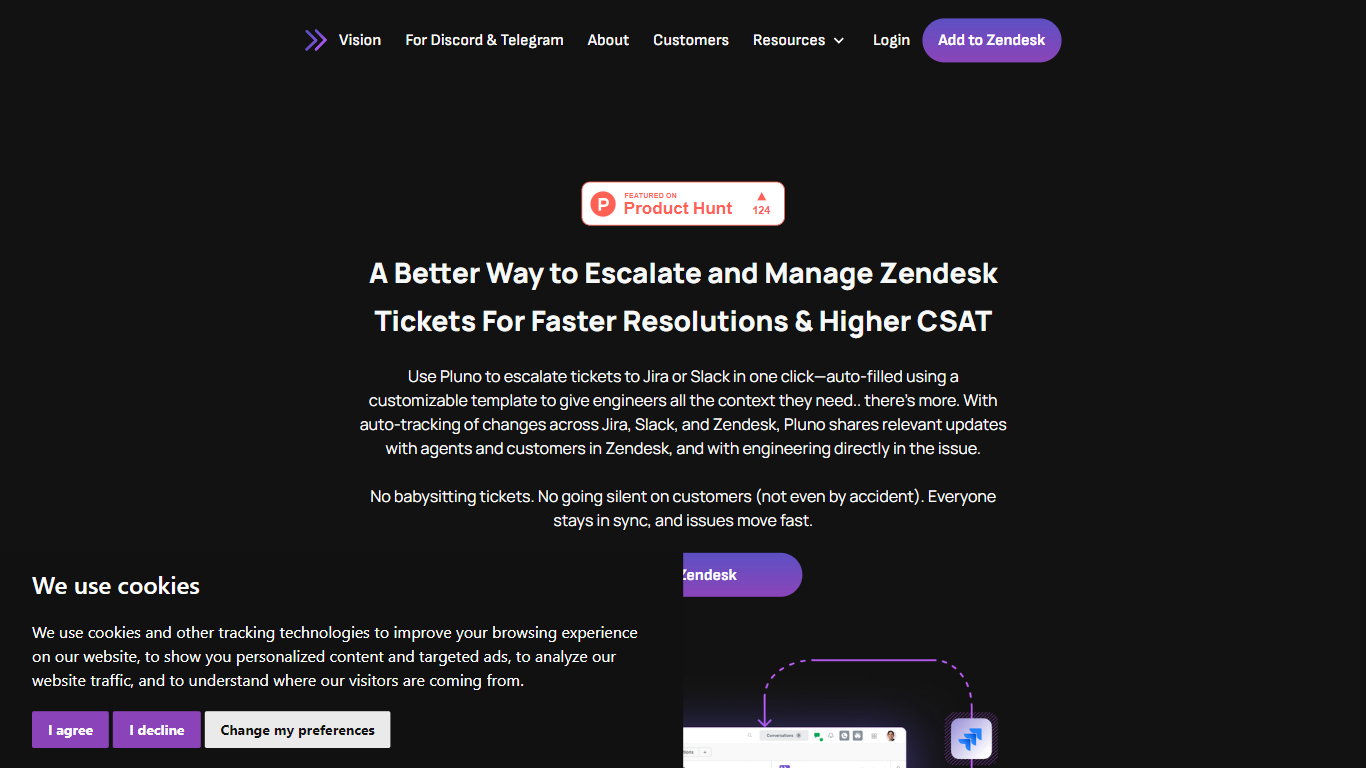
Pluno for Zendesk is a powerful tool designed to enhance the management of escalated tickets, ensuring faster resolutions and higher customer satisfaction (CSAT). Its core functionality revolves around the seamless escalation of tickets from Zendesk to platforms like Jira or Slack with just one click. This process is facilitated by customizable summary templates that automatically fill in essential details, allowing support agents to provide engineers with all the necessary context without any hassle. By streamlining this communication, Pluno helps maintain clarity and efficiency in ticket management.
The target audience for Pluno primarily includes SaaS support teams that deal with complex issues and require effective cross-team collaboration. These teams often face challenges such as delays, unclear ownership, and the chaos that can arise from juggling multiple platforms. Pluno addresses these pain points by integrating Zendesk with Jira and Slack, ensuring that support agents can focus on their customers without getting bogged down by administrative tasks.
Pluno's unique value proposition lies in its ability to keep all stakeholders informed and engaged throughout the ticket escalation process. By automatically tracking changes across platforms, Pluno ensures that updates are shared with both agents and customers in real-time. This feature eliminates the risk of miscommunication and helps maintain a smooth flow of information, ultimately leading to improved customer satisfaction.
Key differentiators of Pluno include its one-click escalation feature, which simplifies the process of transferring tickets to engineering teams. Additionally, the tool supports custom Jira fields, addressing a common limitation found in many integrations. This flexibility allows teams to tailor the escalation process to their specific needs, ensuring that all relevant information is captured and communicated effectively.
In terms of technical implementation, Pluno is designed to be user-friendly, requiring no complex onboarding or additional overhead. Users can easily install the tool from the Zendesk Marketplace and connect it to their Jira or Slack accounts. This straightforward setup process allows teams to start benefiting from cleaner workflows and enhanced ticket management from day one.
U-xer
What is U-xer?
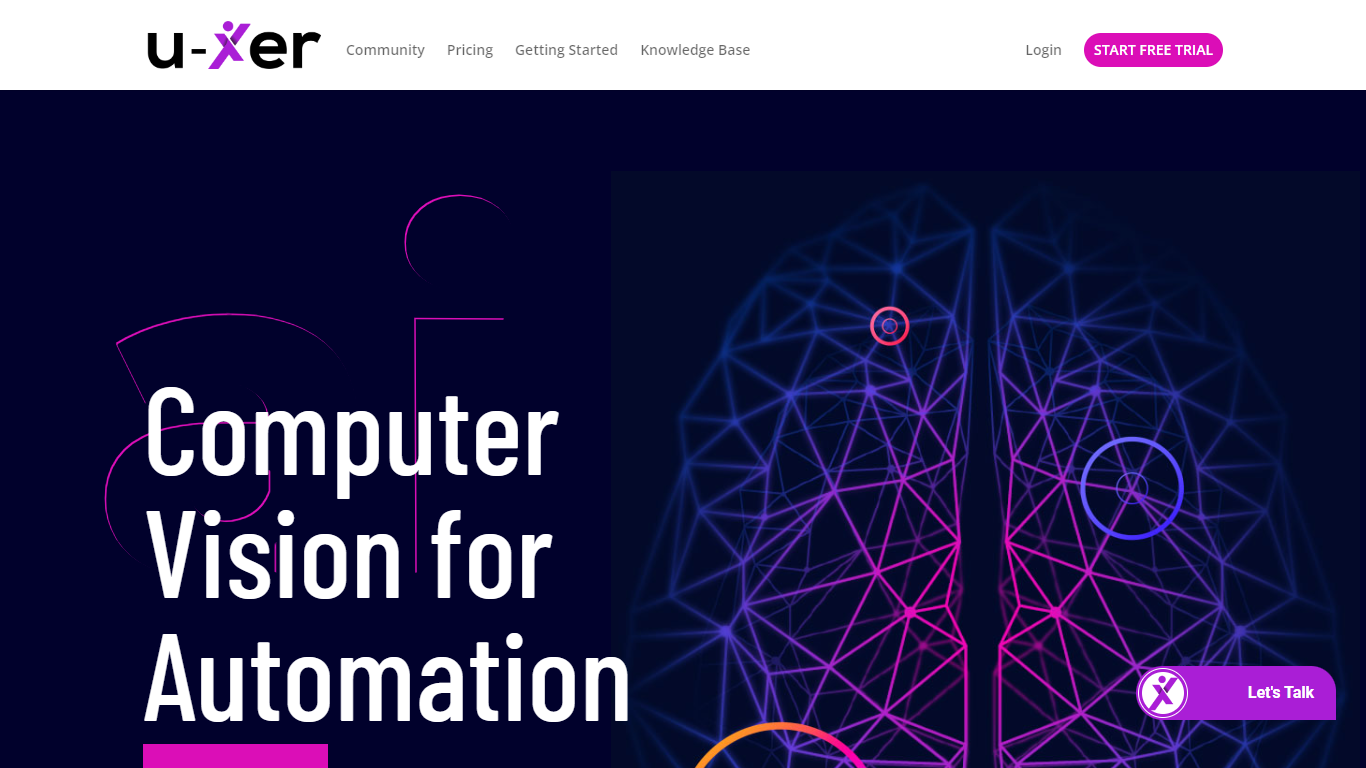
U-xer is an AI-powered automation assistant designed to simplify task automation across multiple platforms including Windows, Mac, browsers, iOS, and Android. It uses advanced computer vision and natural language processing to automate tasks by recognizing visual elements on the screen, eliminating the need for complex coding or selectors like CSS or XPath. Users can create automation scenarios using simple commands or everyday language, making it accessible for both non-technical users and developers who prefer scripting.
The tool learns from each interaction, becoming smarter and more personalized over time. It supports modular automation, allowing users to combine multiple scenarios into flexible workflows. U-xer also offers features like a built-in AI assistant called AskUxer for dynamic data scraping and task assistance, code editor mode for script customization, and command line integration for advanced control.
U-xer is designed for a wide range of users including small business owners, startups, freelancers, digital agencies, e-commerce businesses, IT professionals, and QA engineers. It supports local and remote execution, scheduled automation, unlimited user collaboration, and detailed execution reports with screenshot verification. The platform independence and reusable scripts across devices ensure consistent automation experiences.
Additional capabilities include custom image detection with screen scraping, starting automation on existing windows without reloading apps, using the user's own browser for automation, and automatic retry for element detection to improve reliability. U-xer also provides open APIs for integration with other tools and systems, enhancing workflow automation and compatibility.
Overall, U-xer stands out as a user-friendly, flexible, and intelligent automation assistant that lowers the barrier to entry for automation while offering powerful features for advanced users.
Pluno Upvotes
U-xer Upvotes
Pluno Top Features
One-Click Escalation: Easily escalate tickets to Jira or Slack with just one click, saving time and reducing errors in communication.
Customizable Templates: Use templates to auto-fill ticket details, ensuring all necessary context is provided to engineering teams without extra effort.
Real-Time Updates: Automatically track changes across platforms, keeping agents and customers informed about ticket status and updates.
SLA Tracking: Set up automated reminders for service level agreements, ensuring deadlines are met without manual follow-ups.
Cross-Platform Communication: Maintain conversations across Zendesk, Jira, and Slack, allowing for seamless collaboration and information sharing.
U-xer Top Features
🤖 AskUxer AI assistant answers questions and scrapes on-screen data to enhance automation.
🖥️ Cross-platform support automates tasks on Windows, Mac, browsers, iOS, and Android seamlessly.
📝 Simple natural language commands let anyone automate tasks without coding knowledge.
🔄 Modular automation combines multiple scenarios for flexible and scalable workflows.
📊 Detailed execution reports with screenshots help verify and troubleshoot automation steps.
Pluno Category
- Automation
U-xer Category
- Automation
Pluno Pricing Type
- Freemium
U-xer Pricing Type
- Freemium