pm.bot vs Mermaid Chart
When comparing pm.bot vs Mermaid Chart, which AI Project Management tool shines brighter? We look at pricing, alternatives, upvotes, features, reviews, and more.
In a comparison between pm.bot and Mermaid Chart, which one comes out on top?
When we put pm.bot and Mermaid Chart side by side, both being AI-powered project management tools, The upvote count is neck and neck for both pm.bot and Mermaid Chart. Be a part of the decision-making process. Your vote could determine the winner.
Feeling rebellious? Cast your vote and shake things up!
pm.bot

What is pm.bot?
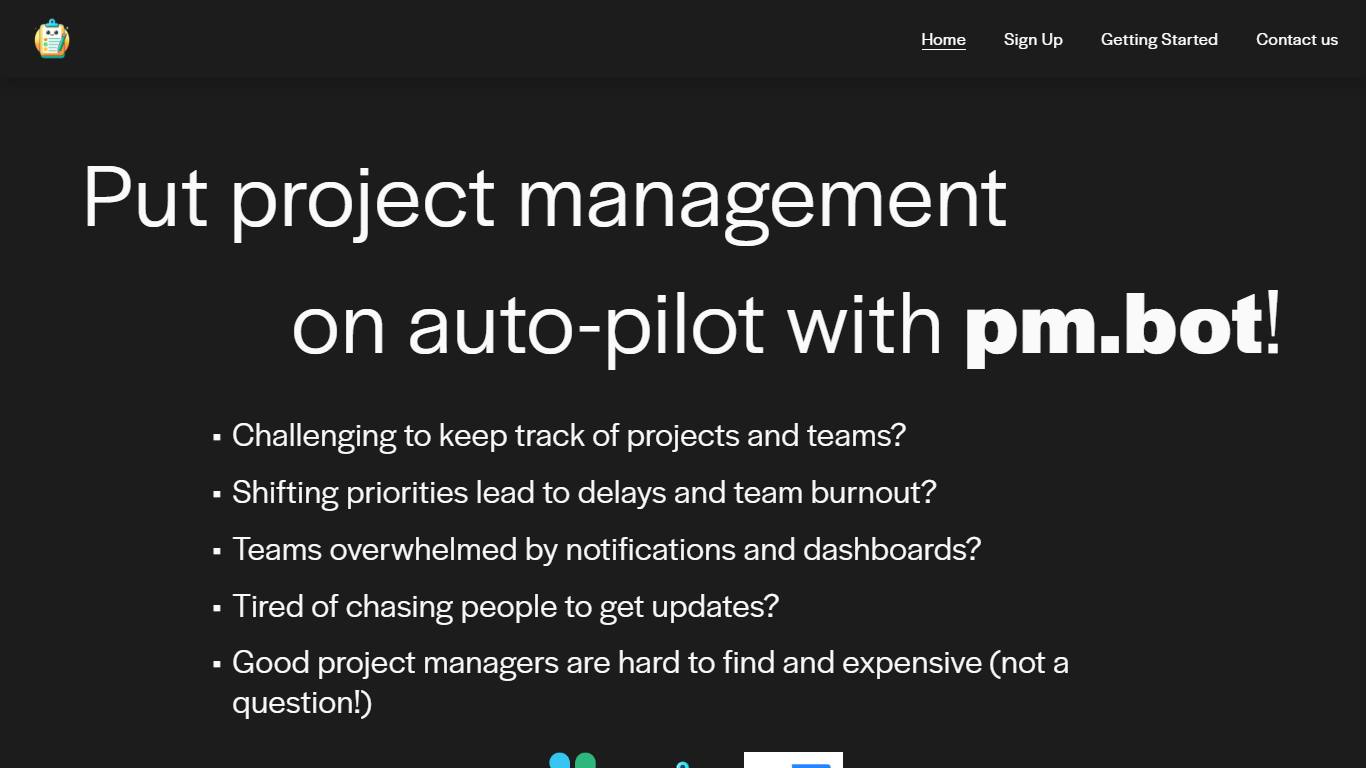
pm.bot is a project management automation tool that seamlessly integrates with JIRA for task management and Slack for team communication. Designed for teams facing the challenges of tracking projects, dealing with shifting priorities, and suffering from notification overload, pm.bot provides an intelligent solution to streamline the project management process.
This innovative tool aims to alleviate team burnout, reduce the constant need for updates, and fills in the gap when qualified project managers are scarce or expensive. With pm.bot, you can put your project management on auto-pilot, ensuring projects stay on track while enhancing overall productivity and team collaboration.
Mermaid Chart
What is Mermaid Chart?
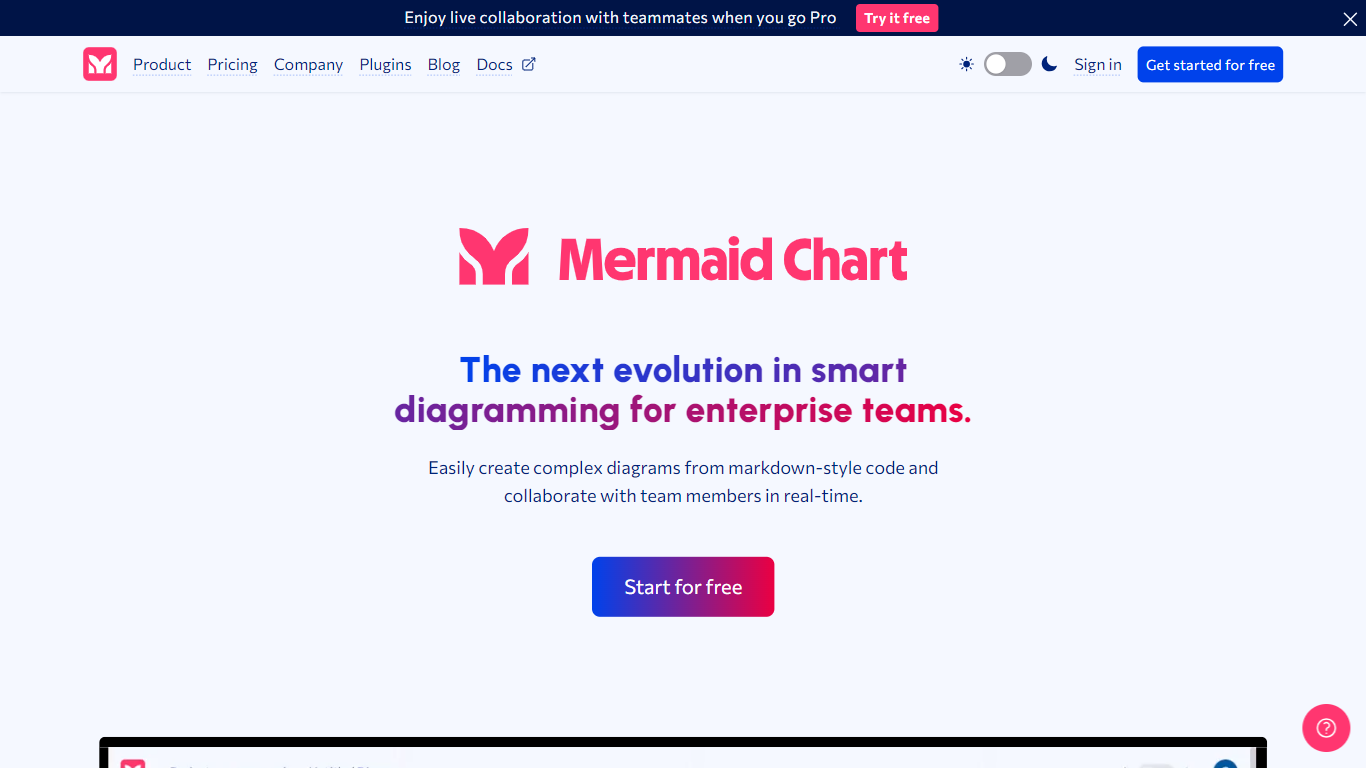
Mermaid Chart converts text-based descriptions into a variety of diagrams such as flowcharts, sequence diagrams, Gantt charts, and ER diagrams. Users can create diagrams by typing, speaking, or uploading documents, with AI assistance to suggest the most suitable diagram types and layouts.
What sets Mermaid Chart apart is its seamless integration with popular tools like VS Code, GitHub, and Confluence, allowing diagrams to live alongside code and documentation. It also supports real-time collaboration with live co-editing, shareable links, and enterprise-grade security including SSO and SOC 2 compliance.
Mermaid Chart emphasizes keeping diagrams version-controlled and synchronized with the underlying logic, reducing manual formatting and improving clarity across teams. Its AI features help users generate, validate, and refine diagrams quickly, supporting workflows from project planning to system architecture and database modeling.
pm.bot Upvotes
Mermaid Chart Upvotes
pm.bot Top Features
Simple Integration: Utilizes JIRA for tasks and Slack for communication to facilitate project management.
Reduces Burnout: Addresses shifting priorities to prevent delays and reduce team burnout.
Minimizes Notifications: Reduces overwhelming notifications and the dependence on dashboards.
Effortless Updates: Streamlines the process of gathering updates without the need to chase individuals.
Cost-effective Solution: Acts as an alternative to hiring expensive project managers by automating management tasks.
Mermaid Chart Top Features
📝 Text-to-diagram conversion with AI suggestions for best diagram type
🤝 Real-time collaboration with live co-editing and shareable links
🔗 Integrates with VS Code, GitHub, Confluence, and other tools
🔒 Enterprise-grade security including SSO and SOC 2 compliance
📊 Supports diverse diagrams like flowcharts, Gantt charts, ER diagrams
💡 AI credits included: 15 (Basic), 300 (Plus), 2,000 (Premium) per year
📈 Diagram limits: up to 6 diagrams with limited size on Basic plan, unlimited on paid plans
pm.bot Category
- Project Management
Mermaid Chart Category
- Project Management
pm.bot Pricing Type
- Freemium
Mermaid Chart Pricing Type
- Freemium