
Last updated 07-29-2026
Category:
Reviews:
Join thousands of AI enthusiasts in the World of AI!
Mermaid Chart
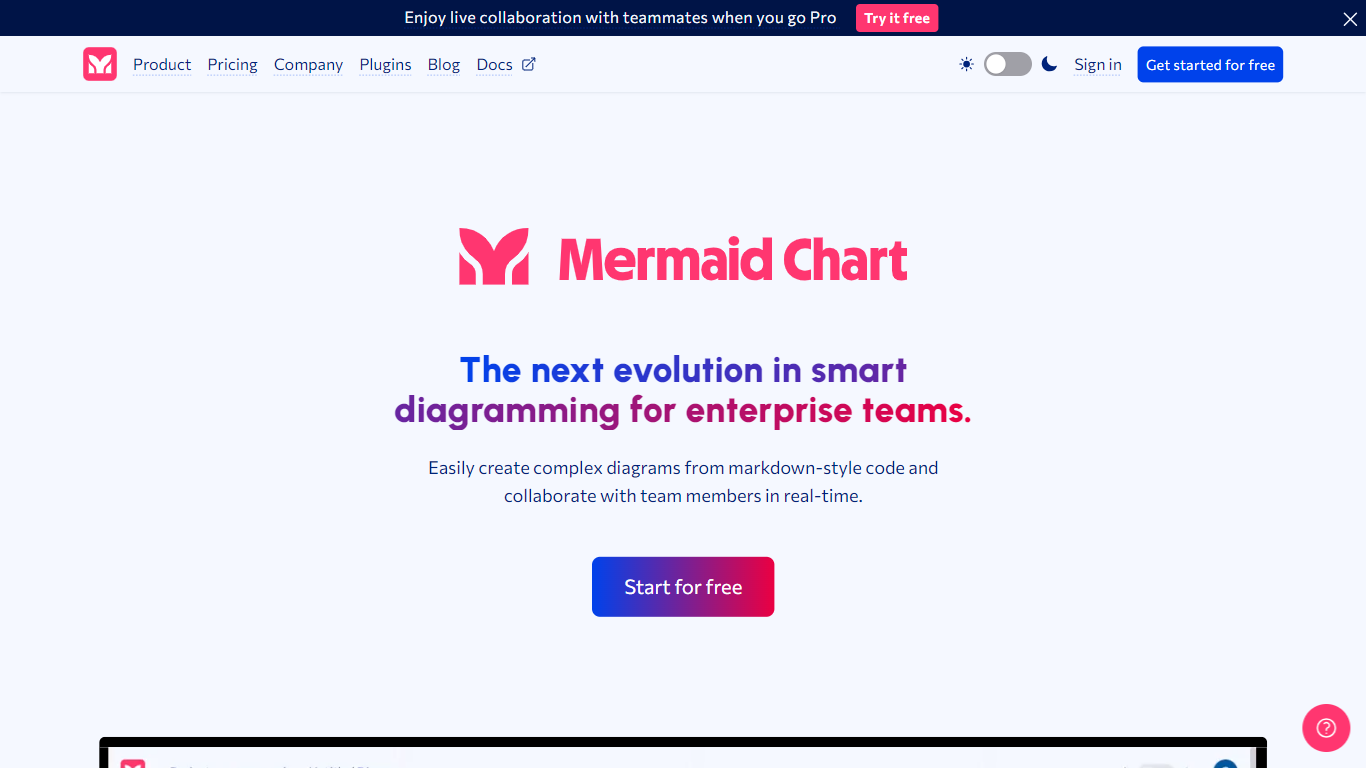
Mermaid Chart converts text-based descriptions into a variety of diagrams such as flowcharts, sequence diagrams, Gantt charts, and ER diagrams. Users can create diagrams by typing, speaking, or uploading documents, with AI assistance to suggest the most suitable diagram types and layouts.
What sets Mermaid Chart apart is its seamless integration with popular tools like VS Code, GitHub, and Confluence, allowing diagrams to live alongside code and documentation. It also supports real-time collaboration with live co-editing, shareable links, and enterprise-grade security including SSO and SOC 2 compliance.
Mermaid Chart emphasizes keeping diagrams version-controlled and synchronized with the underlying logic, reducing manual formatting and improving clarity across teams. Its AI features help users generate, validate, and refine diagrams quickly, supporting workflows from project planning to system architecture and database modeling.
📝 Text-to-diagram conversion with AI suggestions for best diagram type
🤝 Real-time collaboration with live co-editing and shareable links
🔗 Integrates with VS Code, GitHub, Confluence, and other tools
🔒 Enterprise-grade security including SSO and SOC 2 compliance
📊 Supports diverse diagrams like flowcharts, Gantt charts, ER diagrams
💡 AI credits included: 15 (Basic), 300 (Plus), 2,000 (Premium) per year
📈 Diagram limits: up to 6 diagrams with limited size on Basic plan, unlimited on paid plans
AI-assisted diagram creation speeds up workflow
Supports a wide variety of diagram types for multiple use cases
Seamless integration with popular development and documentation tools
Real-time collaboration enhances team productivity
Strong security features suitable for enterprise use
Free plan limits number and size of diagrams
Advanced AI credits and collaboration features require paid plans
Some advanced collaboration features are only available on Premium and Enterprise plans
What is Mermaid Chart?
Mermaid Chart is a tool that transforms text descriptions into various diagrams, supporting collaboration and integration with popular development tools.
How do I create a diagram in Mermaid Chart?
You can create diagrams by typing, speaking, or uploading documents, and Mermaid Chart's AI will suggest and generate the best diagram type for your input.
Can I collaborate with others on Mermaid Chart diagrams?
Yes, Mermaid Chart supports real-time co-editing and sharing via live links without requiring logins, enhancing team collaboration.
Does Mermaid Chart integrate with other tools?
Mermaid Chart integrates with VS Code, GitHub, Confluence, and supports plugins for seamless workflow integration.
Is coding knowledge required to use Mermaid Chart?
No, Mermaid Chart uses a clear Markdown-style syntax and AI assistance to help users create diagrams without coding skills.
What security features does Mermaid Chart offer?
Mermaid Chart provides enterprise-grade security including secure access controls, SOC 2 compliance, and single sign-on (SSO).
Does Mermaid Chart offer a free plan?
Yes, Mermaid Chart offers a Basic free plan allowing up to 6 diagrams with limited size and limited AI credits.