Mermaid Chart vs GeniePM
In the clash of Mermaid Chart vs GeniePM, which AI Project Management tool emerges victorious? We assess reviews, pricing, alternatives, features, upvotes, and more.
When we put Mermaid Chart and GeniePM head to head, which one emerges as the victor?
Let's take a closer look at Mermaid Chart and GeniePM, both of which are AI-driven project management tools, and see what sets them apart. Interestingly, both tools have managed to secure the same number of upvotes. Be a part of the decision-making process. Your vote could determine the winner.
Want to flip the script? Upvote your favorite tool and change the game!
Mermaid Chart
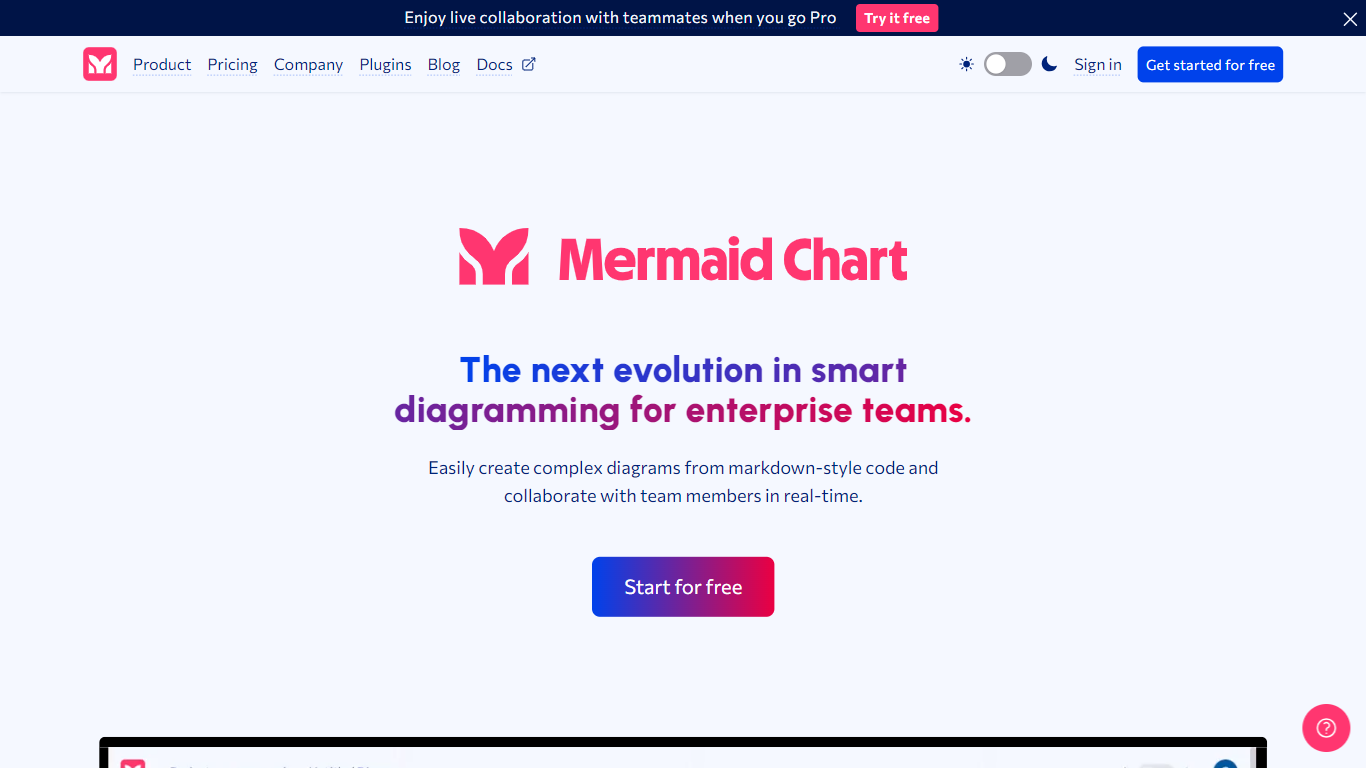

What is Mermaid Chart?
Mermaid Chart converts text-based descriptions into a variety of diagrams such as flowcharts, sequence diagrams, Gantt charts, and ER diagrams. Users can create diagrams by typing, speaking, or uploading documents, with AI assistance to suggest the most suitable diagram types and layouts.
What sets Mermaid Chart apart is its seamless integration with popular tools like VS Code, GitHub, and Confluence, allowing diagrams to live alongside code and documentation. It also supports real-time collaboration with live co-editing, shareable links, and enterprise-grade security including SSO and SOC 2 compliance.
Mermaid Chart emphasizes keeping diagrams version-controlled and synchronized with the underlying logic, reducing manual formatting and improving clarity across teams. Its AI features help users generate, validate, and refine diagrams quickly, supporting workflows from project planning to system architecture and database modeling.
GeniePM
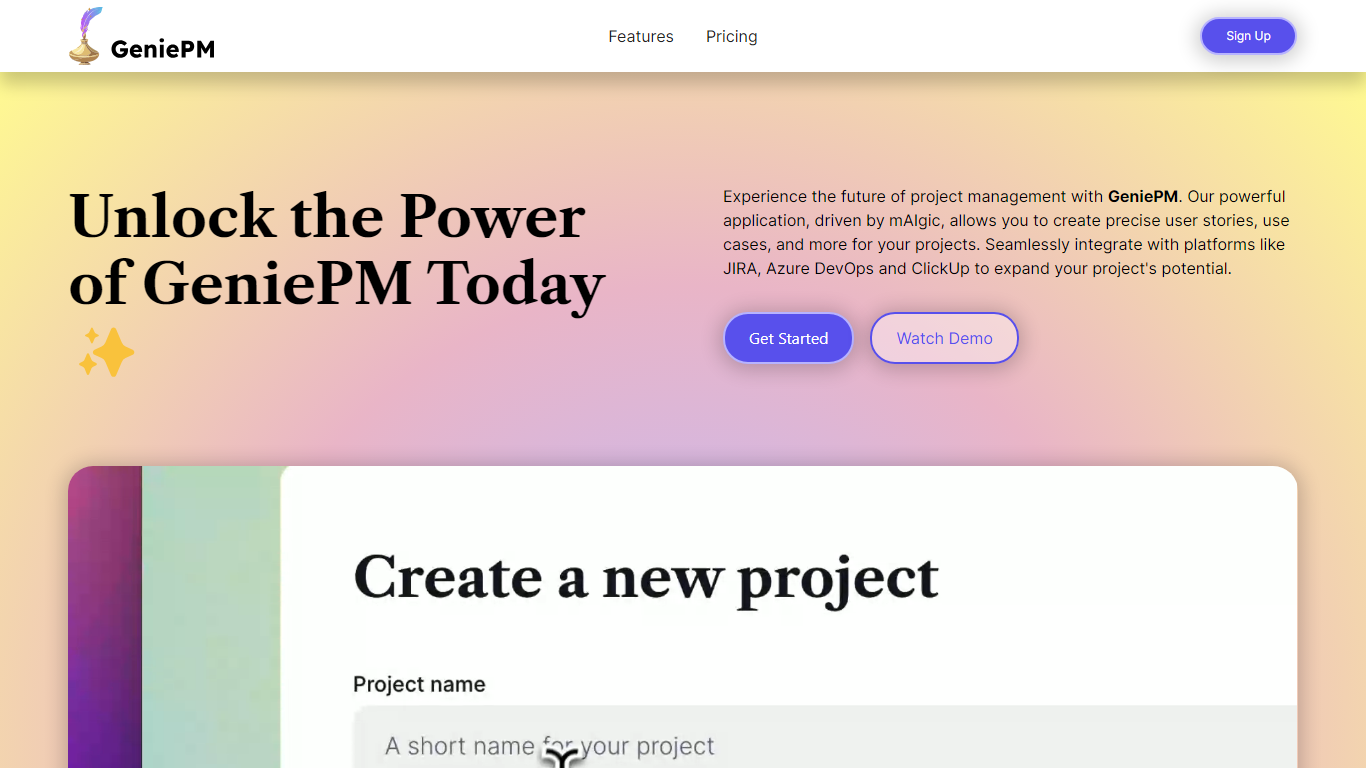
What is GeniePM?
GeniePM helps agile teams draft user stories, tasks, and ticket descriptions from rough ideas instead of staring at blank fields. You describe what you need, and GeniePM turns it into structured project narratives, sub-issues, and rephrased ticket copy you can export to JIRA, Linear, Notion, ClickUp, or CSV.
Unlike general PM suites that expect you to write every story by hand, GeniePM centers on narrative generation and rephrasing. Its mAIgic engine focuses on user story wording, subtask breakdown, and use case drafting, then hands the output to the tools you already track work in, including Azure DevOps and ClickUp.
Startup and product teams use GeniePM when story writing slows sprint planning. Pro plans start at $9.99 per month with unlimited projects and exports, while Teams adds role-based permissions and unified billing for growing groups. Free credits are available at signup with no credit card required.
Mermaid Chart Upvotes
GeniePM Upvotes
Mermaid Chart Top Features
📝 Text-to-diagram conversion with AI suggestions for best diagram type
🤝 Real-time collaboration with live co-editing and shareable links
🔗 Integrates with VS Code, GitHub, Confluence, and other tools
🔒 Enterprise-grade security including SSO and SOC 2 compliance
📊 Supports diverse diagrams like flowcharts, Gantt charts, ER diagrams
💡 AI credits included: 15 (Basic), 300 (Plus), 2,000 (Premium) per year
📈 Diagram limits: up to 6 diagrams with limited size on Basic plan, unlimited on paid plans
GeniePM Top Features
Pro plan costs $9.99 per month with unlimited projects and ticket edits
Teams plan costs $12.50 per user per month with role-based permissions
Exports unlimited tickets to JIRA, Linear, Notion, ClickUp, and CSV
Generates sub-issues and rephrased ticket details from project narratives
Integrates with Azure DevOps, JIRA, and ClickUp for centralized workflows
Free signup credits available with no credit card required
Mermaid Chart Category
- Project Management
GeniePM Category
- Project Management
Mermaid Chart Pricing Type
- Freemium
GeniePM Pricing Type
- Freemium