pm.bot vs Tom's Planner
In the contest of pm.bot vs Tom's Planner, which AI Project Management tool is the champion? We evaluate pricing, alternatives, upvotes, features, reviews, and more.
If you had to choose between pm.bot and Tom's Planner, which one would you go for?
When we examine pm.bot and Tom's Planner, both of which are AI-enabled project management tools, what unique characteristics do we discover? Both tools are equally favored, as indicated by the identical upvote count. The power is in your hands! Cast your vote and have a say in deciding the winner.
Does the result make you go "hmm"? Cast your vote and turn that frown upside down!
pm.bot

What is pm.bot?
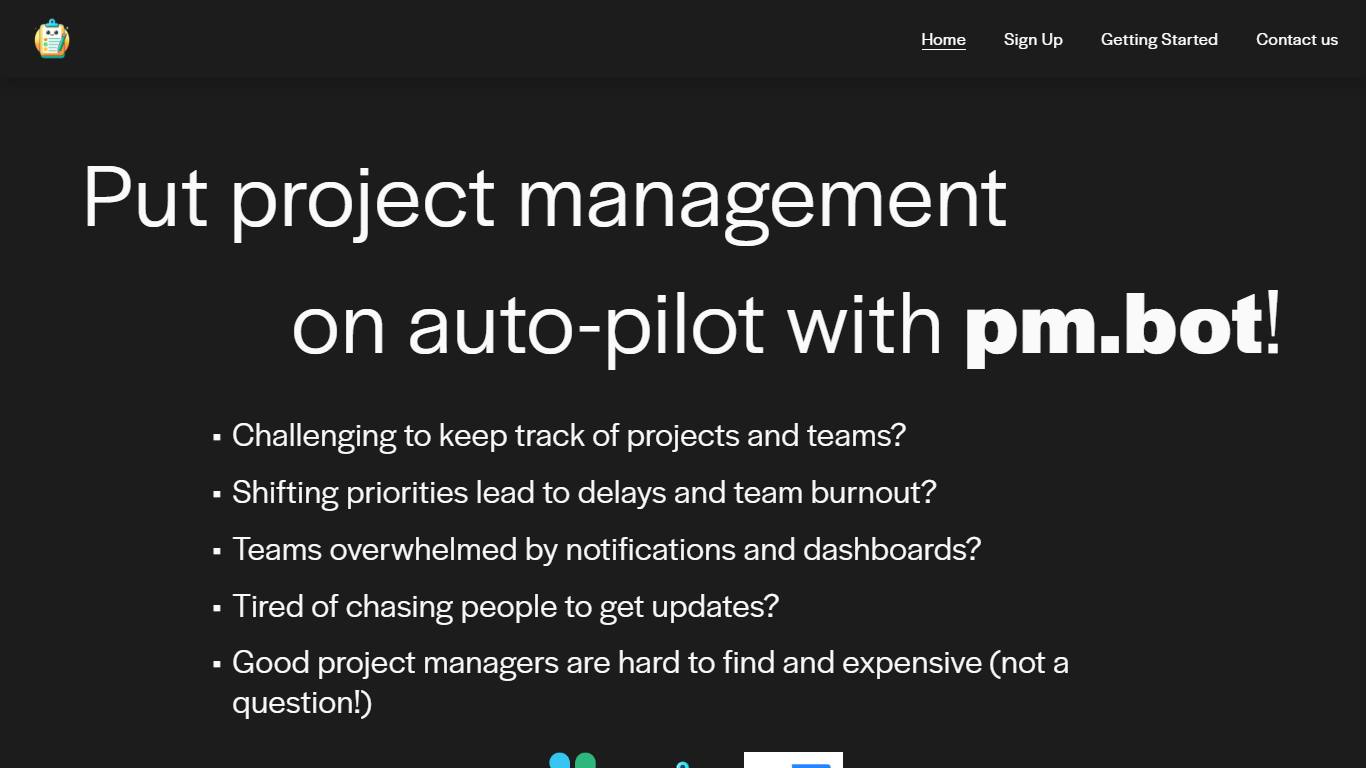
pm.bot is a project management automation tool that seamlessly integrates with JIRA for task management and Slack for team communication. Designed for teams facing the challenges of tracking projects, dealing with shifting priorities, and suffering from notification overload, pm.bot provides an intelligent solution to streamline the project management process.
This innovative tool aims to alleviate team burnout, reduce the constant need for updates, and fills in the gap when qualified project managers are scarce or expensive. With pm.bot, you can put your project management on auto-pilot, ensuring projects stay on track while enhancing overall productivity and team collaboration.
Tom's Planner
What is Tom's Planner?
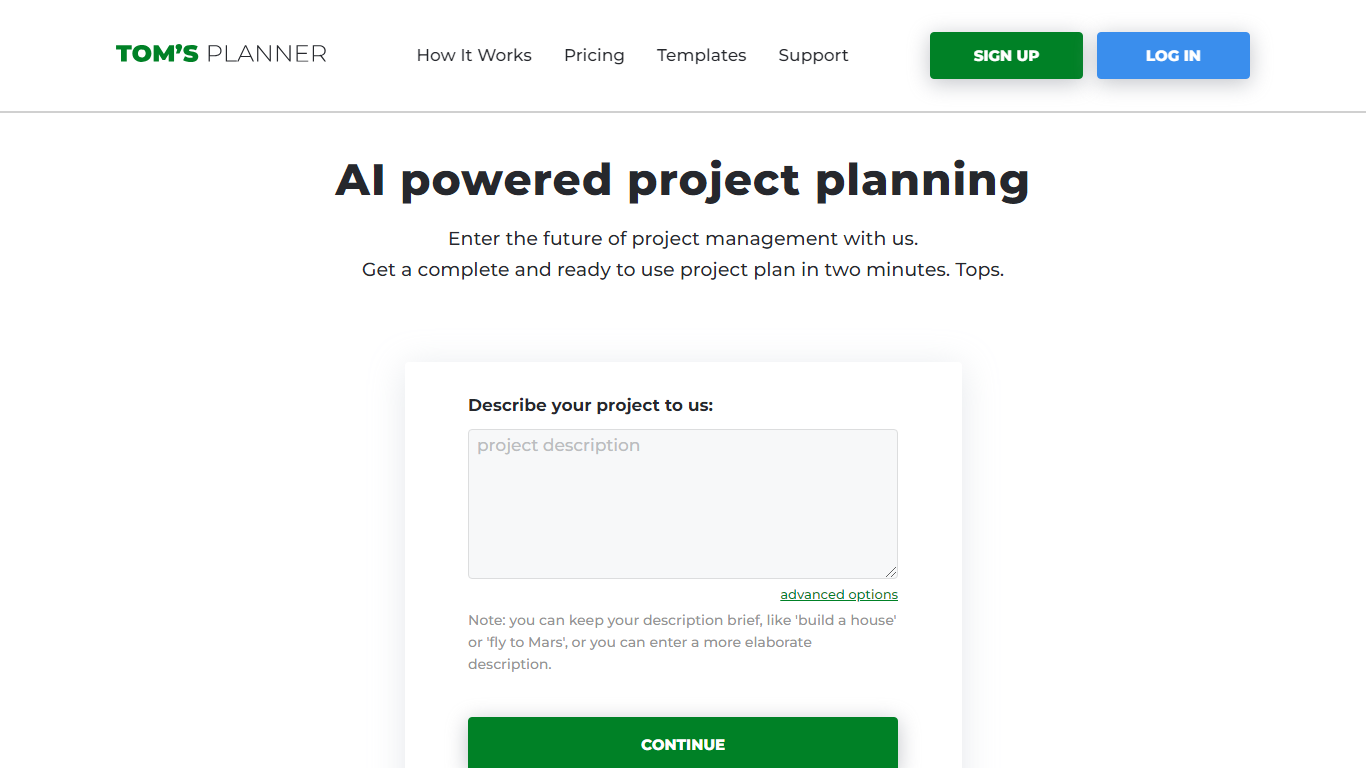
Tom's Planner AI Assist turns a plain-text project description into a structured Gantt chart with phases, activities, and auto-scheduled timelines. You type something like "build a house" or paste a detailed brief, and the tool returns a ready-to-edit chart within seconds without creating an account first.
Most Gantt chart tools start with a blank grid you fill in task by task. Tom's Planner generates the first draft from natural language, then lets you refine it through follow-up instructions the same way you would iterate with a chat assistant. It also offers 200+ industry templates and can suggest missing activities or restructure existing phases on charts you already built.
Project managers, construction teams, event planners, and IT teams use Tom's Planner to skip the blank-page problem on complex schedules. The free Personal account covers one chart; Professional and Unlimited plans unlock multiple charts, printing, and export at 119 or 239 dollars per year.
pm.bot Upvotes
Tom's Planner Upvotes
pm.bot Top Features
Simple Integration: Utilizes JIRA for tasks and Slack for communication to facilitate project management.
Reduces Burnout: Addresses shifting priorities to prevent delays and reduce team burnout.
Minimizes Notifications: Reduces overwhelming notifications and the dependence on dashboards.
Effortless Updates: Streamlines the process of gathering updates without the need to chase individuals.
Cost-effective Solution: Acts as an alternative to hiring expensive project managers by automating management tasks.
Tom's Planner Top Features
AI Assist converts a text project description into phases and activities in seconds
Auto-scheduling sets task dates based on start/end dates, dependencies, and logical order
200+ Gantt chart templates across construction, IT, marketing, and event planning
Refine existing charts by asking AI to suggest missing activities or restructure phases
Drag-and-drop time blocks with color coding and flexible progress tracking
Free AI Assist with no signup required; Personal account stores 1 Gantt chart
Professional plan at 119 dollars per year supports multiple charts with print and export
pm.bot Category
- Project Management
Tom's Planner Category
- Project Management
pm.bot Pricing Type
- Freemium
Tom's Planner Pricing Type
- Freemium