
Last updated 08-09-2026
Category:
Reviews:
Join thousands of AI enthusiasts in the World of AI!
Tom's Planner
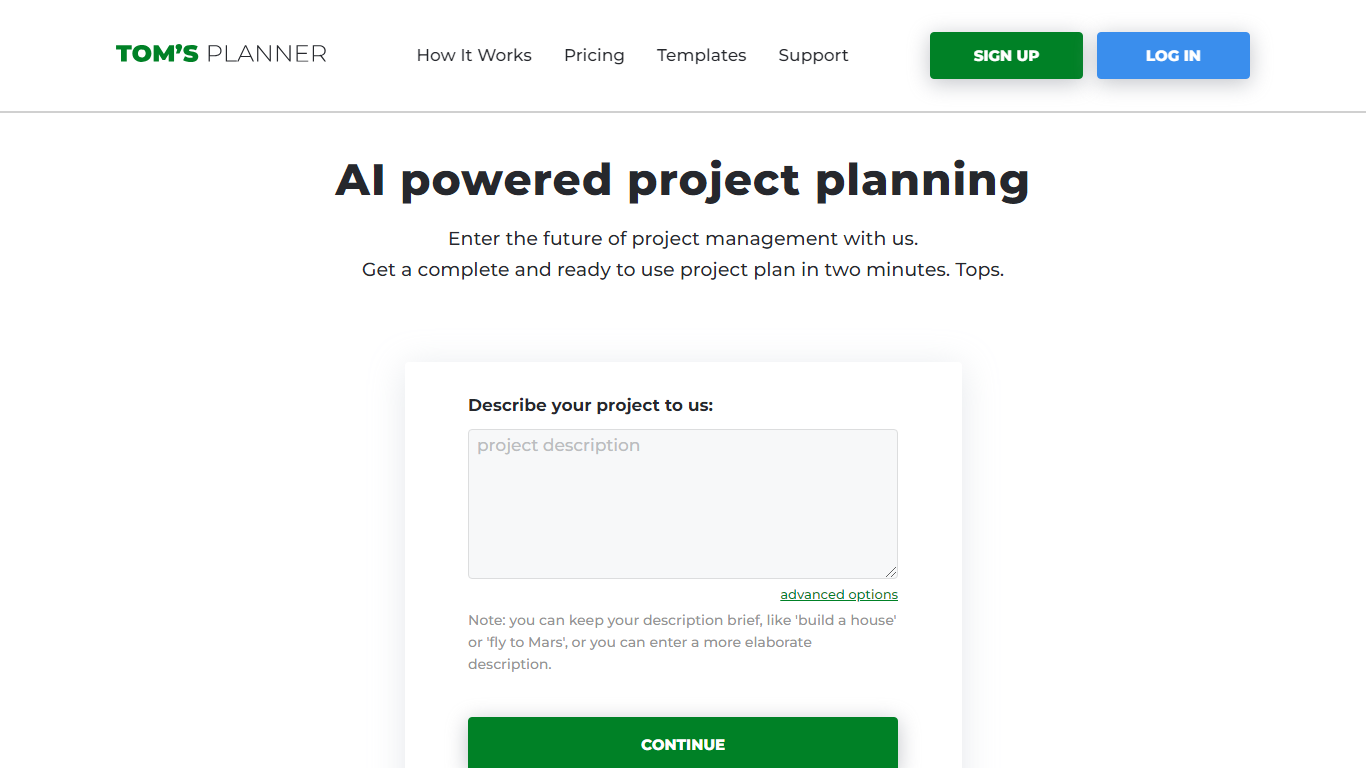
Tom's Planner AI Assist turns a plain-text project description into a structured Gantt chart with phases, activities, and auto-scheduled timelines. You type something like "build a house" or paste a detailed brief, and the tool returns a ready-to-edit chart within seconds without creating an account first.
Most Gantt chart tools start with a blank grid you fill in task by task. Tom's Planner generates the first draft from natural language, then lets you refine it through follow-up instructions the same way you would iterate with a chat assistant. It also offers 200+ industry templates and can suggest missing activities or restructure existing phases on charts you already built.
Project managers, construction teams, event planners, and IT teams use Tom's Planner to skip the blank-page problem on complex schedules. The free Personal account covers one chart; Professional and Unlimited plans unlock multiple charts, printing, and export at 119 or 239 dollars per year.
AI Assist converts a text project description into phases and activities in seconds
Auto-scheduling sets task dates based on start/end dates, dependencies, and logical order
200+ Gantt chart templates across construction, IT, marketing, and event planning
Refine existing charts by asking AI to suggest missing activities or restructure phases
Drag-and-drop time blocks with color coding and flexible progress tracking
Free AI Assist with no signup required; Personal account stores 1 Gantt chart
Professional plan at 119 dollars per year supports multiple charts with print and export
Generates a complete Gantt chart from a text description in seconds with no signup.
200+ industry templates cover construction, IT, marketing, and event planning.
AI can refine existing charts by suggesting missing tasks or restructuring phases.
Free Personal account available with no credit card required.
Free Personal account limited to a single Gantt chart.
AI processing requires sending project data to OpenAI's API.
Extensive planning on mobile is less convenient than on desktop.
Is Tom's Planner AI Assist free?
Tom's Planner AI Assist is free to use with no signup or credit card required for the initial generation. To save and continue editing an AI-generated chart, you need a free Personal account, which allows one Gantt chart.
How does Tom's Planner AI create a Gantt chart?
Tom's Planner AI reads your project description and structures it into logical phases and activities. You can set the number of phases and activities per phase in advanced options, then refine the result with follow-up instructions.
What does Tom's Planner Professional cost?
Tom's Planner Professional costs 119 dollars per year or 39 dollars per 3 months. It supports multiple Gantt charts with print, export, and online sharing. The Unlimited plan is 239 dollars per year or 79 dollars per 3 months.
Does Tom's Planner AI work in other languages?
Yes. Tom's Planner AI detects the language in your input and generates phases and activities in that same language. Users have generated charts in English, Chinese, Hindi, Arabic, and many other languages.
Can Tom's Planner auto-schedule task dates?
Yes. When you provide a start and end date, Tom's Planner AI schedules all tasks within that timeframe, accounting for dependencies and avoiding overlaps. You can also adjust dates manually after generation.
Does Tom's Planner use OpenAI?
Tom's Planner AI Assist sends your project description to OpenAI's API for processing. OpenAI does not use API-submitted data to train models, per their policy. Tom's Planner shares this in its privacy FAQ on the AI Assist page.