Tom's Planner vs GitMind
In the face-off between Tom's Planner vs GitMind, which AI Project Management tool takes the crown? We scrutinize features, alternatives, upvotes, reviews, pricing, and more.
When we put Tom's Planner and GitMind head to head, which one emerges as the victor?
If we were to analyze Tom's Planner and GitMind, both of which are AI-powered project management tools, what would we find? The upvote count reveals a draw, with both tools earning the same number of upvotes. Join the aitools.fyi users in deciding the winner by casting your vote.
Don't agree with the result? Cast your vote and be a part of the decision-making process!
Tom's Planner
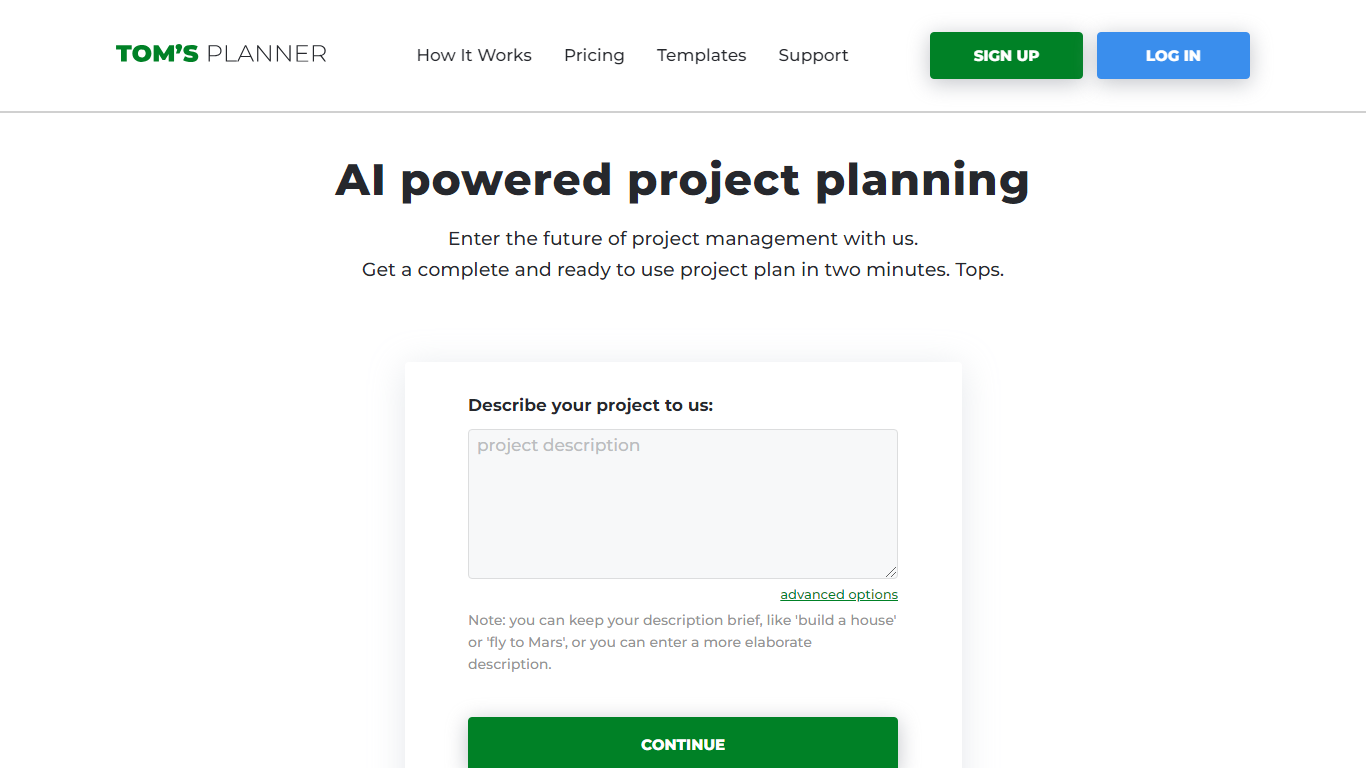

What is Tom's Planner?
Tom's Planner AI Assist turns a plain-text project description into a structured Gantt chart with phases, activities, and auto-scheduled timelines. You type something like "build a house" or paste a detailed brief, and the tool returns a ready-to-edit chart within seconds without creating an account first.
Most Gantt chart tools start with a blank grid you fill in task by task. Tom's Planner generates the first draft from natural language, then lets you refine it through follow-up instructions the same way you would iterate with a chat assistant. It also offers 200+ industry templates and can suggest missing activities or restructure existing phases on charts you already built.
Project managers, construction teams, event planners, and IT teams use Tom's Planner to skip the blank-page problem on complex schedules. The free Personal account covers one chart; Professional and Unlimited plans unlock multiple charts, printing, and export at 119 or 239 dollars per year.
GitMind
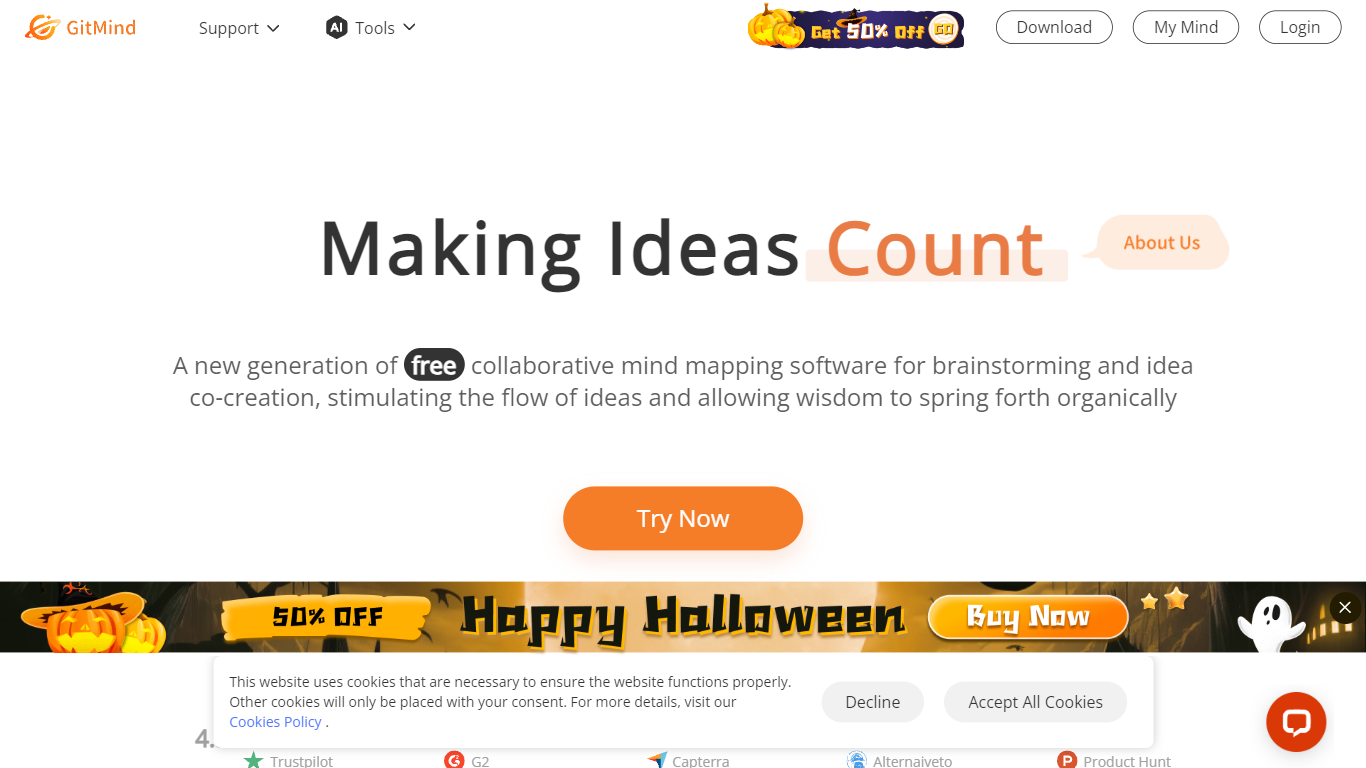
What is GitMind?
GitMind turns text, videos, audio, PDFs, websites, and images into mind maps, summaries, flowcharts, and infographics inside one visual workspace. Upload a file or paste a link, and the tool structures the content into editable diagrams you can share or present. Desktop and mobile apps sync projects across platforms for studying, research, and project planning.
Standalone mind map apps stop at diagram editing. GitMind bundles summarizers, OCR, YouTube transcript tools, and AI chat with ChatGPT, Claude, Gemini, and DeepSeek in the same canvas. That combination suits teams who want source material converted into visuals without switching between a note app, a diagram tool, and a separate AI chat tab.
Project managers, teachers, students, and researchers use GitMind to plan campaigns, summarize lectures, and generate UML or flowchart diagrams from prompts. The site reports 10 million users across 160 countries. Real-time collaboration and presentation mode support team workshops and classroom reviews.
Tom's Planner Upvotes
GitMind Upvotes
Tom's Planner Top Features
AI Assist converts a text project description into phases and activities in seconds
Auto-scheduling sets task dates based on start/end dates, dependencies, and logical order
200+ Gantt chart templates across construction, IT, marketing, and event planning
Refine existing charts by asking AI to suggest missing activities or restructure phases
Drag-and-drop time blocks with color coding and flexible progress tracking
Free AI Assist with no signup required; Personal account stores 1 Gantt chart
Professional plan at 119 dollars per year supports multiple charts with print and export
GitMind Top Features
Converts videos, PDFs, audio, websites, and images into mind maps or summaries
Free tier includes up to 10 mind maps and whiteboards
YouTube summarizer handles 20 minutes of one video per day on the free plan
Generates flowcharts, UML diagrams, ERDs, and infographics from text prompts
Integrates ChatGPT, Claude, Gemini, and DeepSeek inside the workspace
Real-time collaboration with presentation mode for team reviews
Tom's Planner Category
- Project Management
GitMind Category
- Project Management
Tom's Planner Pricing Type
- Freemium
GitMind Pricing Type
- Freemium