Tom's Planner vs Autopia Labs
In the battle of Tom's Planner vs Autopia Labs, which AI Project Management tool comes out on top? We compare reviews, pricing, alternatives, upvotes, features, and more.
Between Tom's Planner and Autopia Labs, which one is superior?
Upon comparing Tom's Planner with Autopia Labs, which are both AI-powered project management tools, The upvote count shows a clear preference for Autopia Labs. Autopia Labs has attracted 7 upvotes from aitools.fyi users, and Tom's Planner has attracted 6 upvotes.
Not your cup of tea? Upvote your preferred tool and stir things up!
Tom's Planner
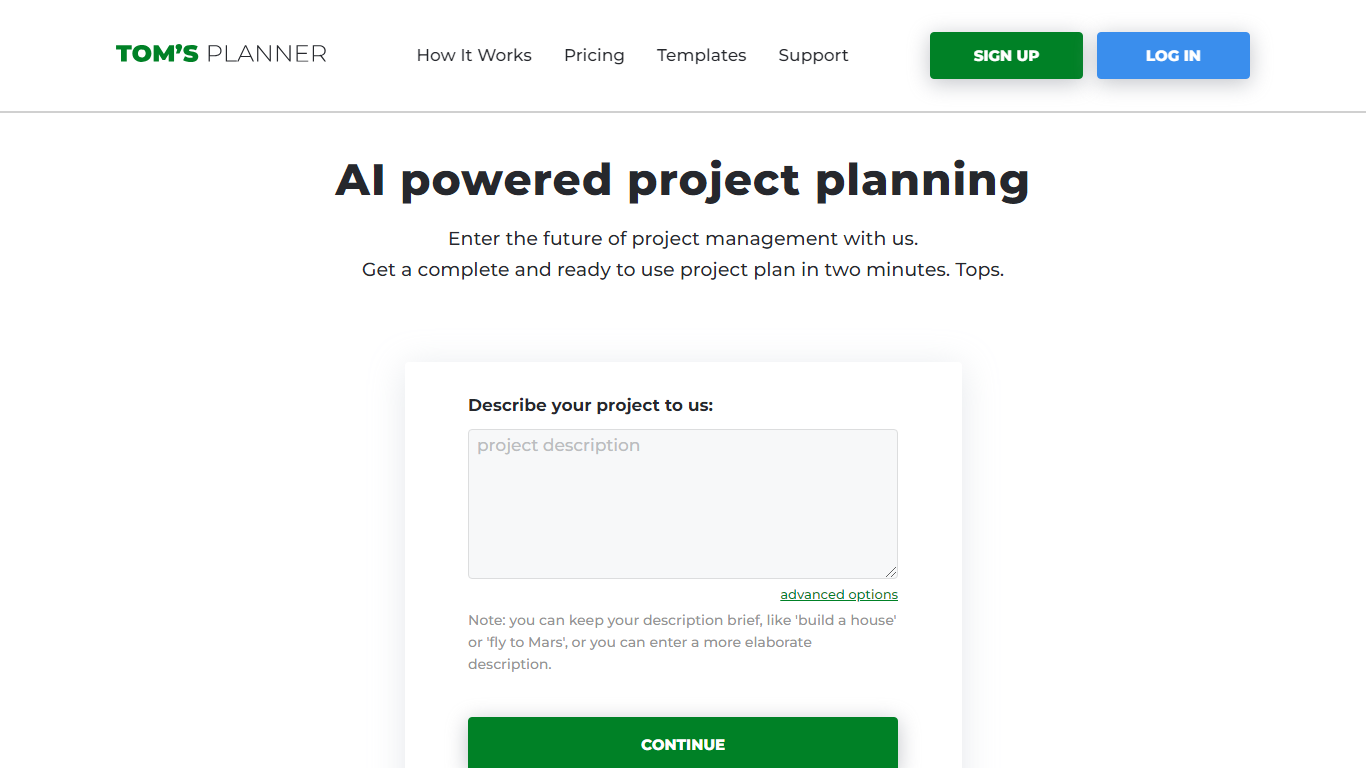

What is Tom's Planner?
Tom's Planner AI Assist turns a plain-text project description into a structured Gantt chart with phases, activities, and auto-scheduled timelines. You type something like "build a house" or paste a detailed brief, and the tool returns a ready-to-edit chart within seconds without creating an account first.
Most Gantt chart tools start with a blank grid you fill in task by task. Tom's Planner generates the first draft from natural language, then lets you refine it through follow-up instructions the same way you would iterate with a chat assistant. It also offers 200+ industry templates and can suggest missing activities or restructure existing phases on charts you already built.
Project managers, construction teams, event planners, and IT teams use Tom's Planner to skip the blank-page problem on complex schedules. The free Personal account covers one chart; Professional and Unlimited plans unlock multiple charts, printing, and export at 119 or 239 dollars per year.
Autopia Labs
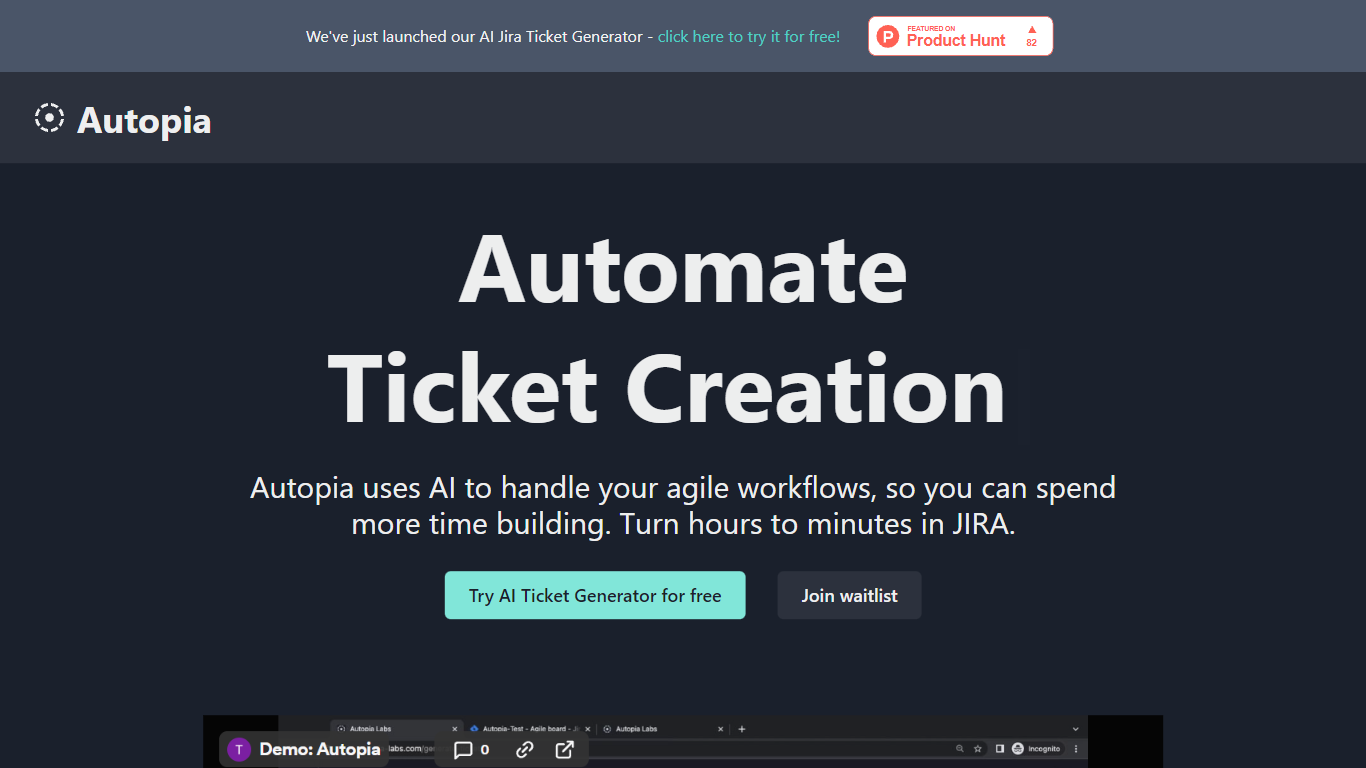
What is Autopia Labs?
Welcome to Autopia Labs, where innovation meets practical solution creation. Our laboratory specializes in the development of pioneering technologies that automate and revolutionize your everyday processes. With a focus on performance and user-friendliness, Autopia Labs stands at the forefront of 21st-century technological advancements.
In our quest to enhance efficiency and streamline workflows, we've designed a suite of tools that cater to a diverse range of needs. Whether you're a small startup or a large enterprise, Autopia Labs provides the necessary resources to adapt and thrive in an ever-changing digital landscape. Our dedication to quality and customer satisfaction underscores every product we develop.
Embrace the future with Autopia Labs, where we transform your vision into reality through superior innovation and cutting-edge technology. By joining hands with us, you gain access to the latest in automation, designed to deliver excellence and drive your business to new heights.
Tom's Planner Upvotes
Autopia Labs Upvotes
Tom's Planner Top Features
AI Assist converts a text project description into phases and activities in seconds
Auto-scheduling sets task dates based on start/end dates, dependencies, and logical order
200+ Gantt chart templates across construction, IT, marketing, and event planning
Refine existing charts by asking AI to suggest missing activities or restructure phases
Drag-and-drop time blocks with color coding and flexible progress tracking
Free AI Assist with no signup required; Personal account stores 1 Gantt chart
Professional plan at 119 dollars per year supports multiple charts with print and export
Autopia Labs Top Features
Innovative Solutions: Cutting-edge technologies designed to automate and revolutionize processes.
User-Friendliness: Tools developed with performance and ease of use in mind.
Adaptability: Products that cater to both small startups and large enterprises.
Customer Focus: A commitment to quality and customer satisfaction in every product.
State-of-the-Art Automation: Access to the latest advancements in automation technology.
Tom's Planner Category
- Project Management
Autopia Labs Category
- Project Management
Tom's Planner Pricing Type
- Freemium
Autopia Labs Pricing Type
- Freemium